


Mach Five Magnet
 turns your forms into conversations. Design lead capture flows visually, deploy them anywhere, and
start qualifying prospects on autopilot.
turns your forms into conversations. Design lead capture flows visually, deploy them anywhere, and
start qualifying prospects on autopilot.
Turn your forms into conversations.
Design lead capture flows visually, deploy them anywhere, and start qualifying prospects on autopilot.
Free plan. One script tag. No code.
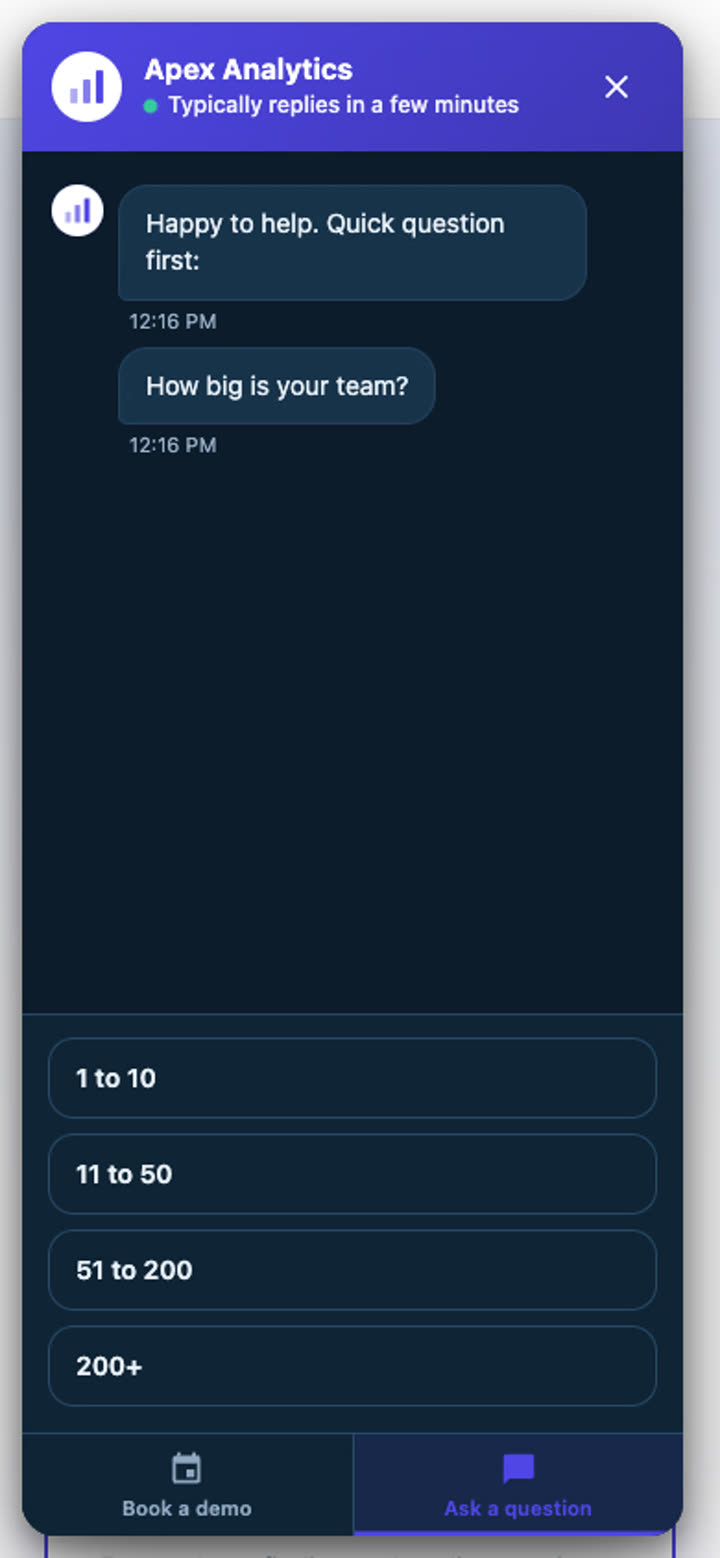
Meet the Magnet
The live magnet is loading.
Start free
A Visitor Talks. A Lead Lands. Your Tools Get It.
 Google Ads
 Slack
Slack
 Teams
TeamsA Visitor Talks
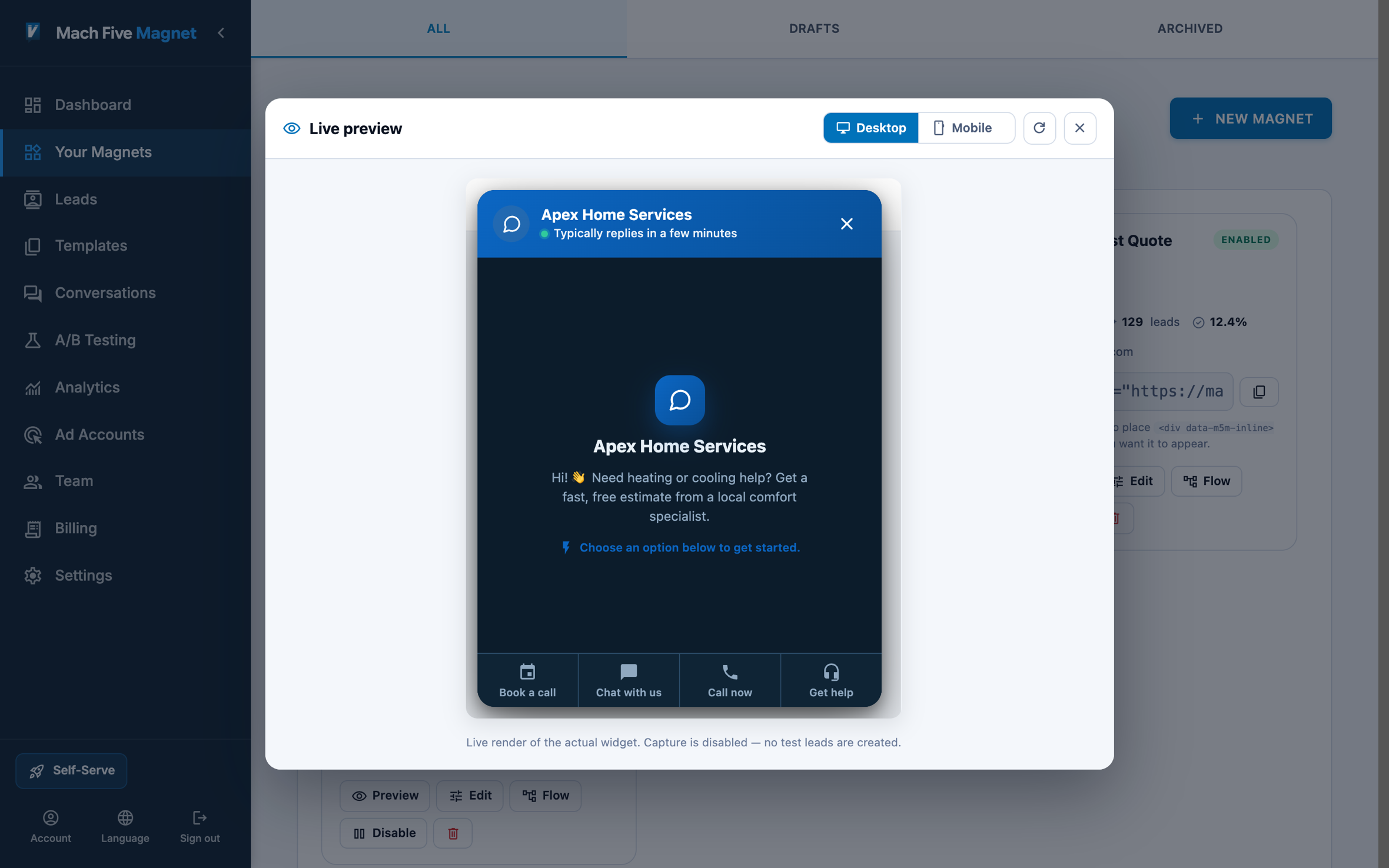
The magnet opens a conversation instead of a form. It greets, asks, qualifies, and books a real appointment while the visitor is still on the page.
A Lead Lands
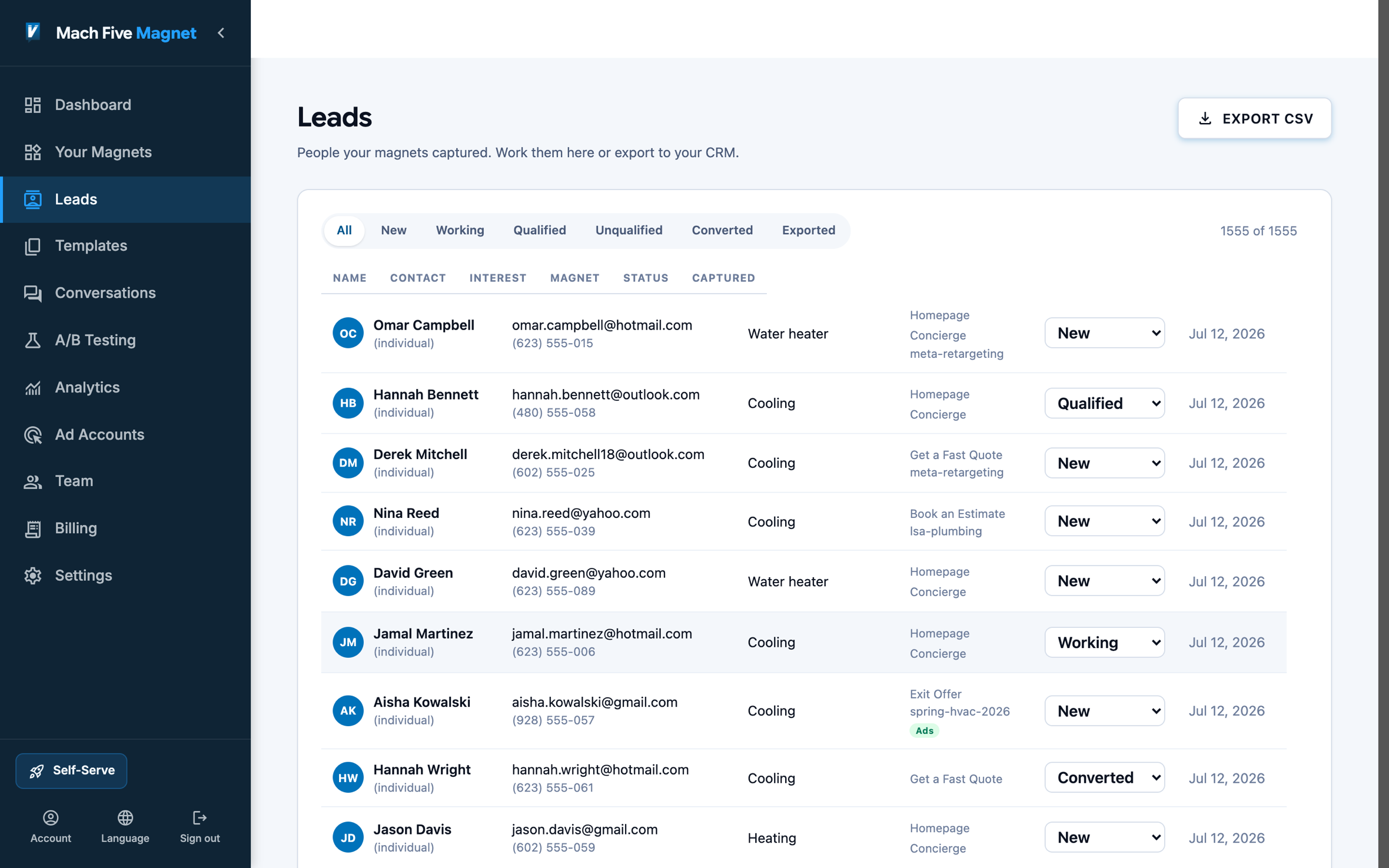
Every completed conversation arrives with the full answer set, its source campaign, and a status to work it through.
Your Tools Get It
Export to CSV in one click. Sync every lead to your CRM. If you run ads, qualified leads flow back into Google Ads as conversions, so bidding learns which clicks become customers.
Integrations
Capture More. Qualify Faster. Close Sooner.
One magnet completes your lead pipeline. Visitors get engaged while they're still on the page, qualified inside the conversation itself, and delivered downstream ready to work. Same traffic, more revenue. Fitted to your flows, your branding, your channels.
Capture more
Ads, calls, and traffic
Google Ads
 CallRail
 Google Analytics
Every lead keeps the campaign and click that sent it. Qualified leads flow back into Google Ads as conversions, and tracked calls become leads.
Qualify faster
Magnet
where clicks become qualified leads
Close sooner
CRMs
 HubSpot
 Salesforce
 Zoho
Zoho
 HighLevel
Leads sync to your CRM with the conversation attached. Qualified leads update their status in the CRM.
Scheduling
 Calendly
 Cal.com
 Microsoft Bookings
Visitors book meetings inside the magnet. Each booking is added to the lead.
Automations
Slack
Microsoft Teams
 Zapier
Webhooks
Zapier
WebhooksEvery new lead posts to Slack or Teams and is sent to Zapier or your own endpoint the moment it is captured.
Use cases
How Can Magnet Help Me…?
Ask the qualifying questions before anyone on your team picks up the phone.
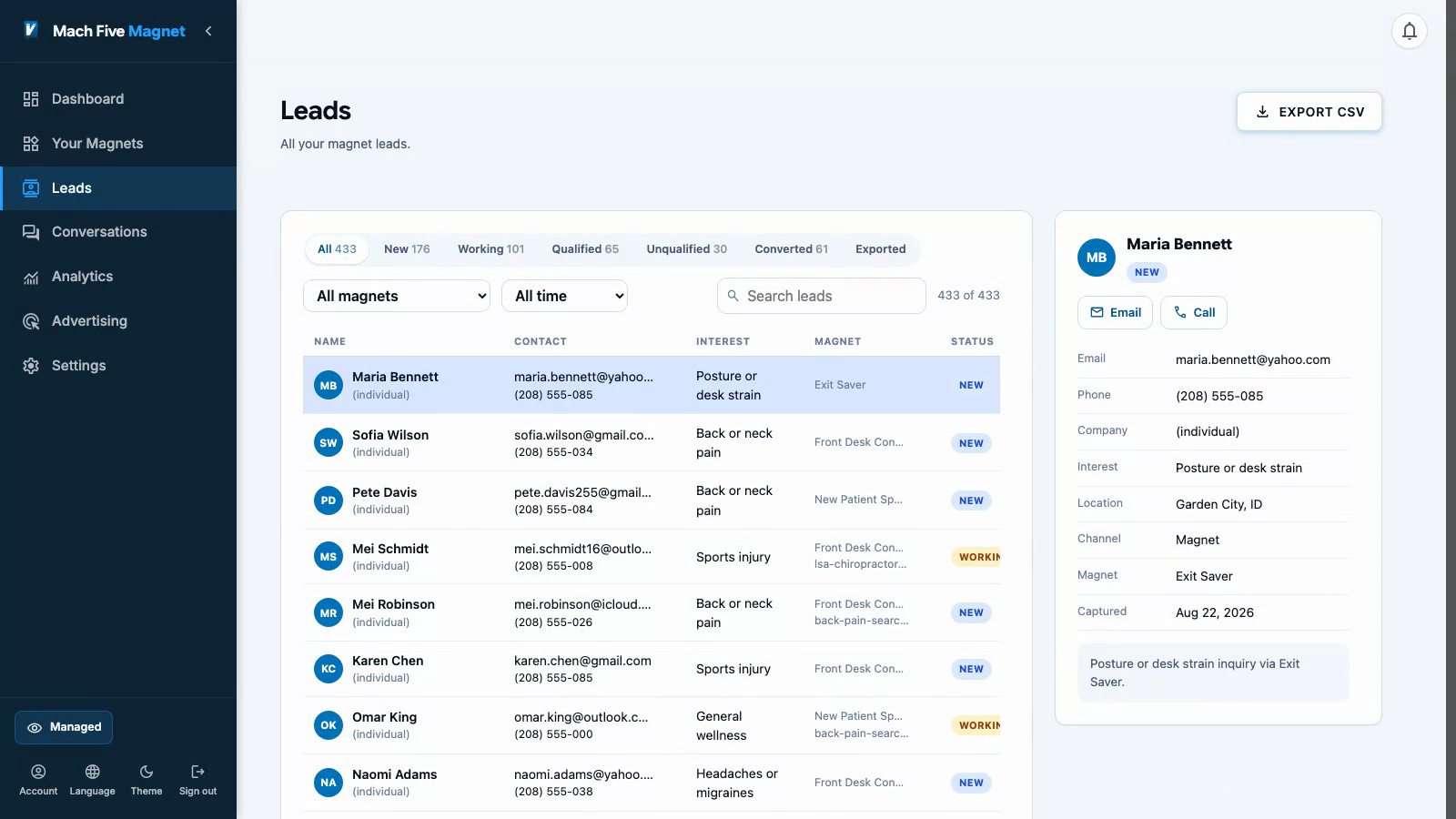
Every answer and the full conversation arrive attached to the lead.
Send it straight into HubSpot, Salesforce, Zoho, or HighLevel.
An ad click lands, and campaign, source, and click stick to the lead.
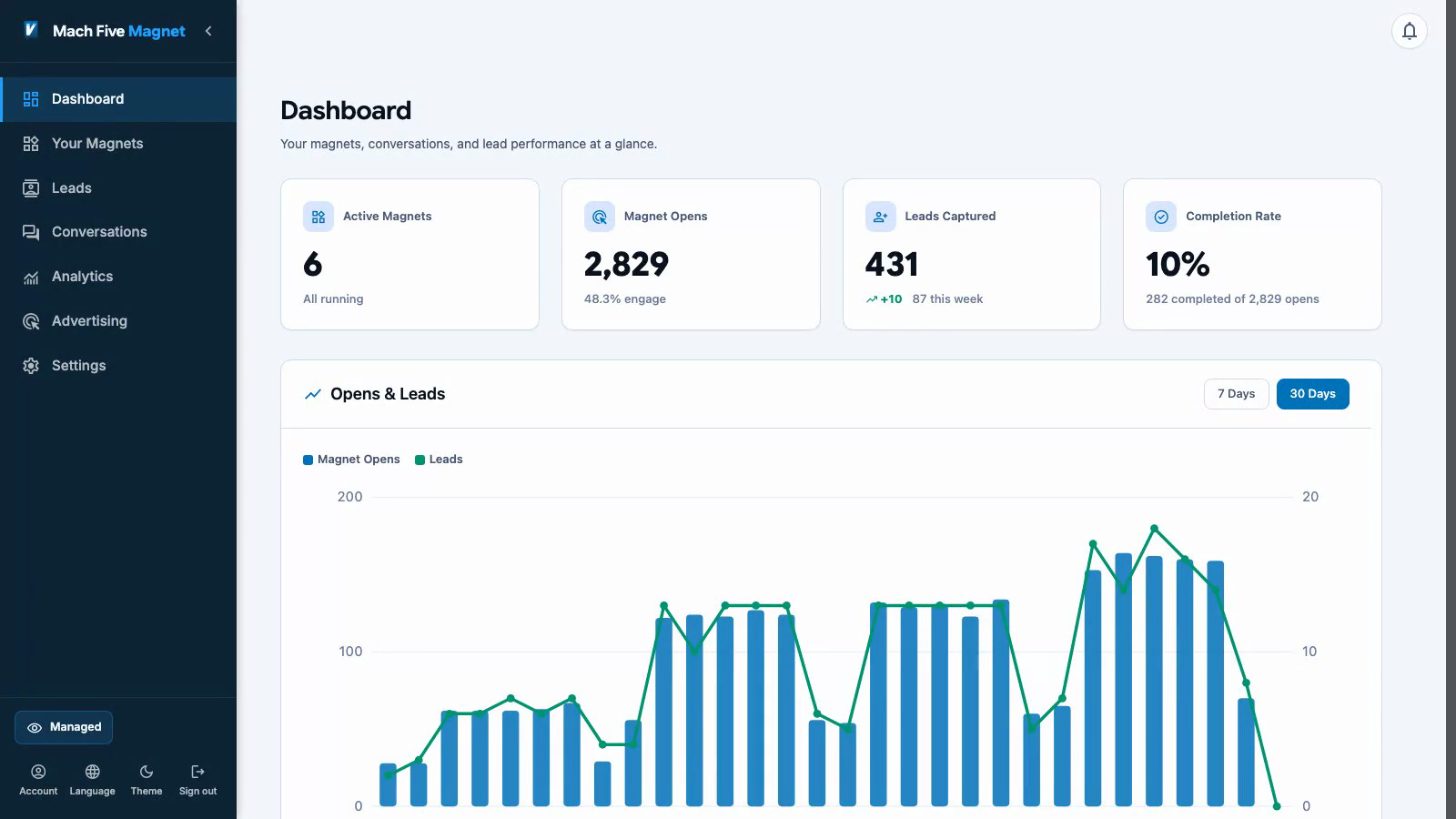
Watch which campaigns produce leads, not just clicks.
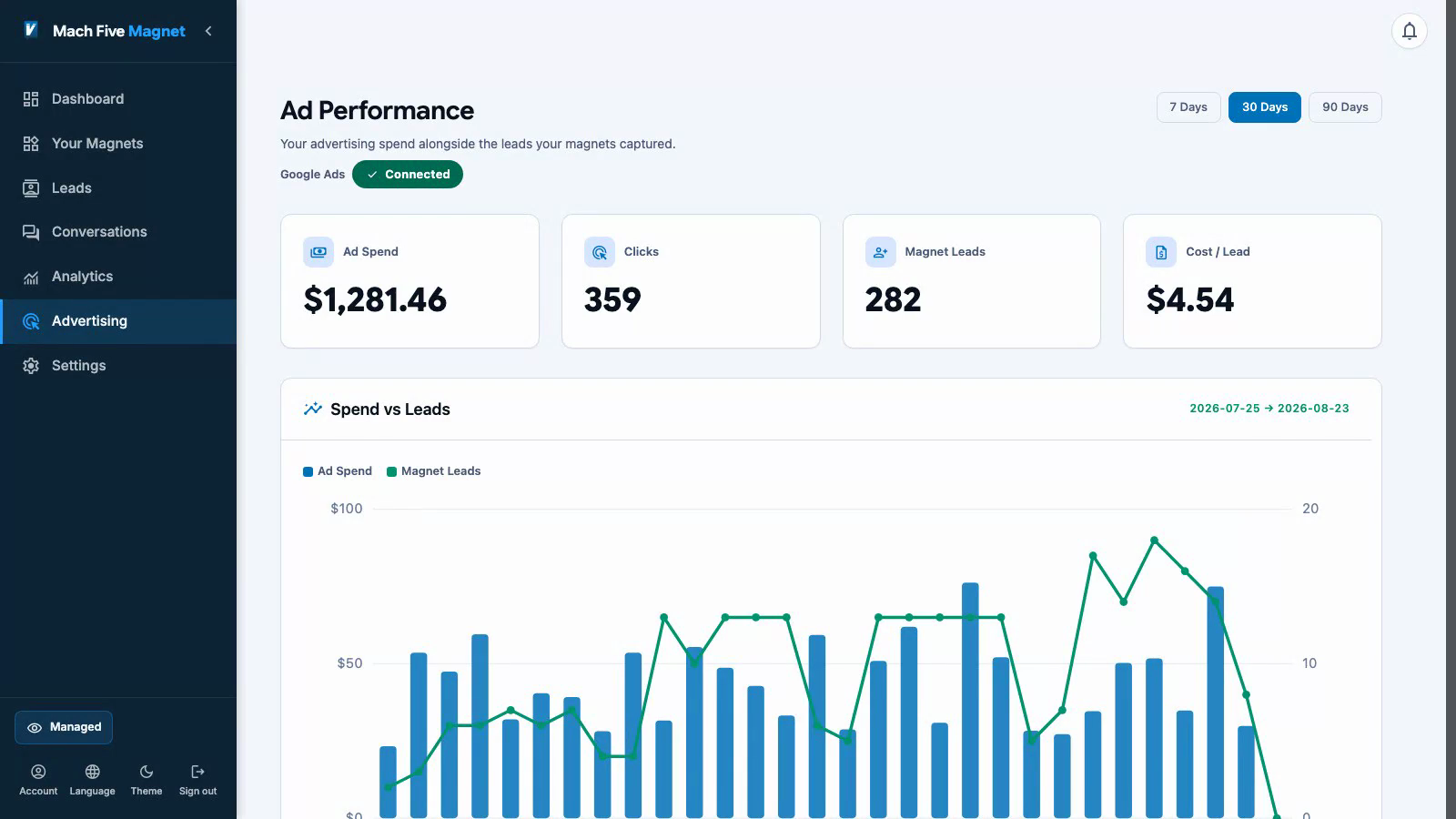
Qualified leads flow back to Google Ads as conversions, so bidding learns.
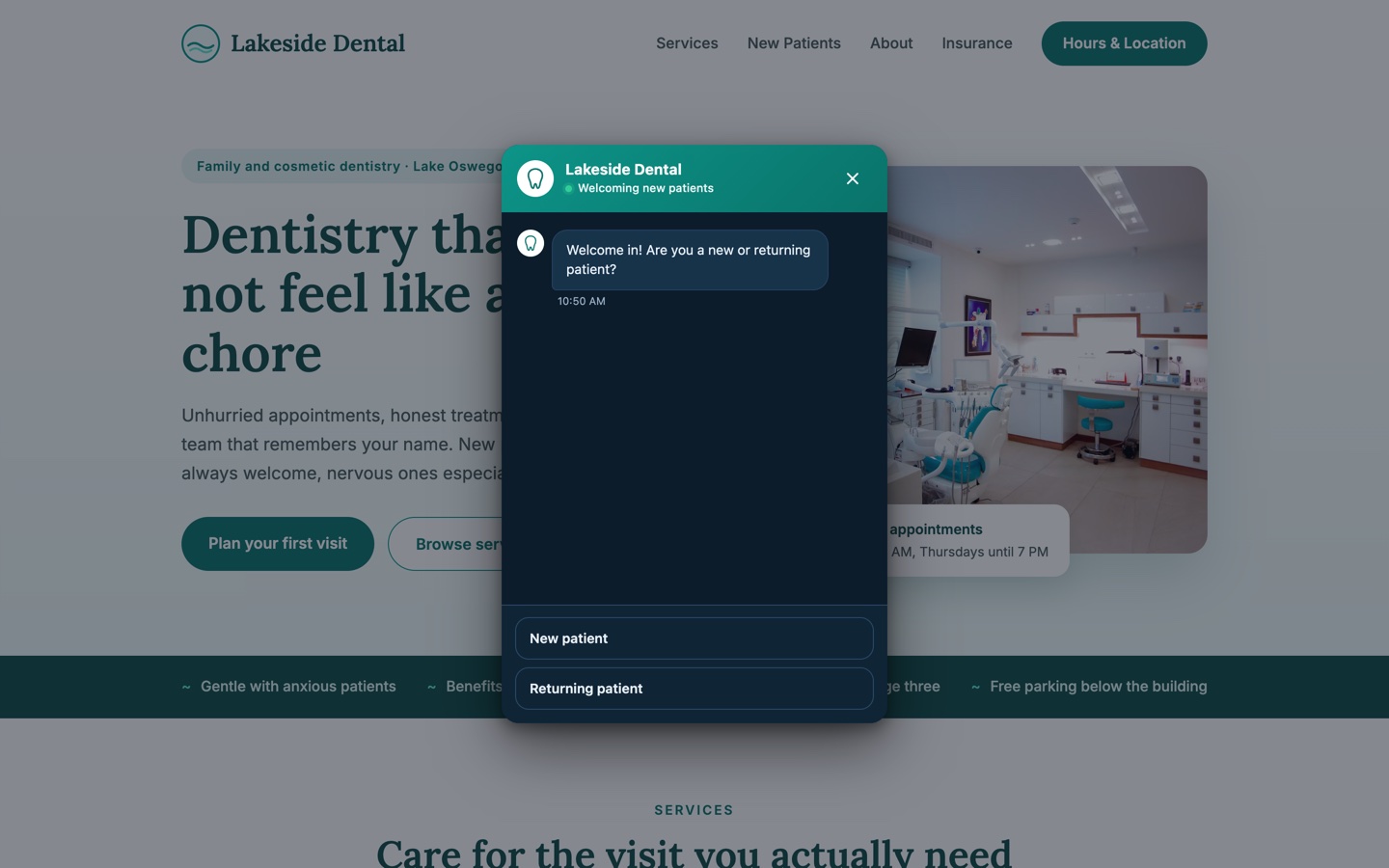
Start the conversation where your form used to be.
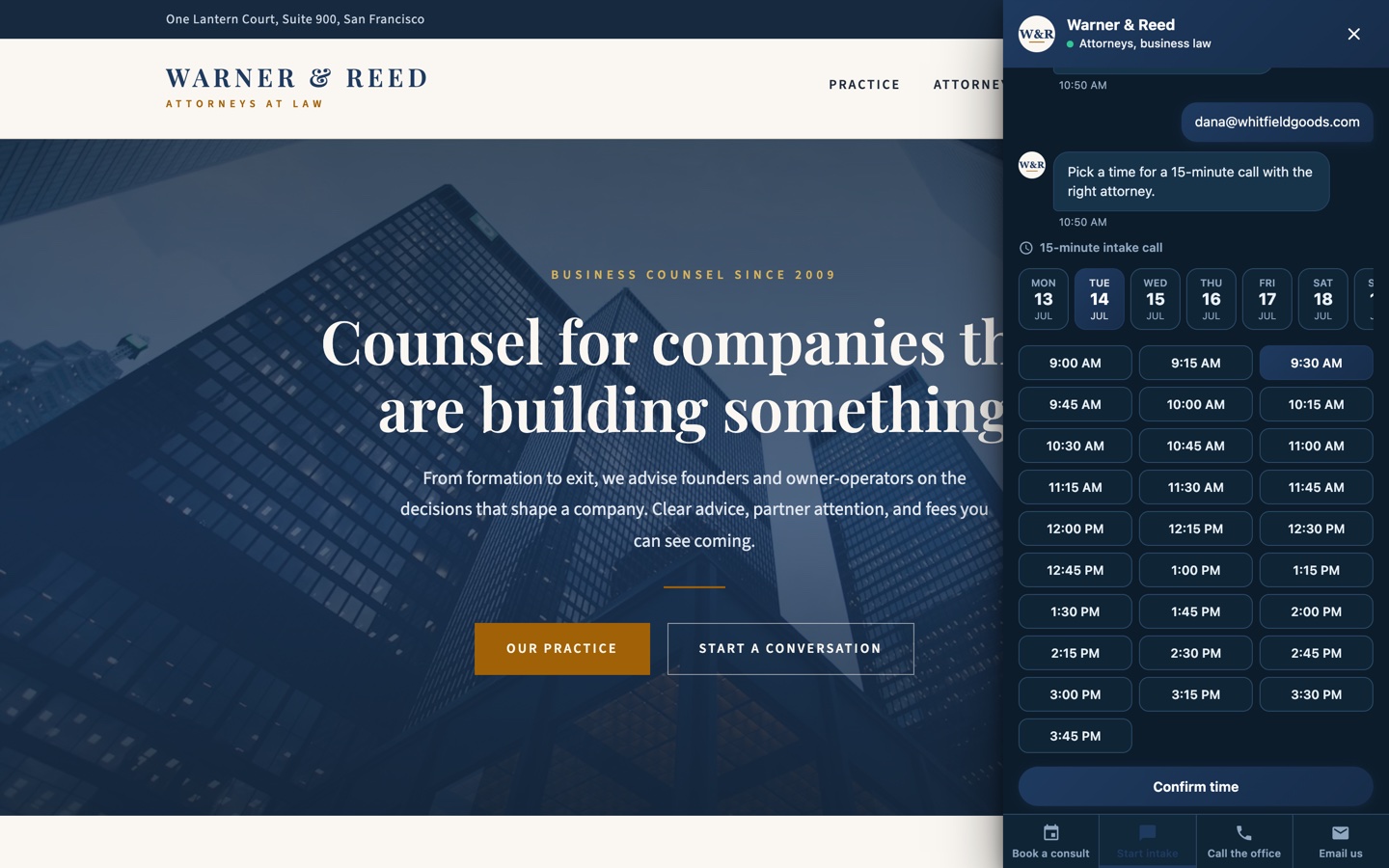
Visitors pick a real open time without ever leaving the conversation.
By the time you open the lead, the appointment is on your calendar.
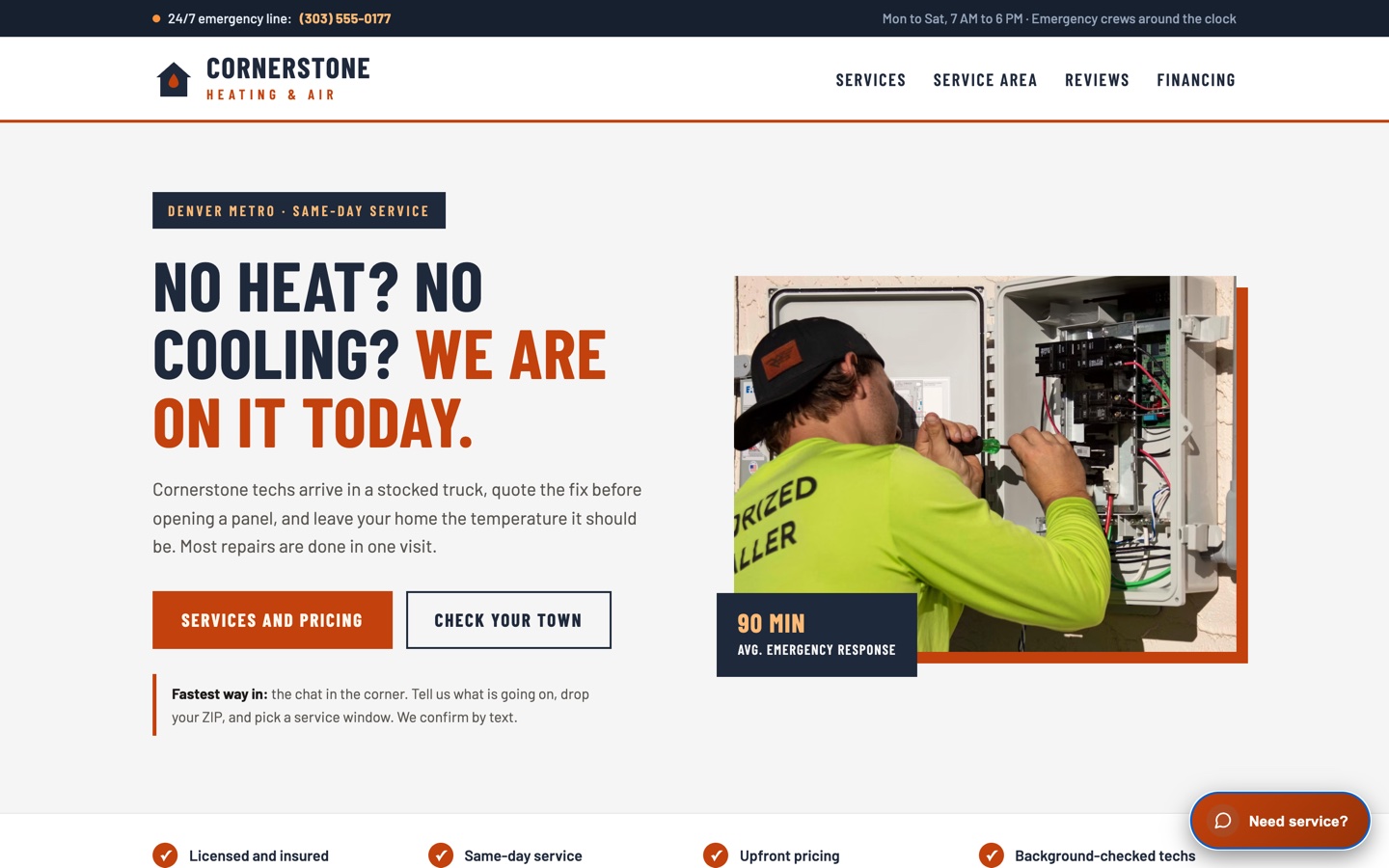
Put your tracked number on the site right next to the magnet.
Calls land in the same inbox as conversation leads, caller and recording included.
Calls that match an ad click count as conversions.
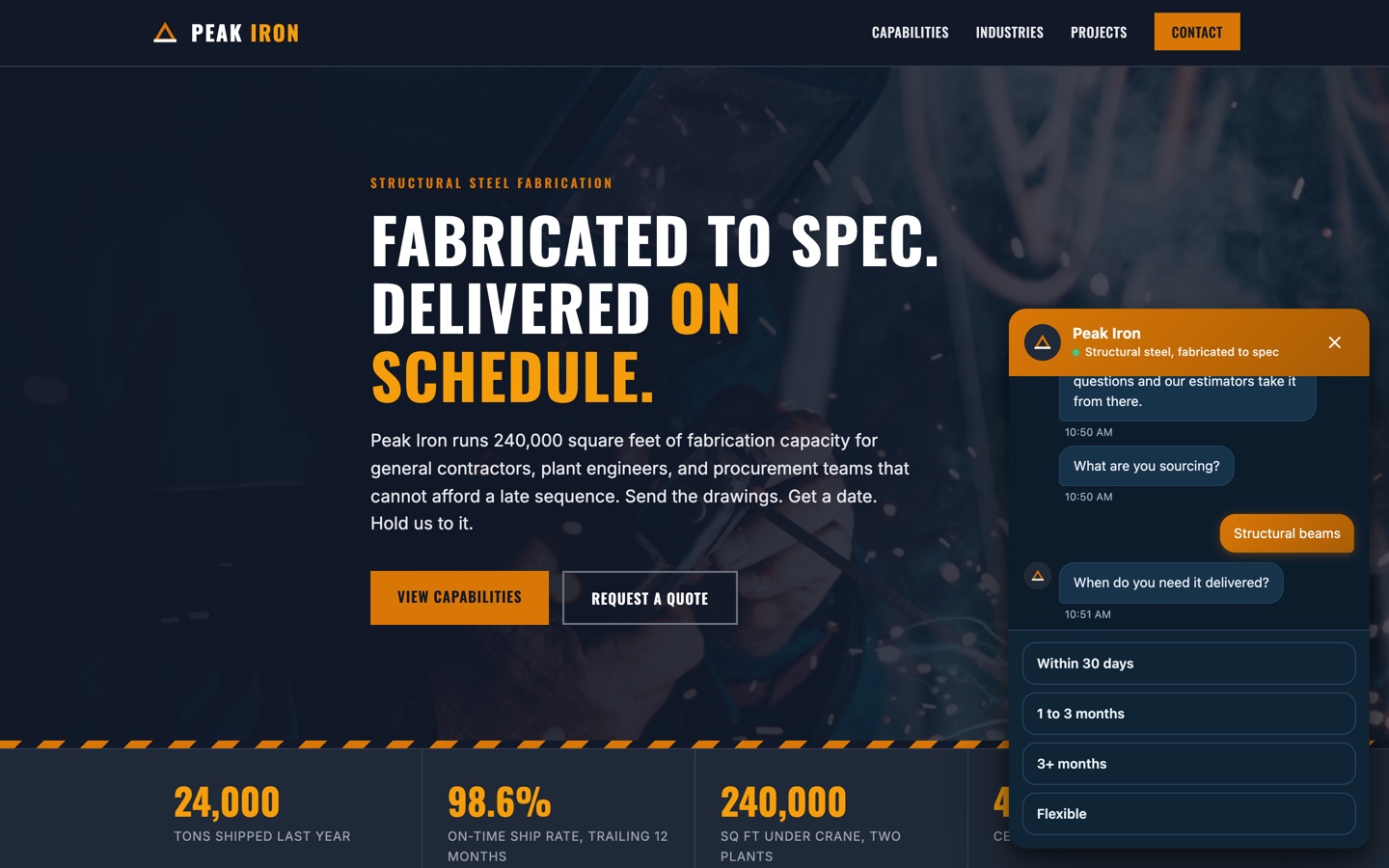
A lead wraps up the conversation on your site.
Slack, Teams, and your inbox hear about it instantly.
Follow up while they are still on the page.
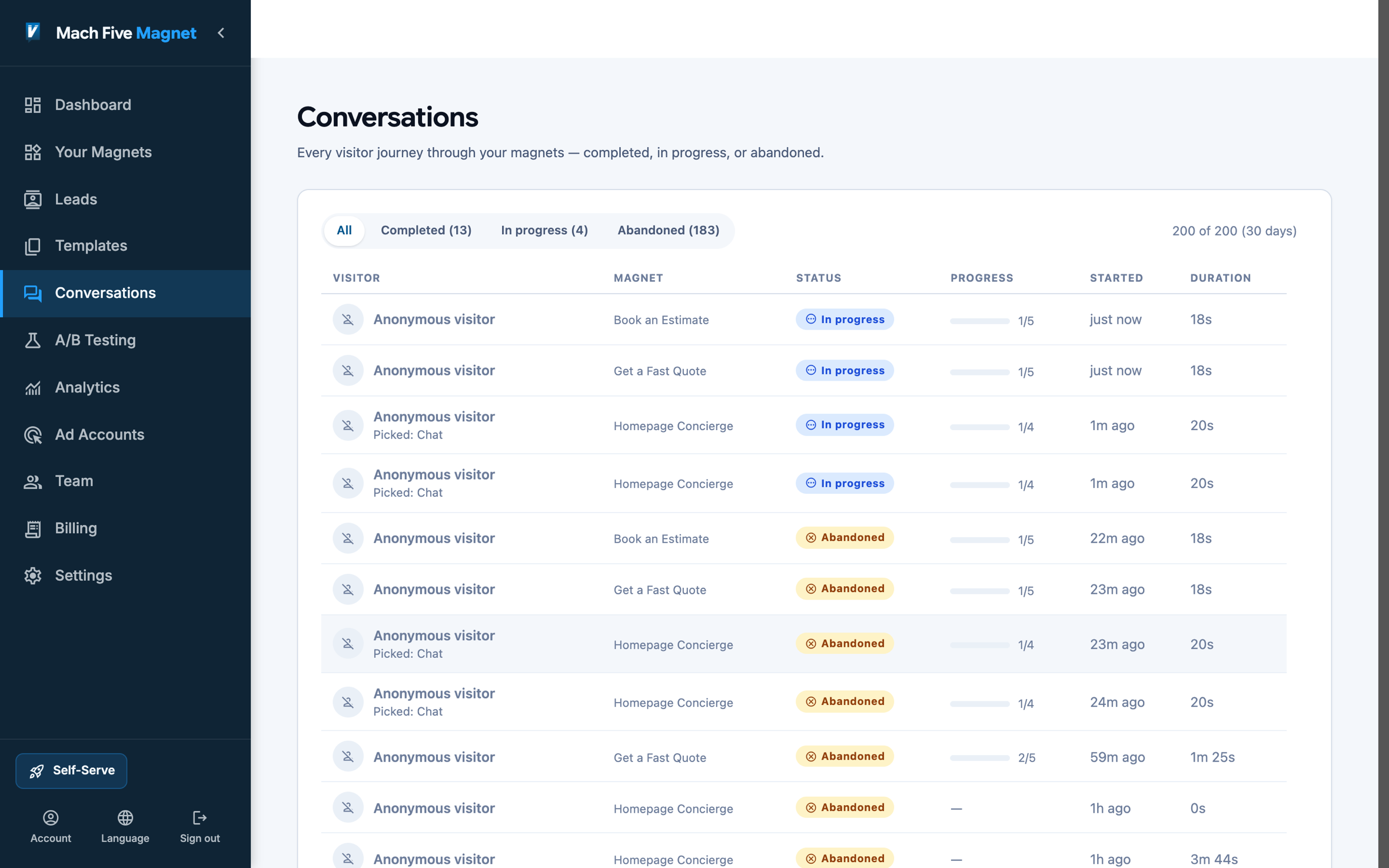
See the exact question where visitors quit.
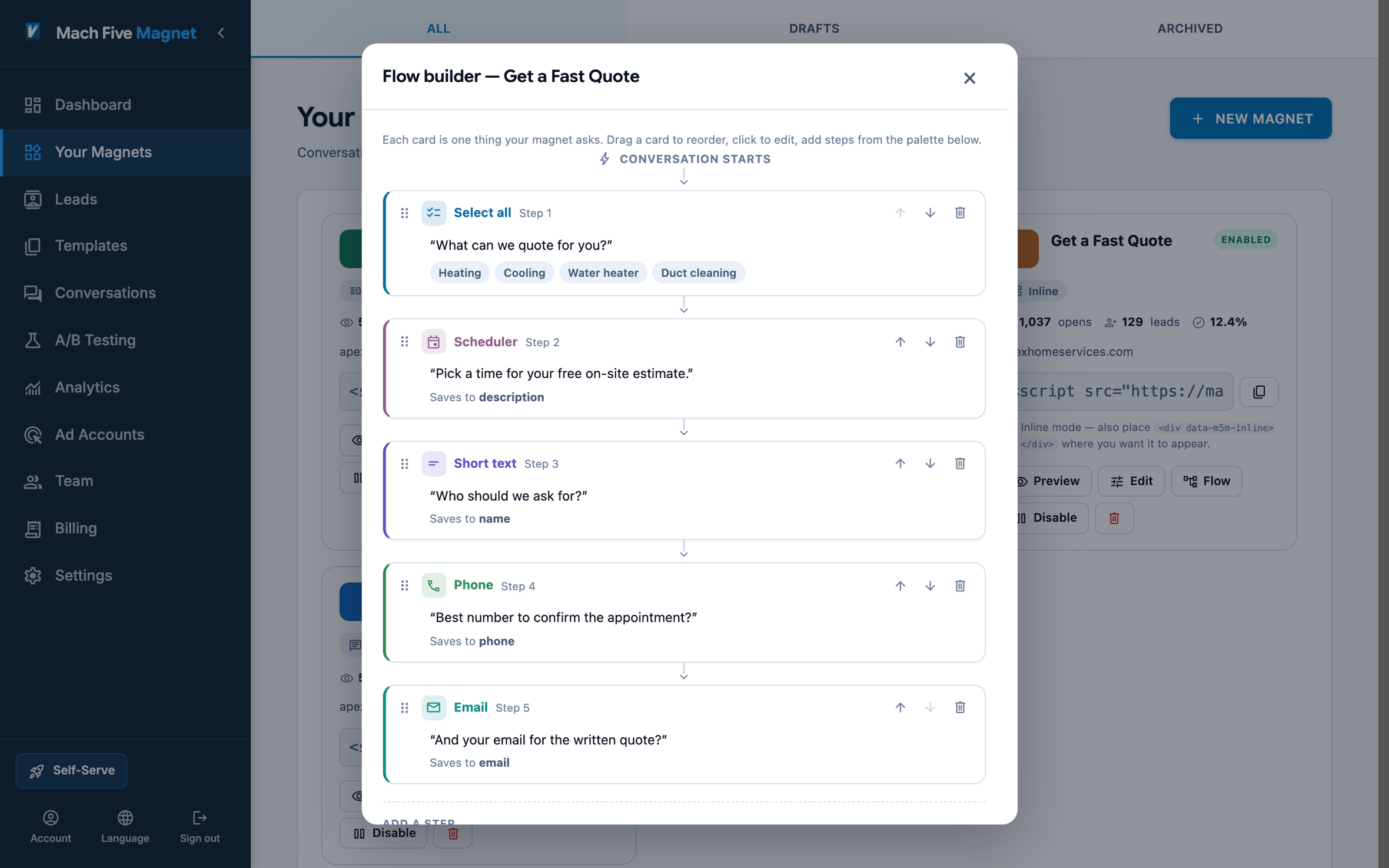
Reword that step on the canvas.
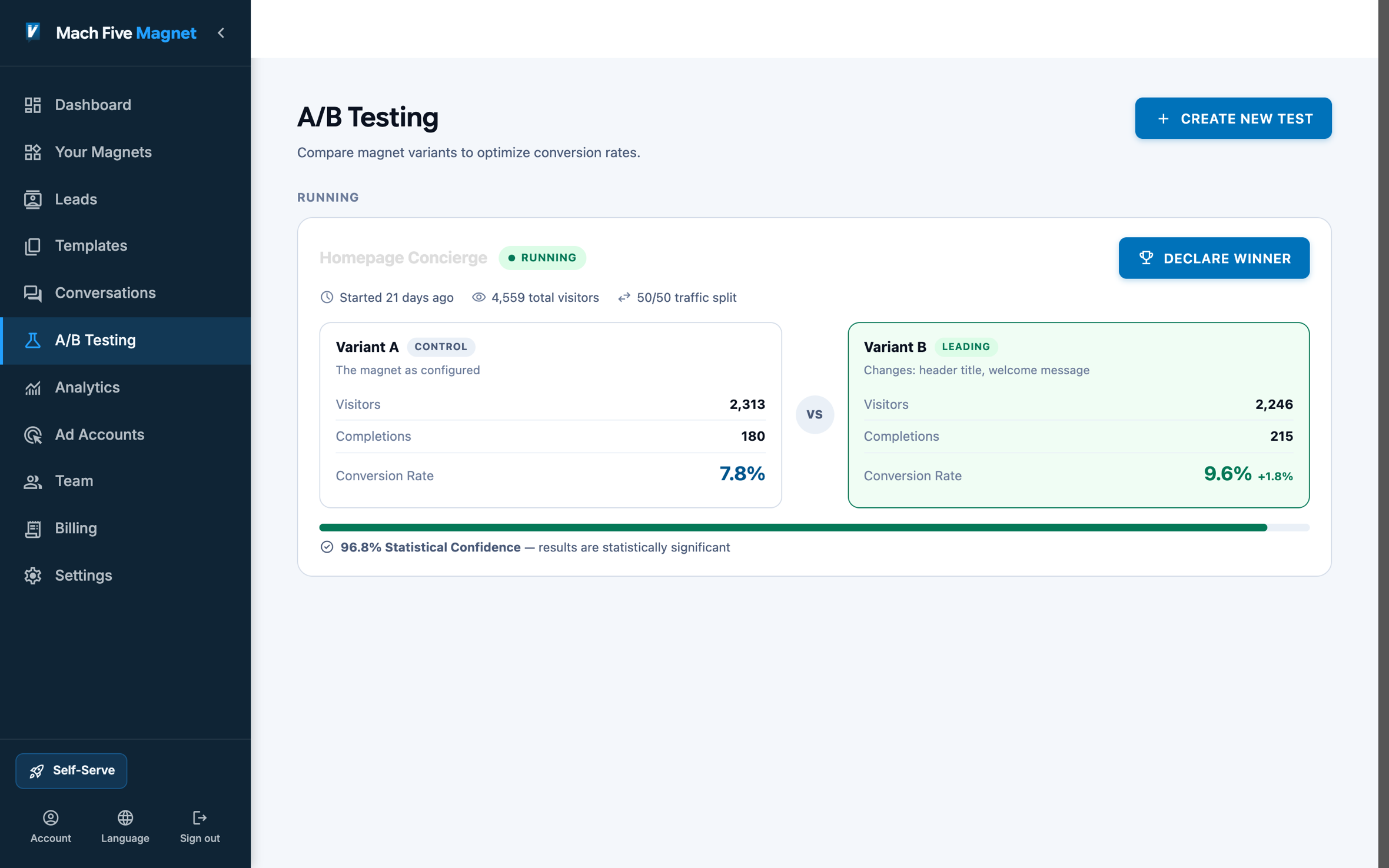
Prove the fix with a test, and let the numbers pick the winner.
Who uses Magnet
Your Industry. Your Questions. Your Leads.
The Job Request Arrives Qualified: What Broke, How Urgent, and When to Call.
A homeowner with a dead furnace does not want a form. The magnet triages the job in two taps, sends emergencies to the phone, and books everyone else into a service window with a ZIP and a callback number attached. Dispatch-ready before anyone answers a phone.
See how service businesses use Magnet →
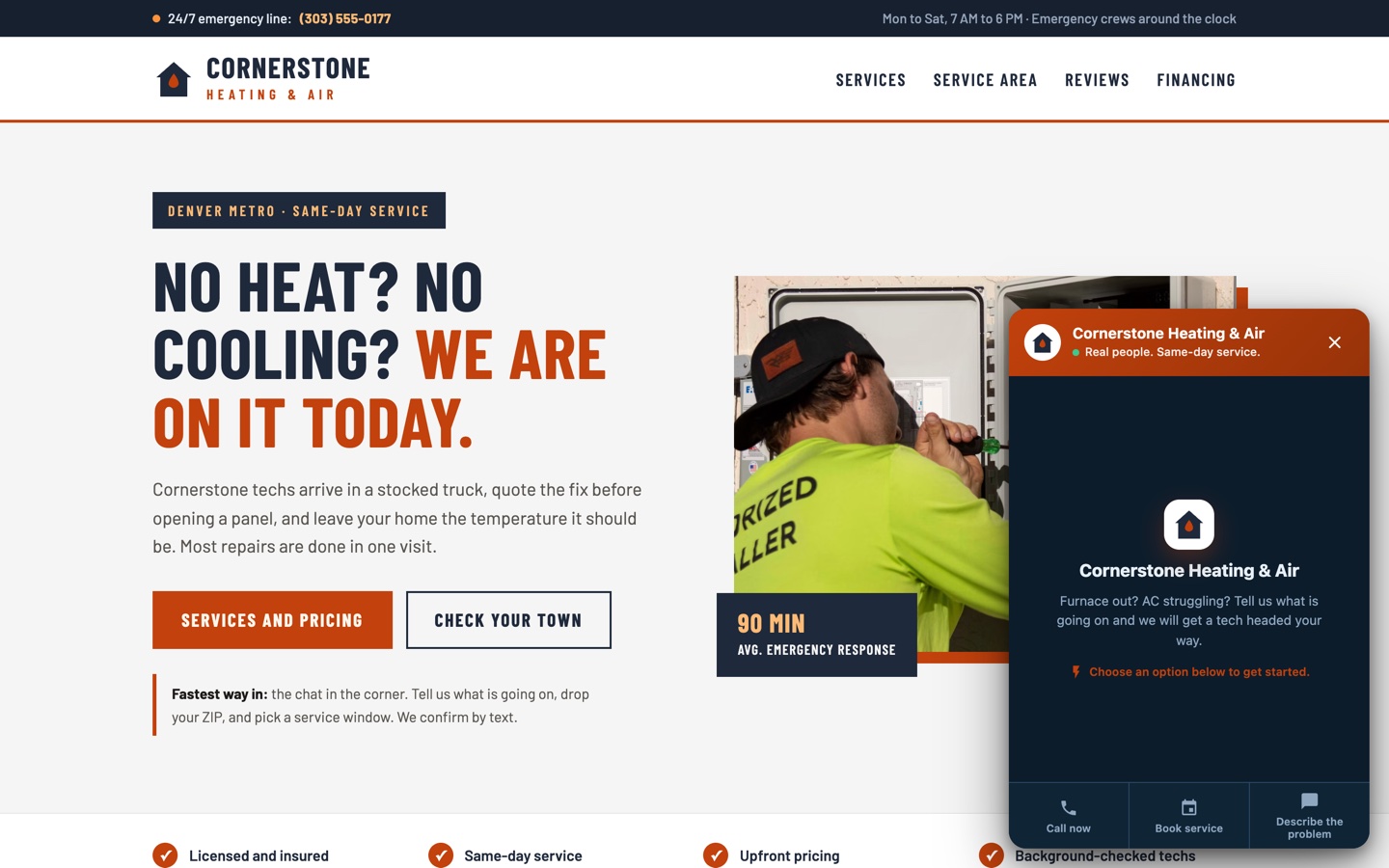
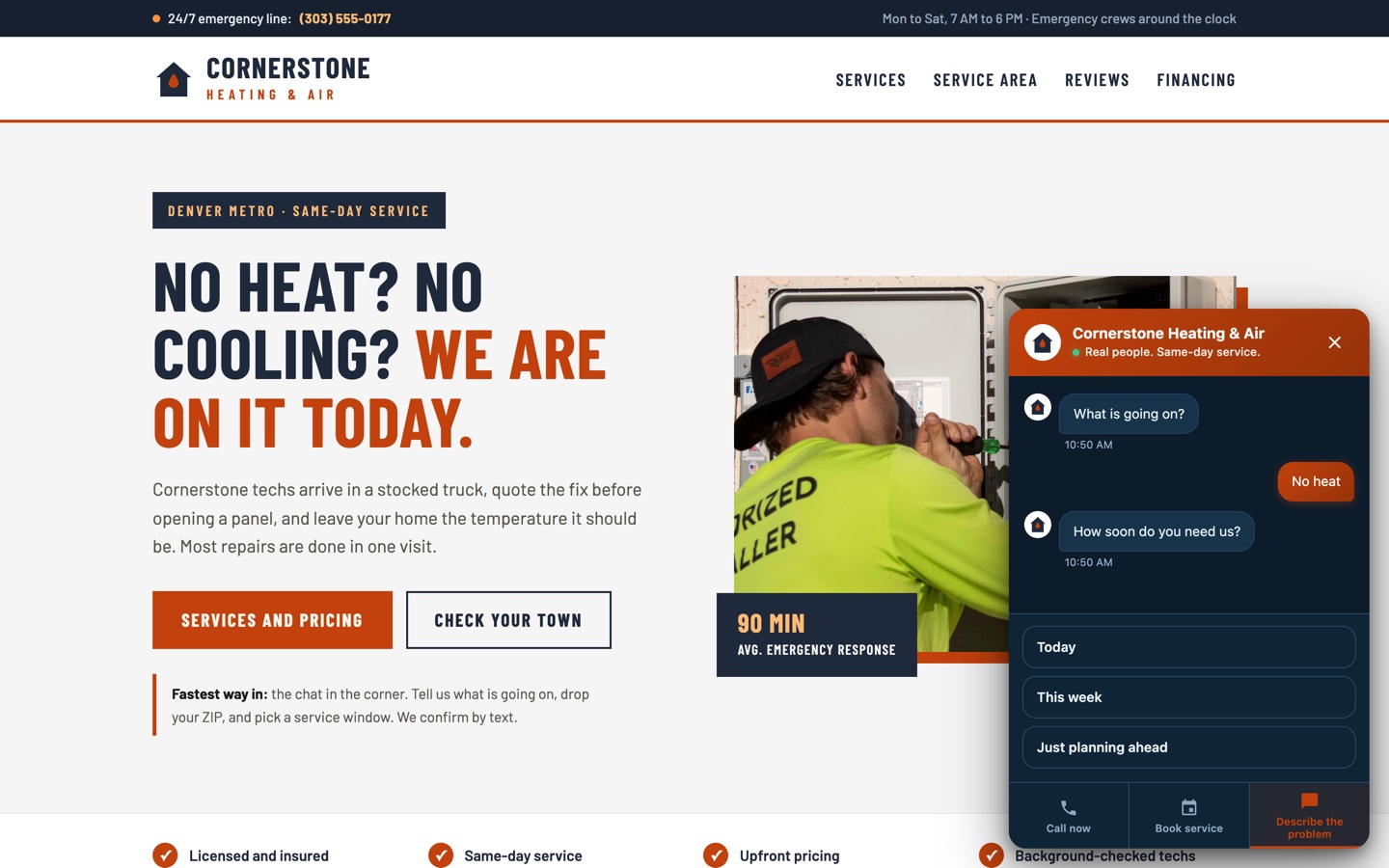
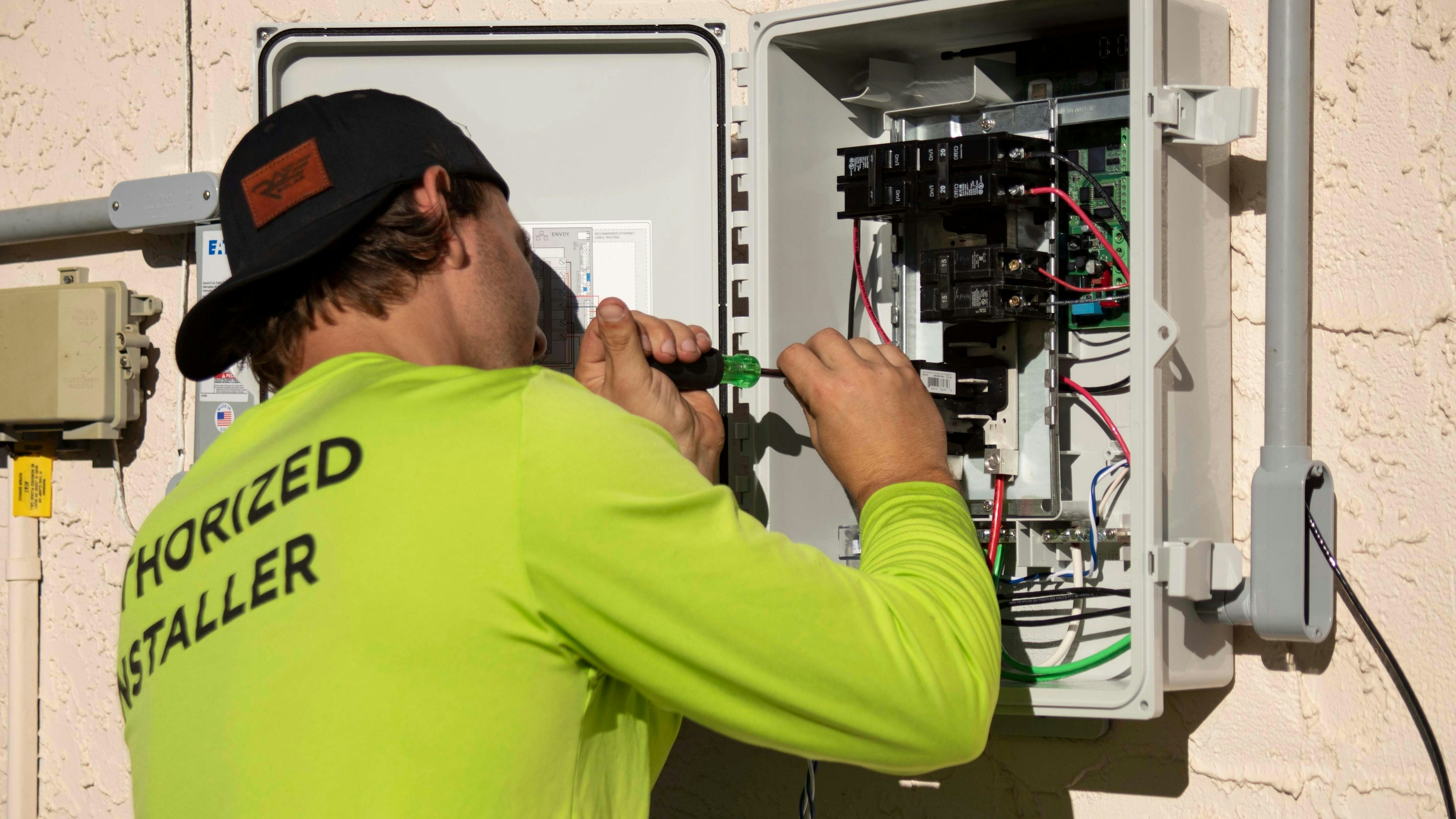
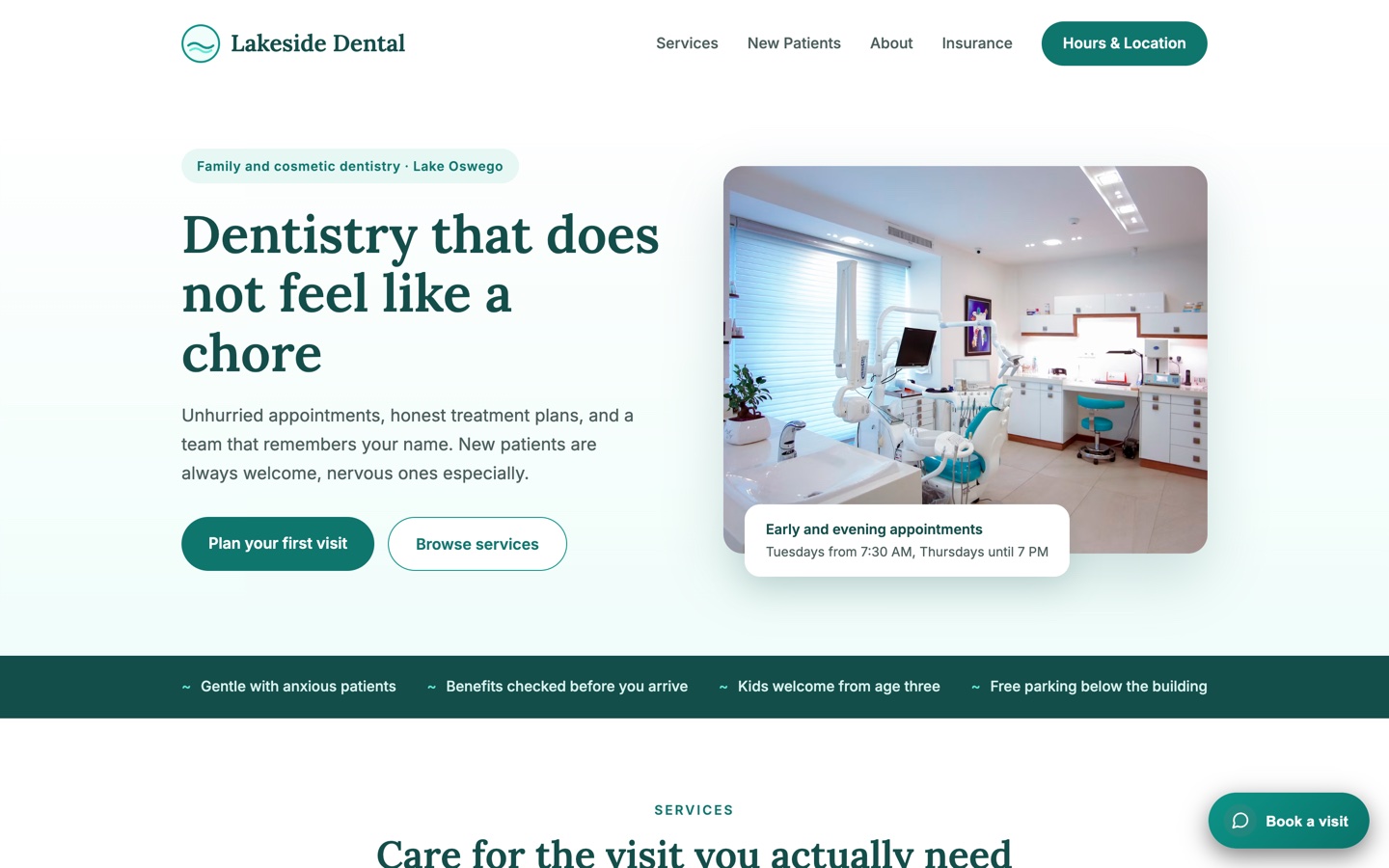
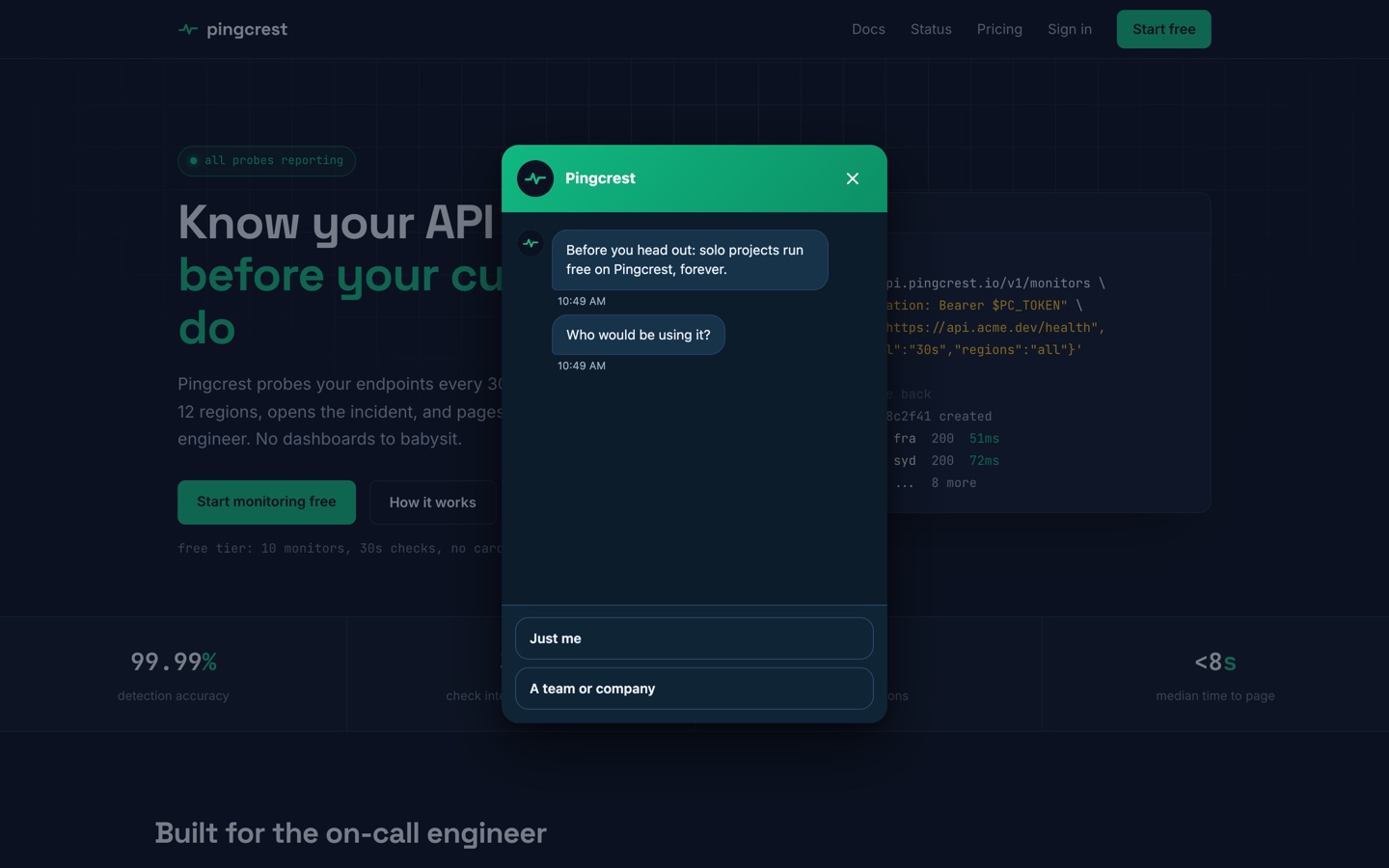
Example builds: Warner & ReedLakeside DentalMeridian Tax & Advisory
Your Pricing Page Visitor Is Interested. Don't Lose Them to a Form.
A SaaS demo booking flow asks two or three qualifying questions, then drops the visitor straight into the scheduler. No form fields, no friction. The visitor picks a time and your sales team gets a qualified lead before the call even starts.
See how SaaS teams use Magnet →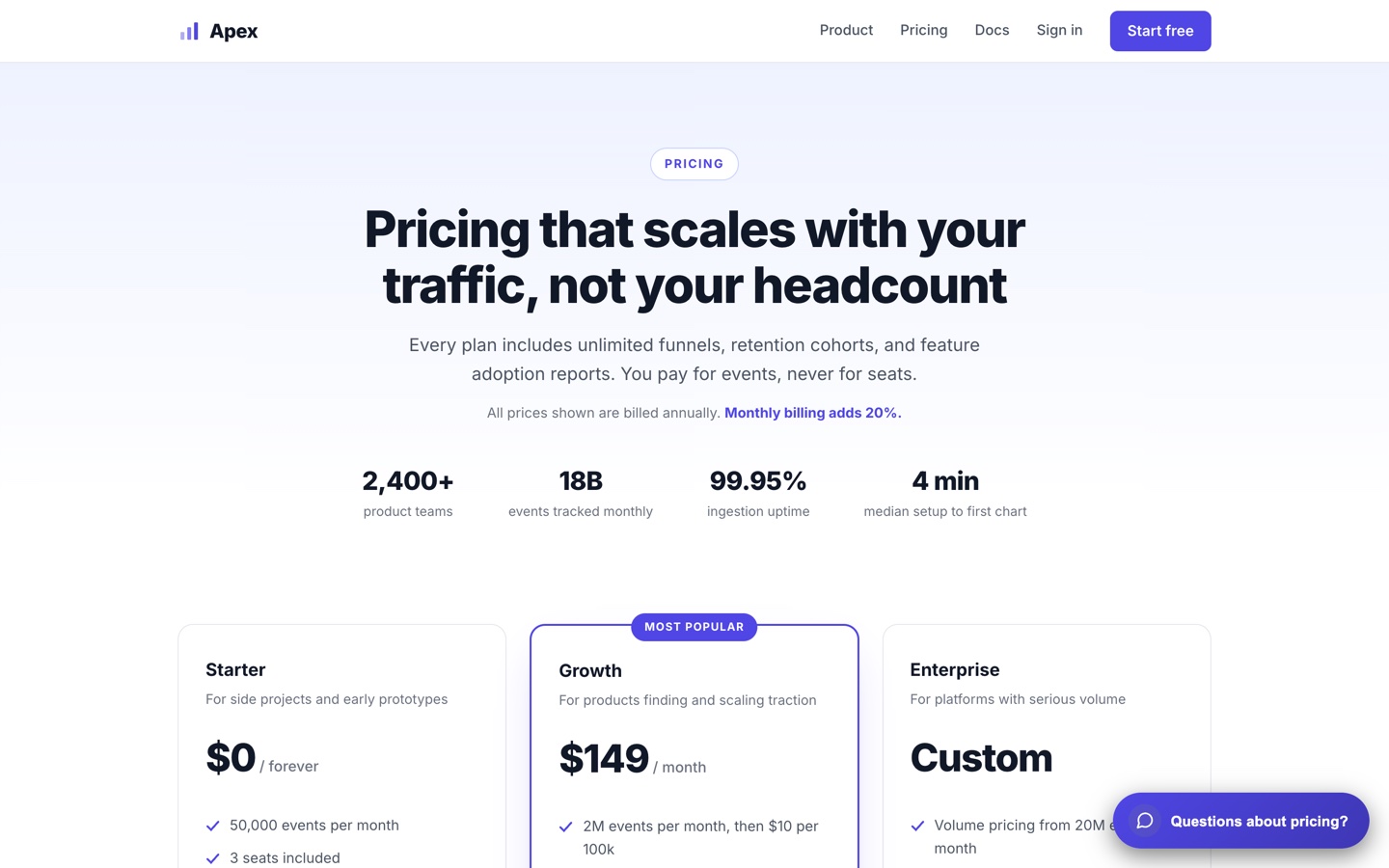
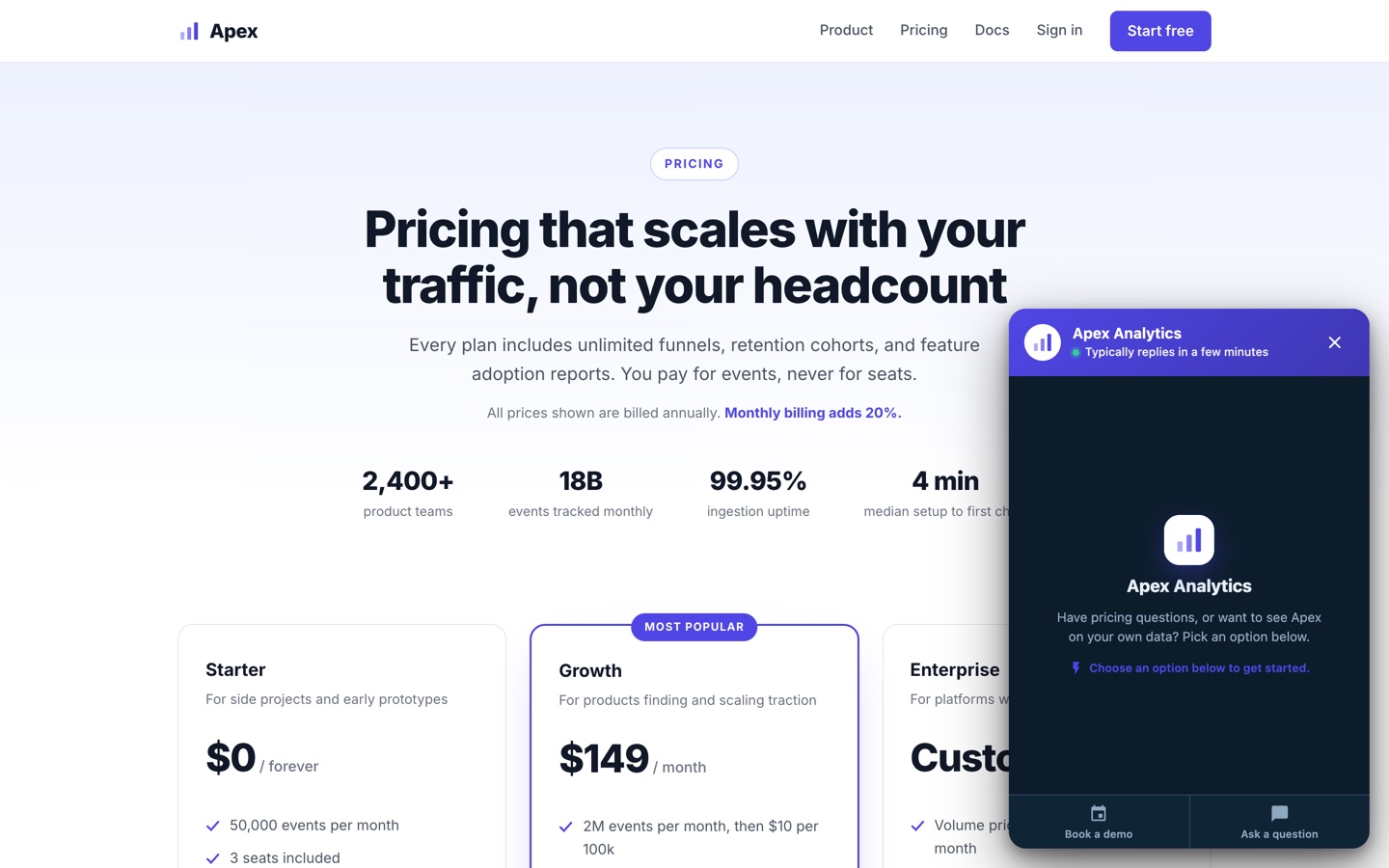
Example builds: PingcrestBrightshiftLedgerpine
Stop Asking for Name, Email, Company, Phone, Role, Budget, Timeline. Just Have a Conversation.
A qualification flow collects the same information in half the time because each question builds on the last. Every completed conversation lands in your lead inbox with the answers attached. The prospect doesn't feel like they're filling out a form because they're not.
See how lead gen teams use Magnet →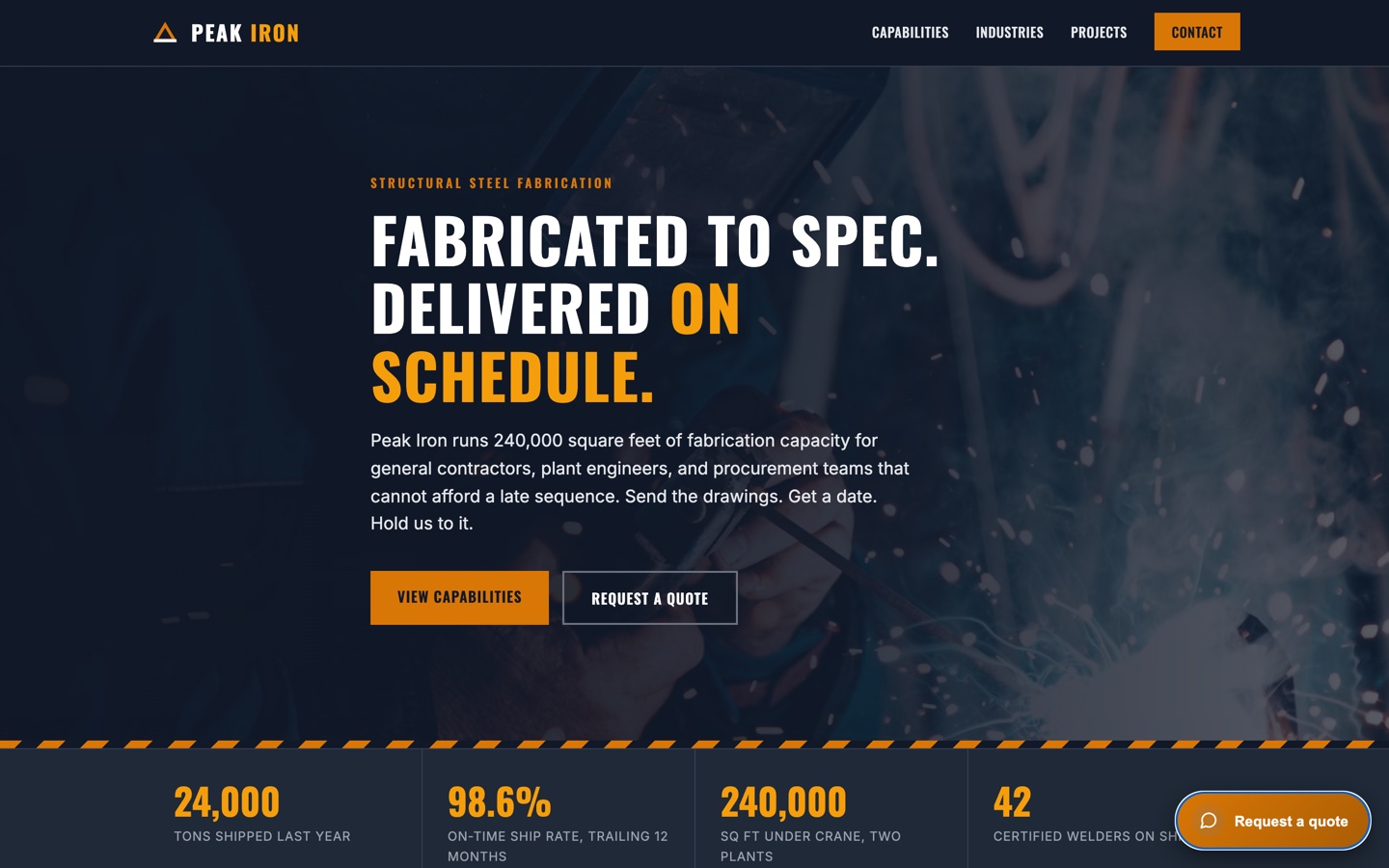
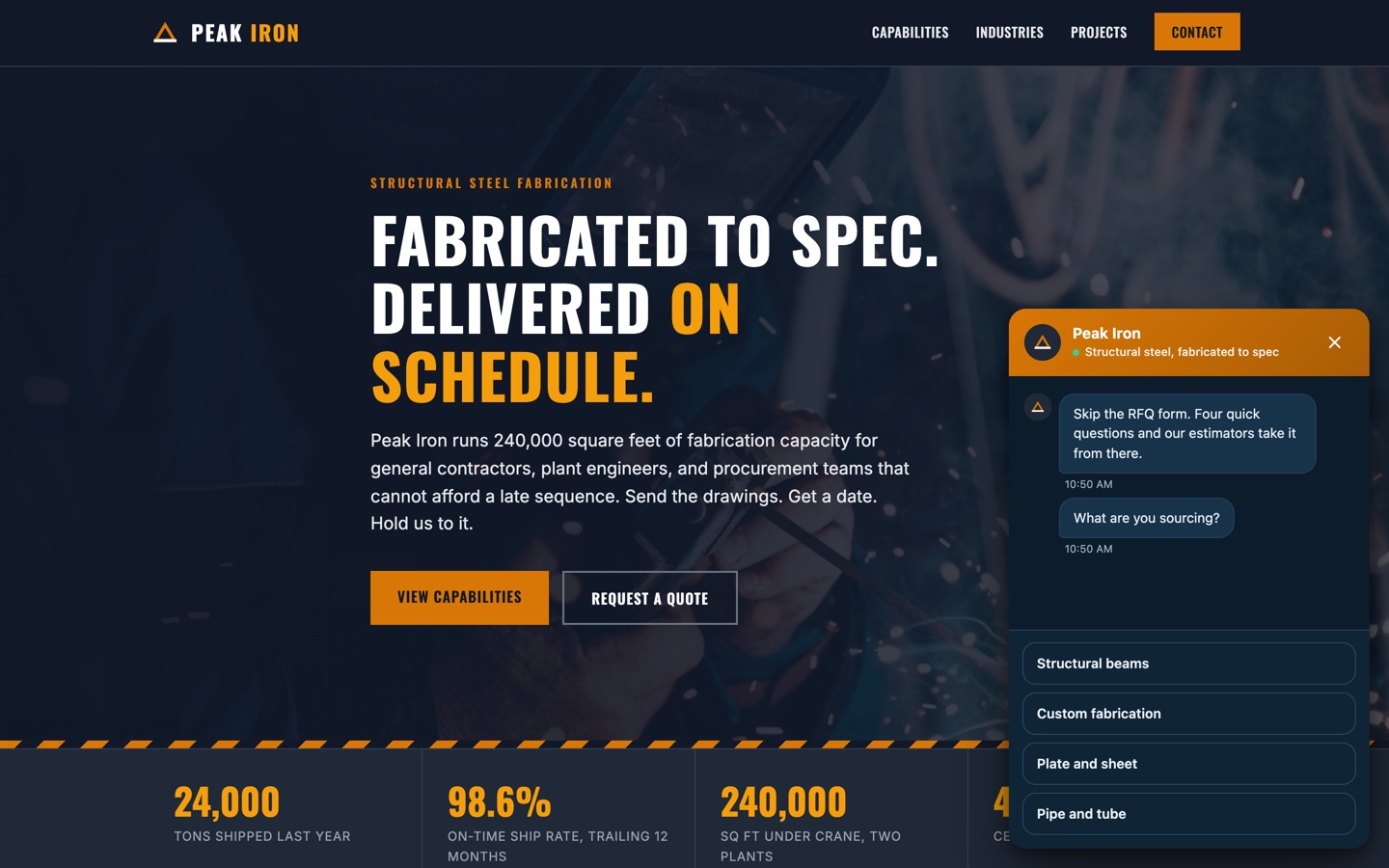
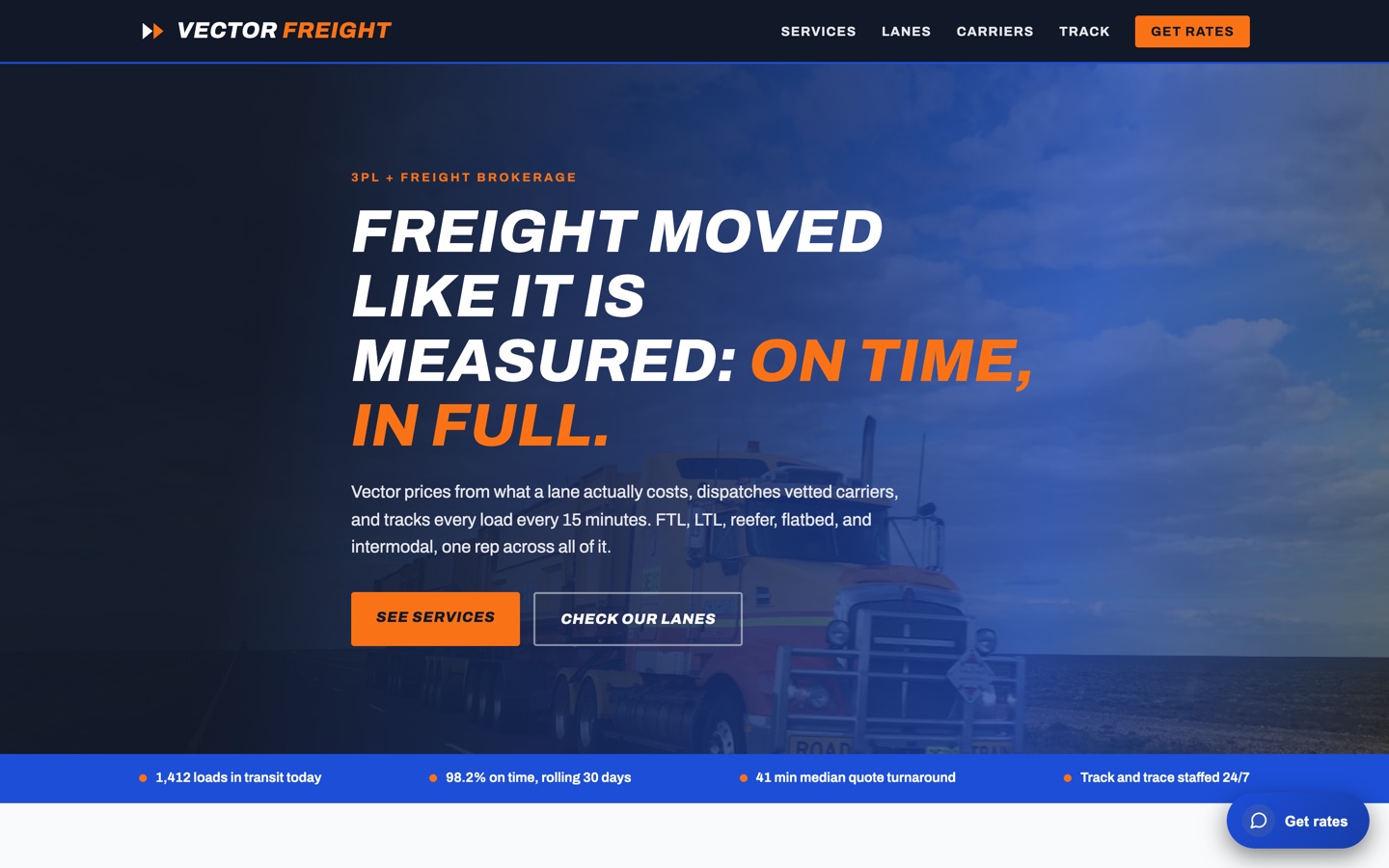
Example builds: Alderpoint Risk PartnersVector FreightHeliograph Solar
Display formats
One Magnet. Four Ways Onto the Page.
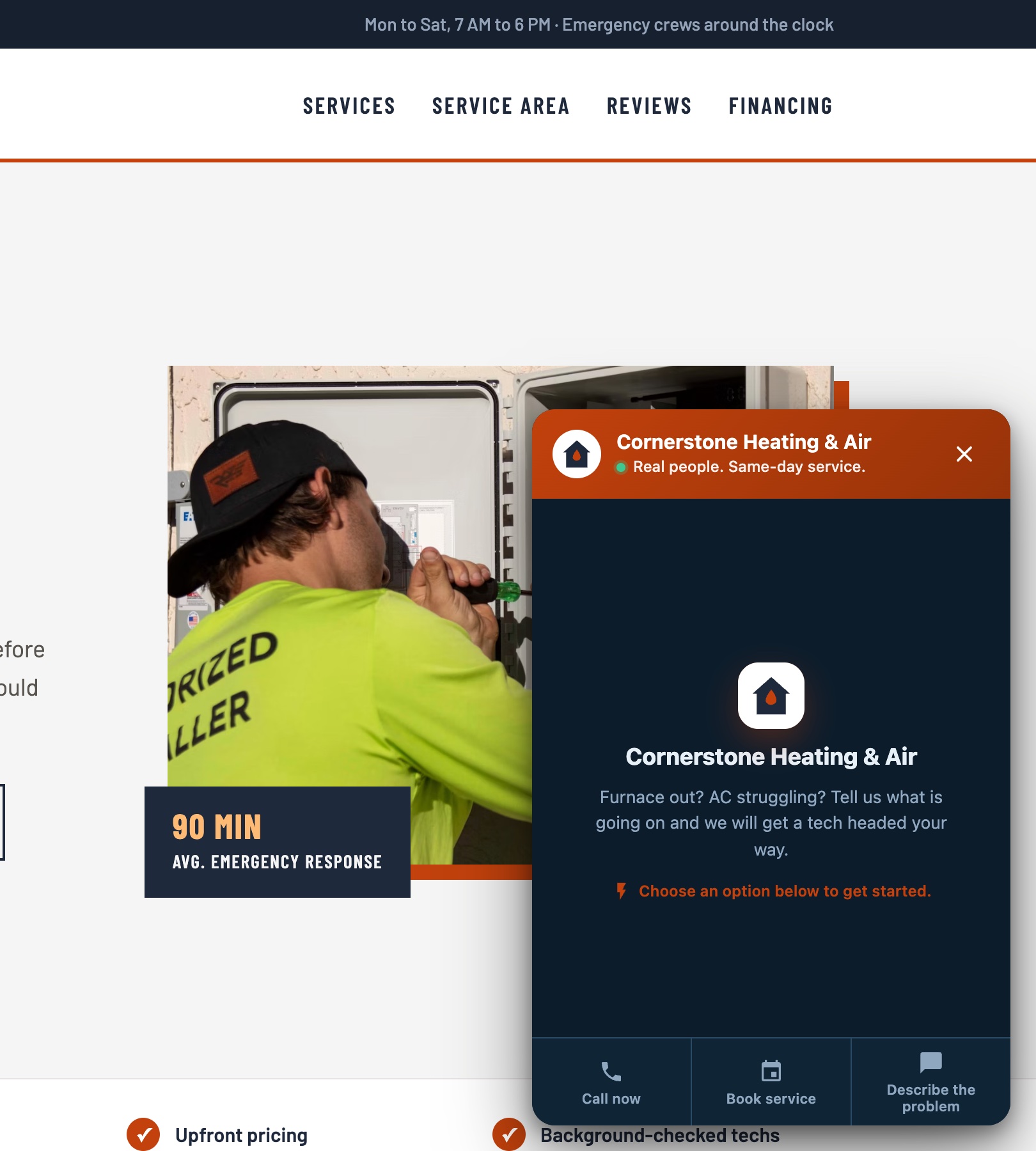
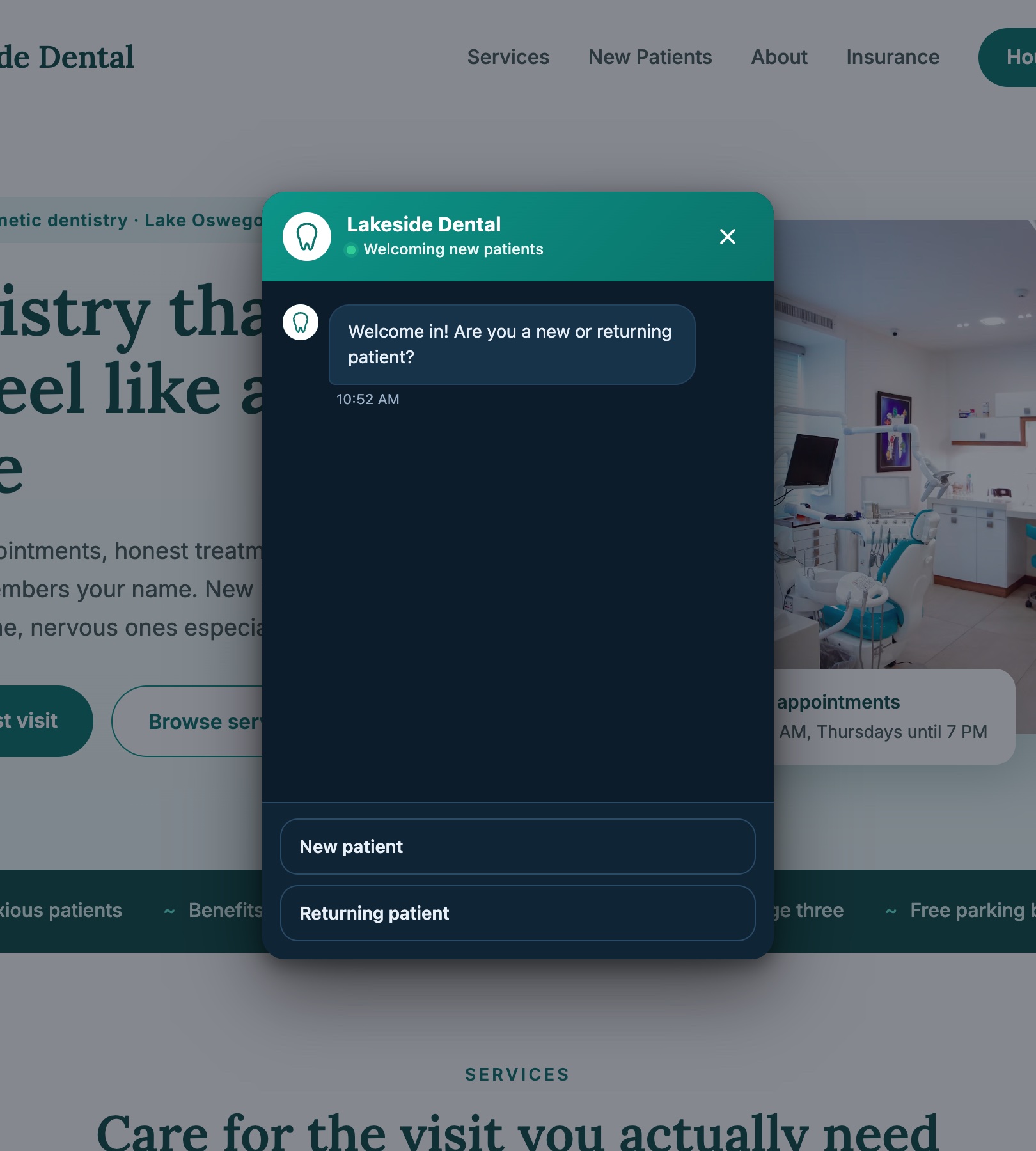
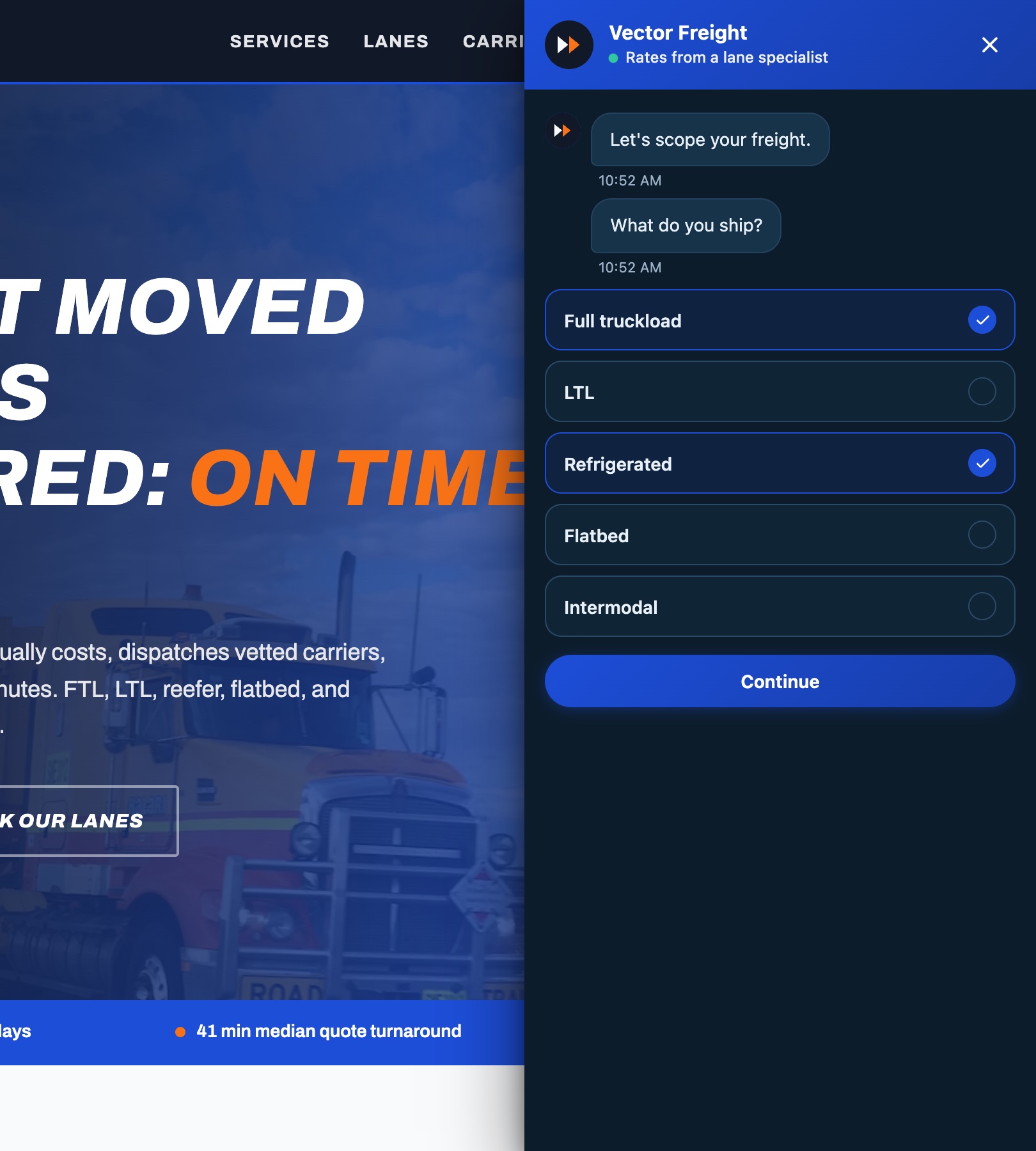
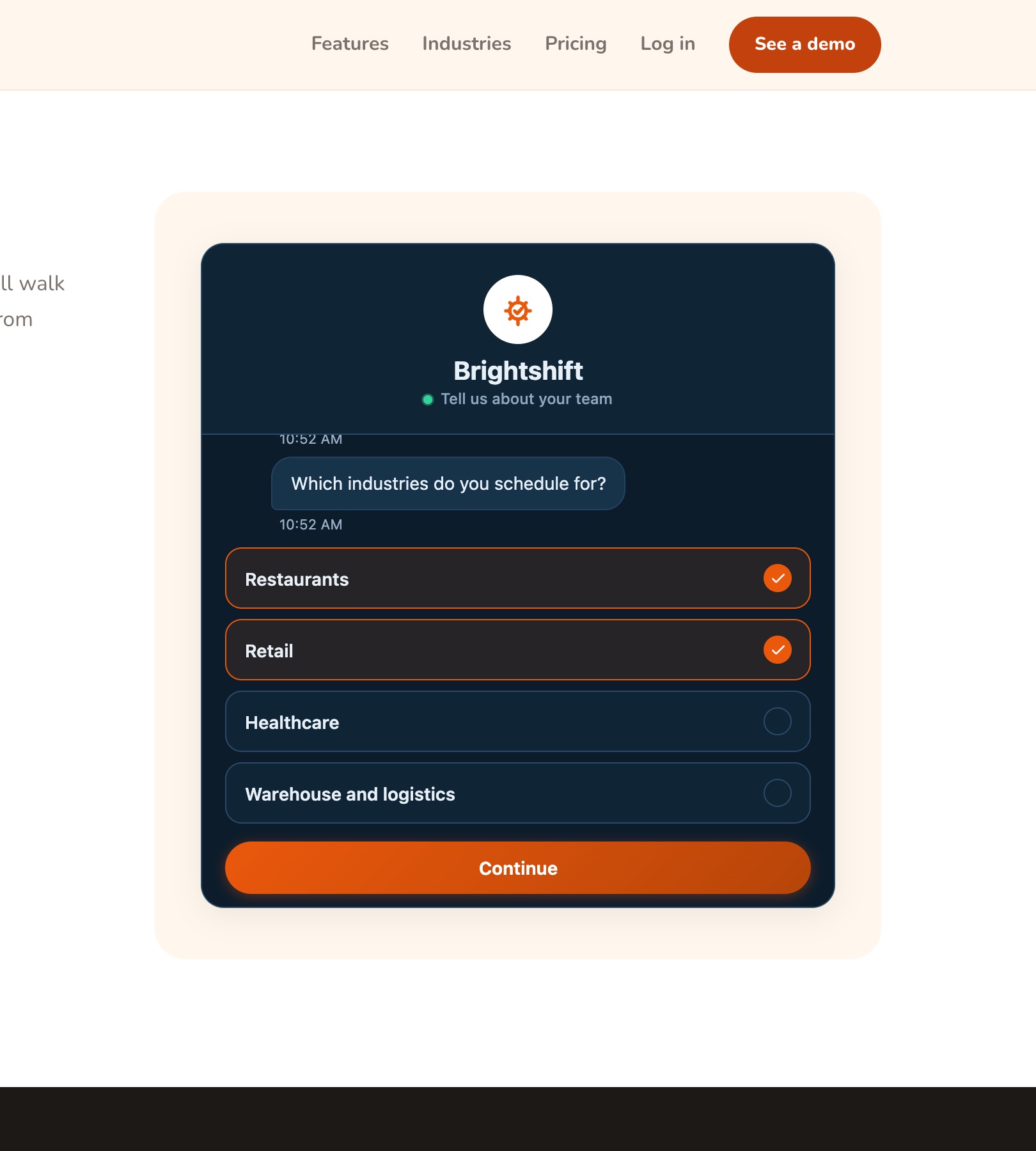
Chat bubble
The corner launcher every visitor recognizes. It waits until the trigger you set, then opens on your welcome hub with every channel you staff.
See it live on Cornerstone Heating & Air →Pop-up
A modal that takes the center of the screen at the moment you choose, like exit intent or eight seconds in. One question, full attention, no form.
See it live on Lakeside Dental →Slide-out panel
A full-height panel that slides in from the right edge, over the page. Room for a real intake without sending anyone to a contact form.
See it live on Vector Freight →Inline embed
Sits in the page like any other section, right where the form used to be. Always open, nothing to click, nothing floating over your content. Visitors scroll to it and start talking.
See it live on Brightshift →What Never Changes
Build the flow once. Every shape runs it.
Every shape lands leads in the same inbox.
Switch shapes anytime. Your site keeps the same one line.
<script src="machfivemagnet.com/…/coreSnippet" async></script>Conversation flows
One Builder. Six Kinds of Conversation.
Qualify
Ask what a good salesperson asks: what they need, how soon, what budget. Branch on every answer. The lead arrives scored and ready to work.
Start from the Lead Capture template →Book
A few questions, then real open times from your calendar. The visitor leaves with a confirmed slot, not a promise of a callback.
Start from the Appointment Booking template →Triage
Route every visitor to the right channel before your team spends a minute: sales to the scheduler, support to intake, emergencies to the phone.
Start from the Support Triage template →Answer
Handle the questions a busy site gets all day. Point visitors at the right page, answer, and end the conversation clean. Informational branches never mint junk leads.
See every template →Quote
Scope the job before anyone picks up a phone: what they need done, where, and by when. The request arrives with every detail your estimator needs.
Start from the Quote Request template →Save
Catch the visitor on their way out with one question and an offer. An exit becomes an email instead of a bounce.
Start from the Exit Intent Offer template →Template Library
Start From a Template
10 ready-made flows: lead capture, booking, support, and more. Pick one, brand it, and it is on your site the same day.
A general-purpose qualify-and-capture flow. Ask what a visitor needs, then get their contact info.
Collect contact details, then let the visitor pick a time. Pairs with the Calendly integration under Settings.
Route a visitor to the right kind of help before they describe the issue, so your team sees the full picture up front.
For local and home-service businesses. Describe the job, leave contact info, get a callback.
Under the hood
No Spam. No Drag. No Lock-In.
Spam Stops at the First Question
Bots autofill forms. They cannot hold a conversation. Junk dies before your inbox, and no visitor ever sees a captcha.
One Script Tag. No Drag on Your Page.
The magnet loads async in its own shadow DOM. Your styles stay yours. Your page speed stays yours.
A Lead Is Never Dropped
Busy hour, mid-edit, over your plan: capture keeps running and every lead lands in the inbox.
Your Leads Leave With You
CSV export and webhooks, any time. No lock-in.
Any Site, Any Stack
WordPress, site builders, hand-written HTML. Paste one script tag and the magnet runs.
Every Answer Travels Encrypted
Leads go from the visitor's browser to your workspace over an encrypted connection. No third party sits in between.
Run an agency? See how agencies use Magnet.
Put a Conversation Where Your Form Is.
Create a magnet, paste one script tag, and watch the first journeys come in.