B2B SaaS
Magnet for B2B SaaS
Turn pricing page visitors into qualified demos. Replace your static form with a conversation that books meetings.
The Problem With SaaS Demo Forms
Your visitor clicks “Book a Demo.” They see a form with 8 fields. Name, email, company, role, company size, use case, timeline, budget. They fill in three and leave. You never hear from them.
Magnet replaces that form with a quick conversation. Two or three questions, branched based on their answers, and they’re looking at a calendar. The whole thing takes 30 seconds.
Use cases
How Can Magnet Help Me…?
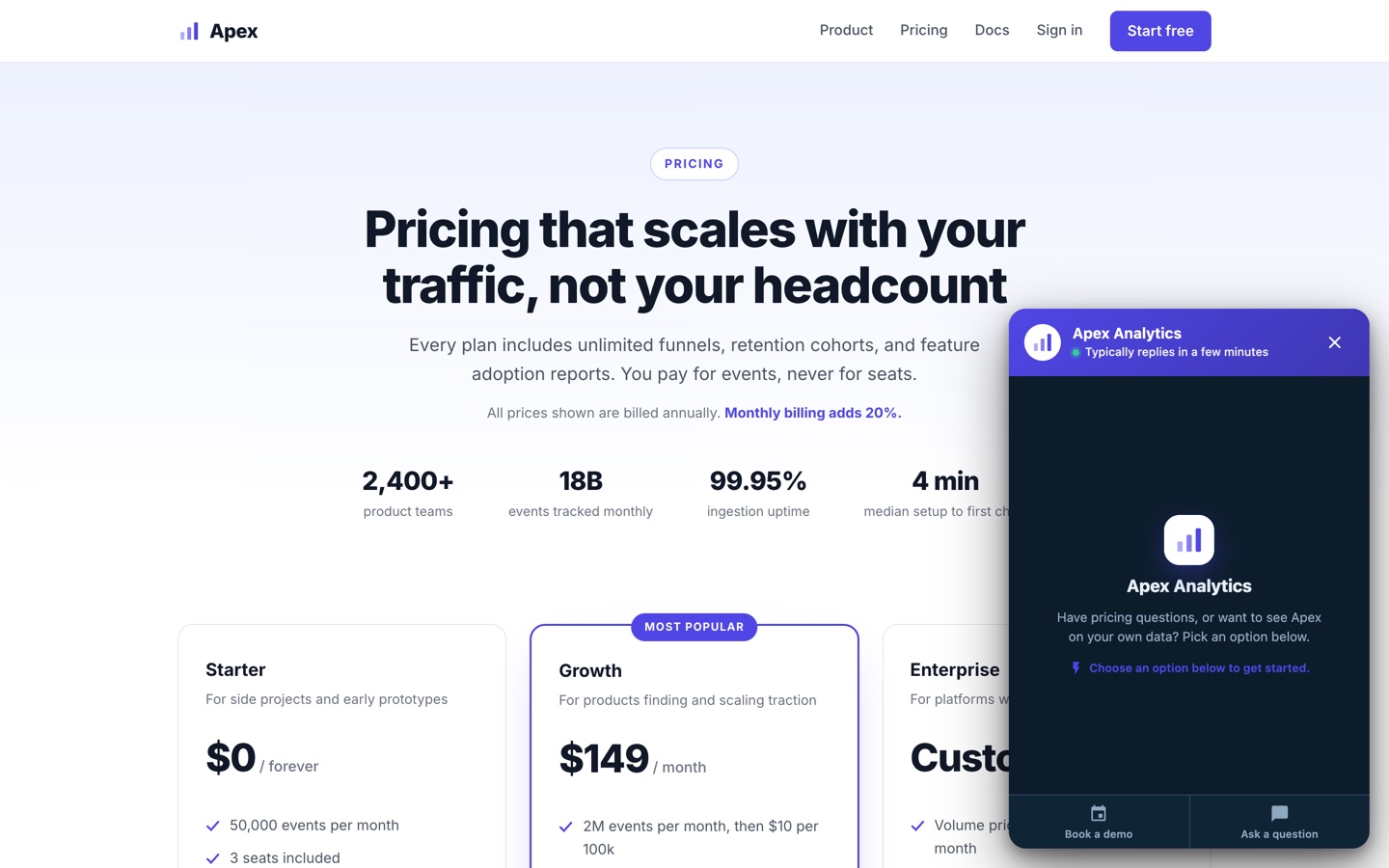
The magnet opens instead of an 8-field form.
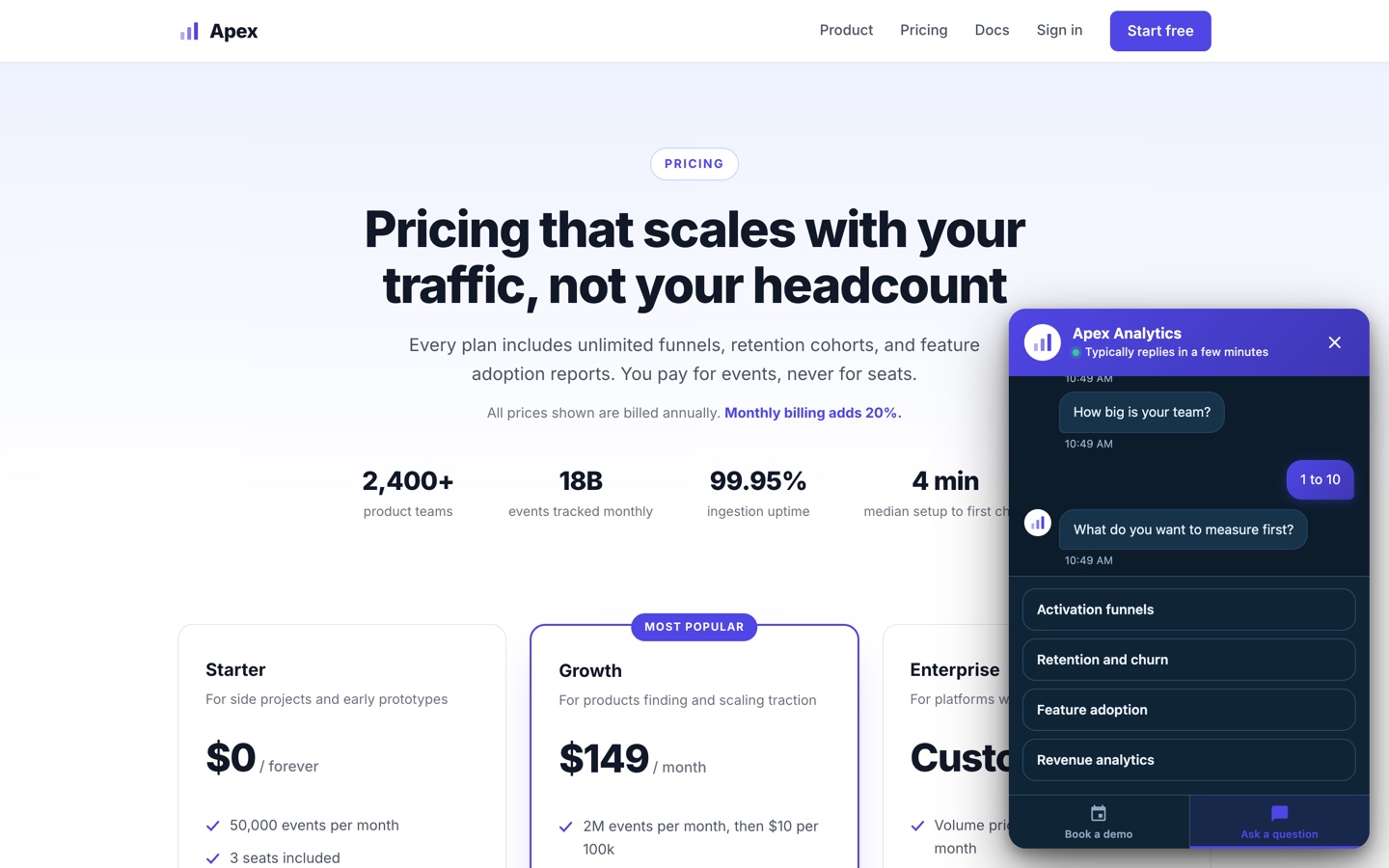
Team size and use case get asked up front.
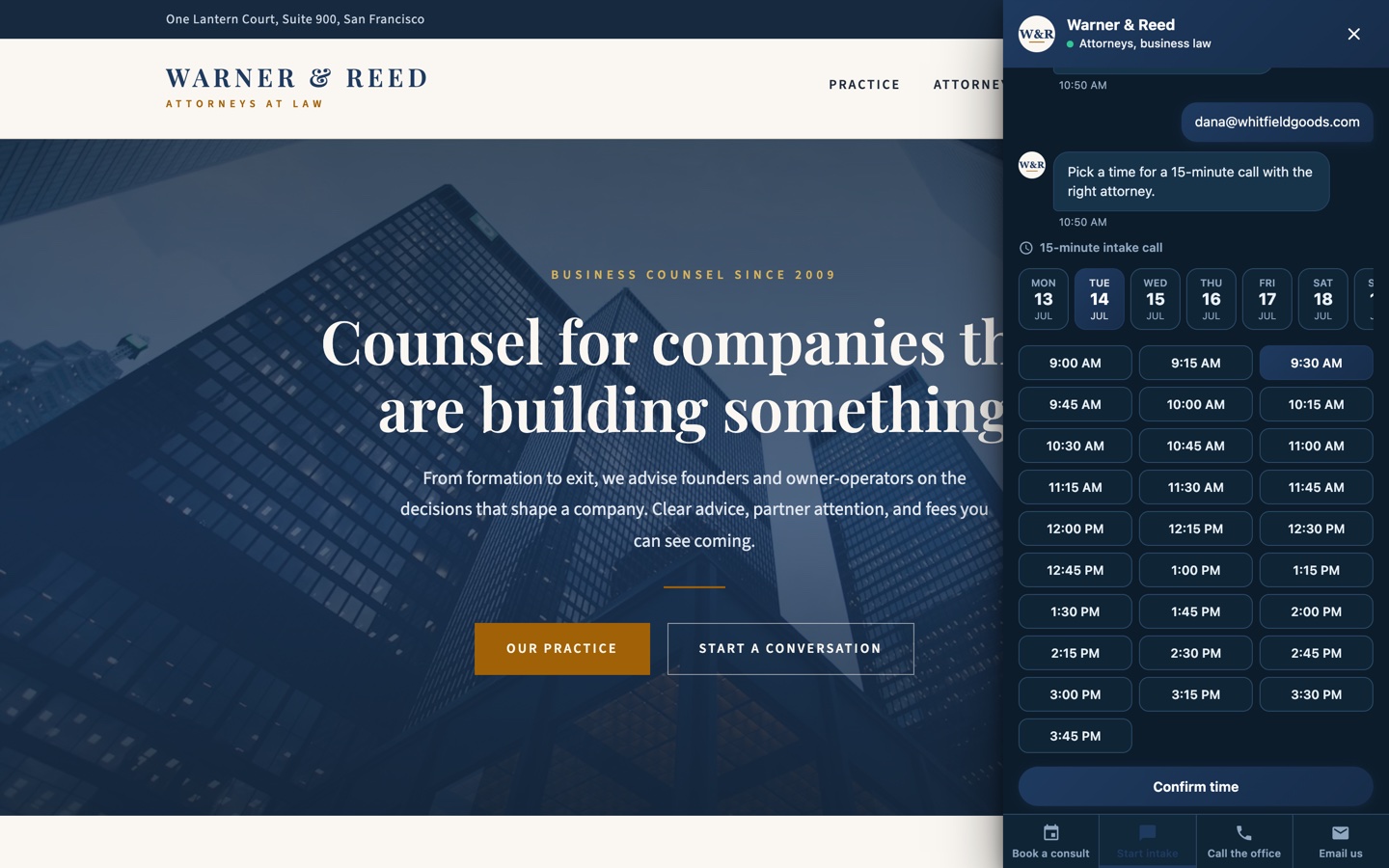
Qualified prospects land on a calendar. Self-serve heads to the trial.
A conversational nudge opens when a user goes idle.
Ask what they are trying to do.
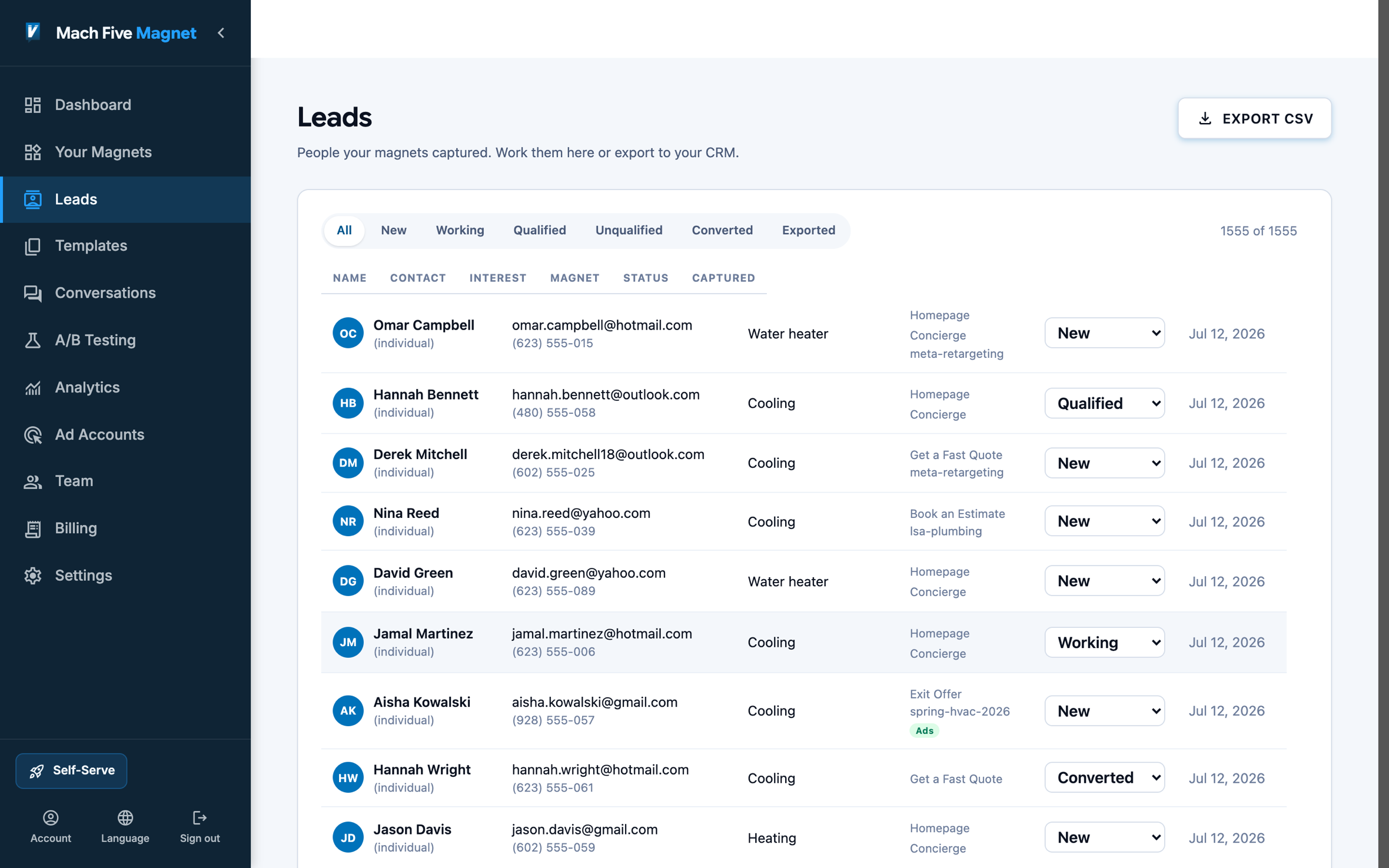
The answer lands as context your team can act on.
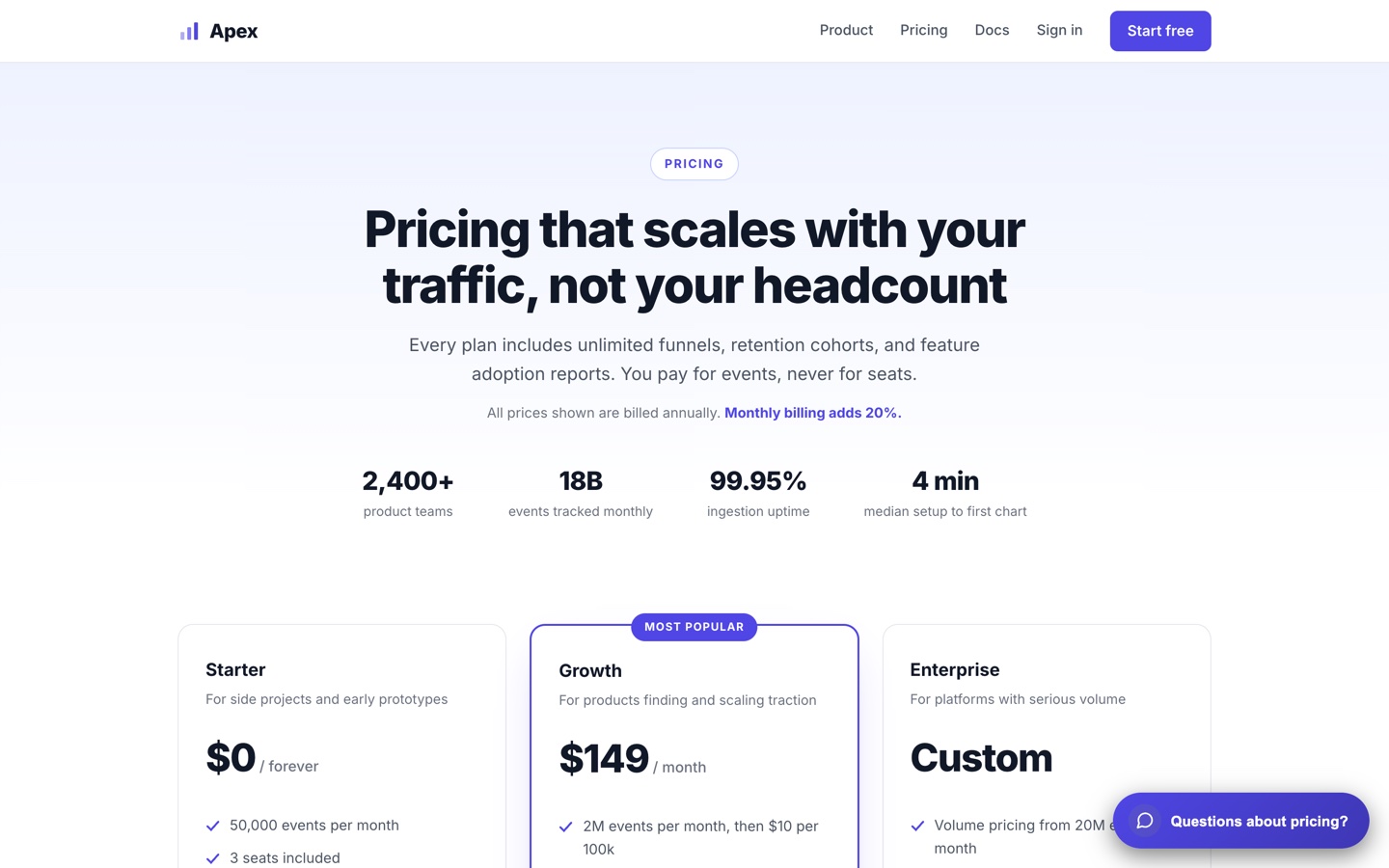
A pricing page without the comparison-table maze.
Three questions instead of a decoder ring.
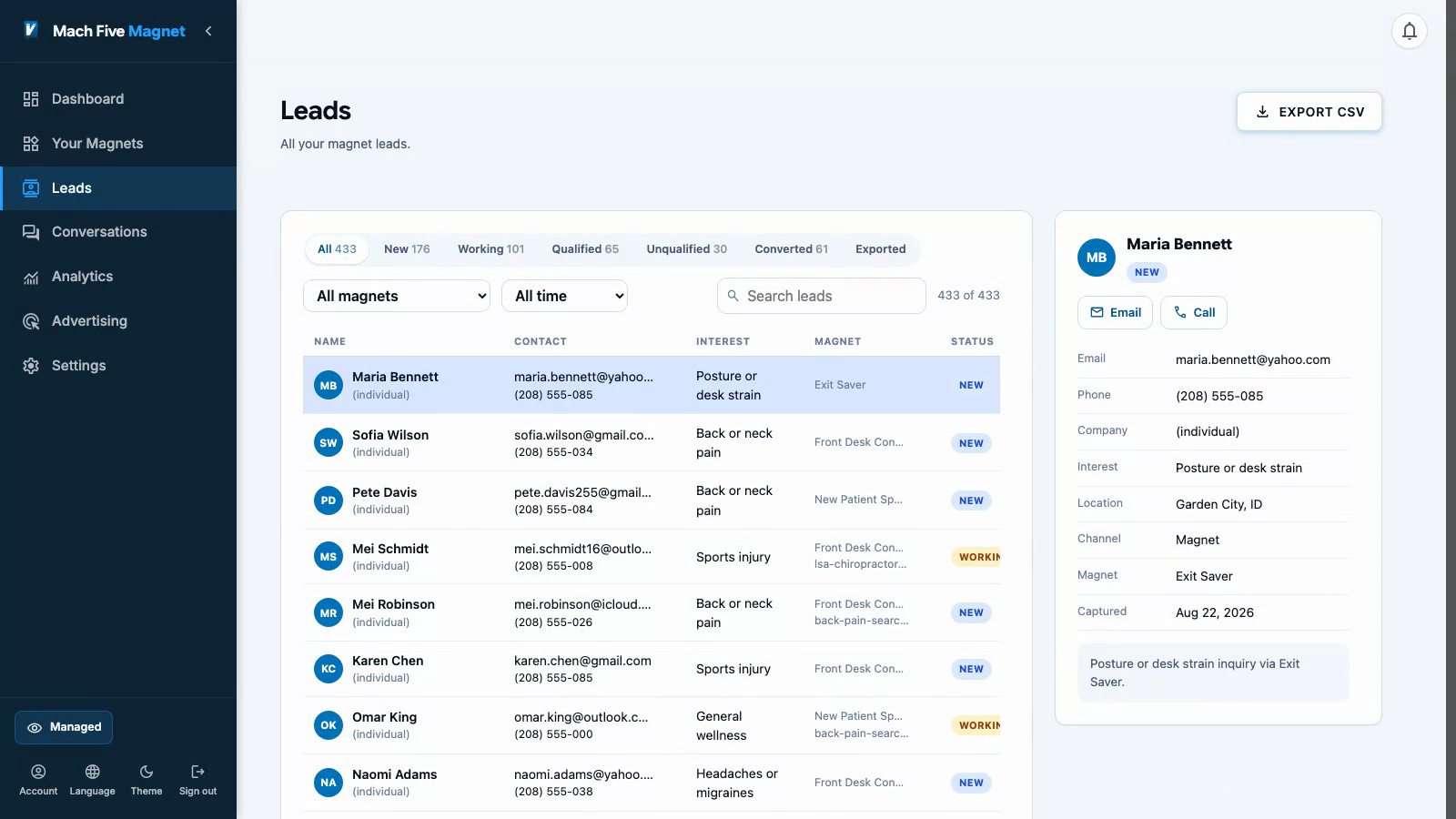
The recommendation and every answer ride the lead.
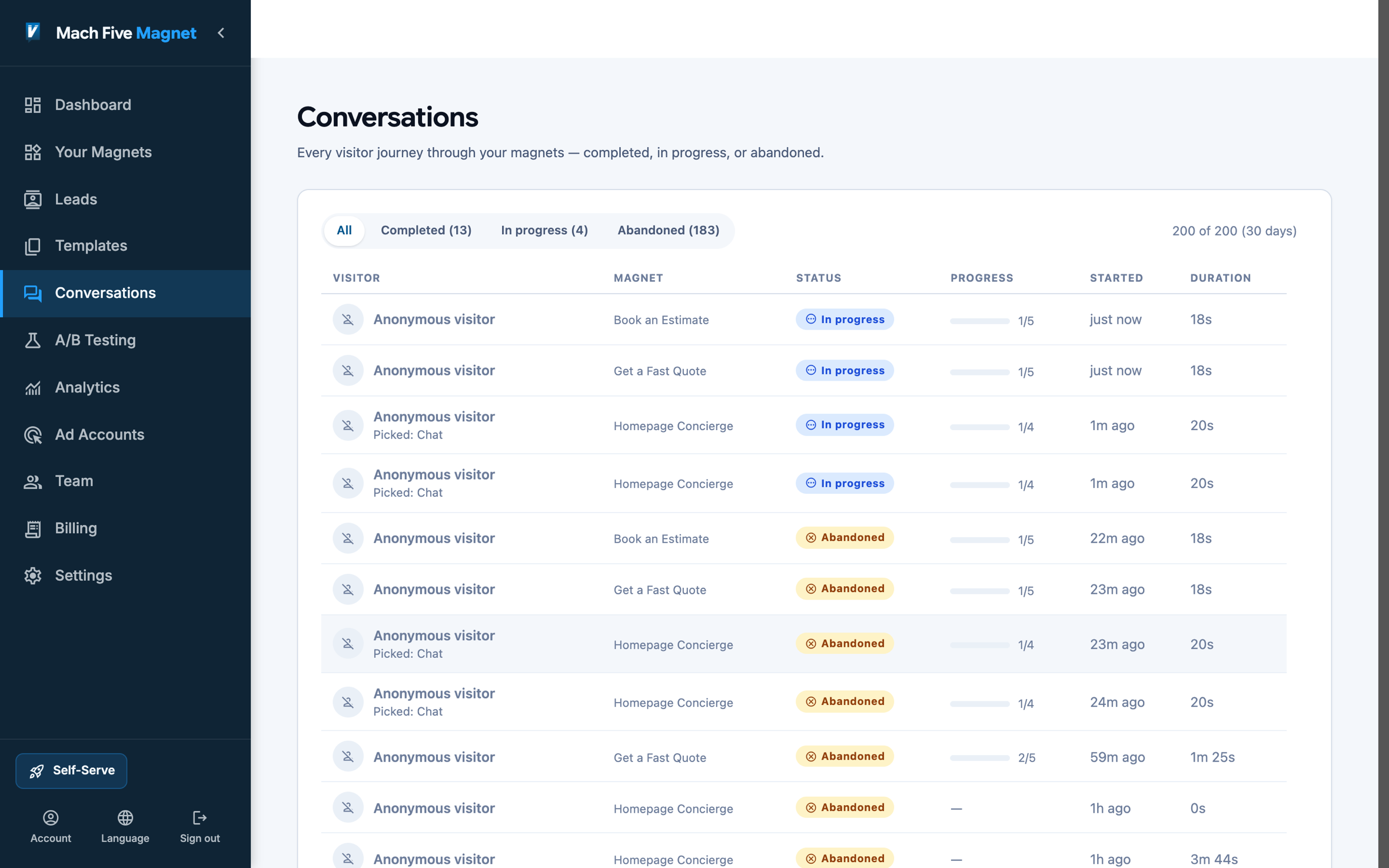
See exactly where sessions stop.
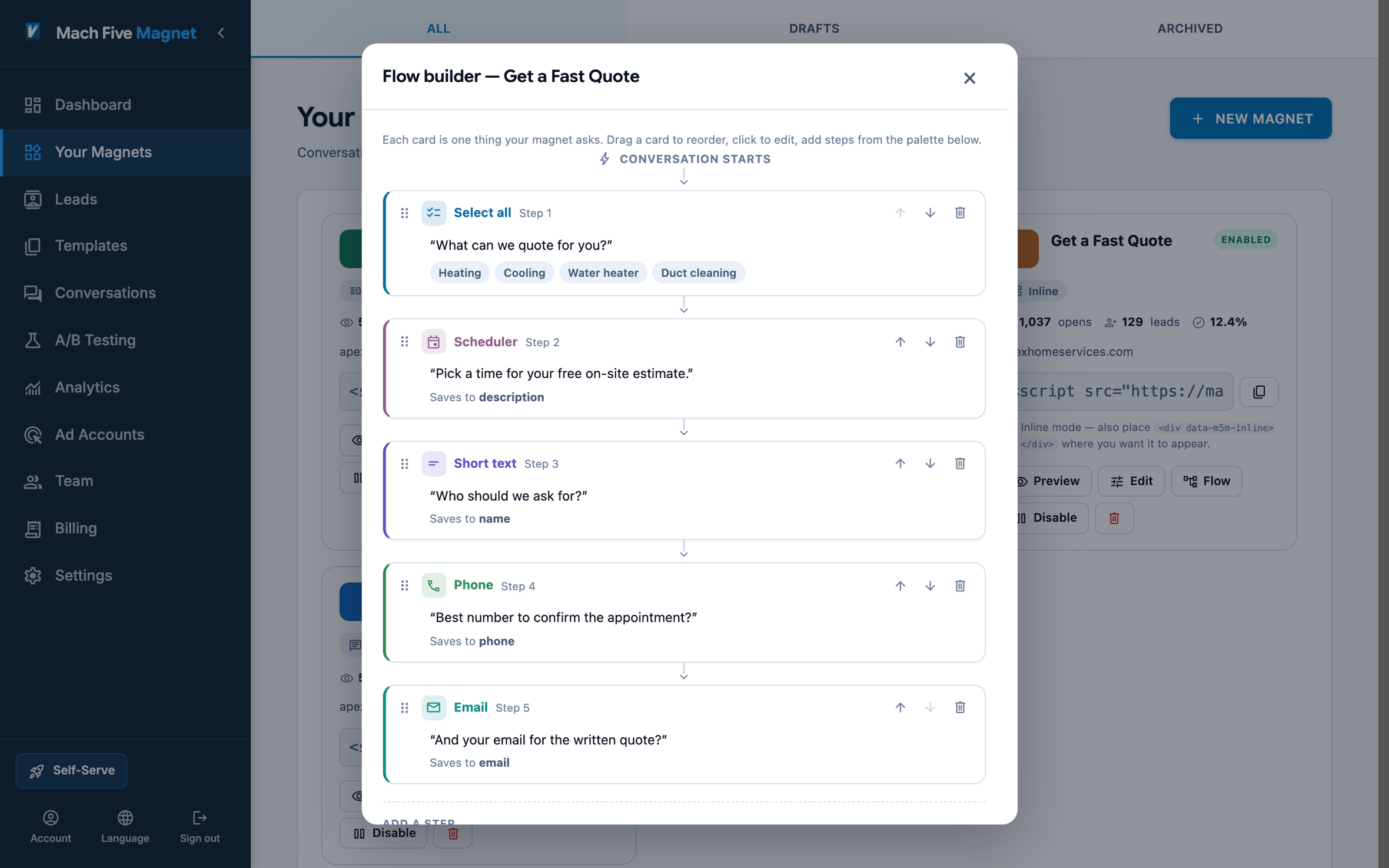
Reword the leaking step on the canvas.
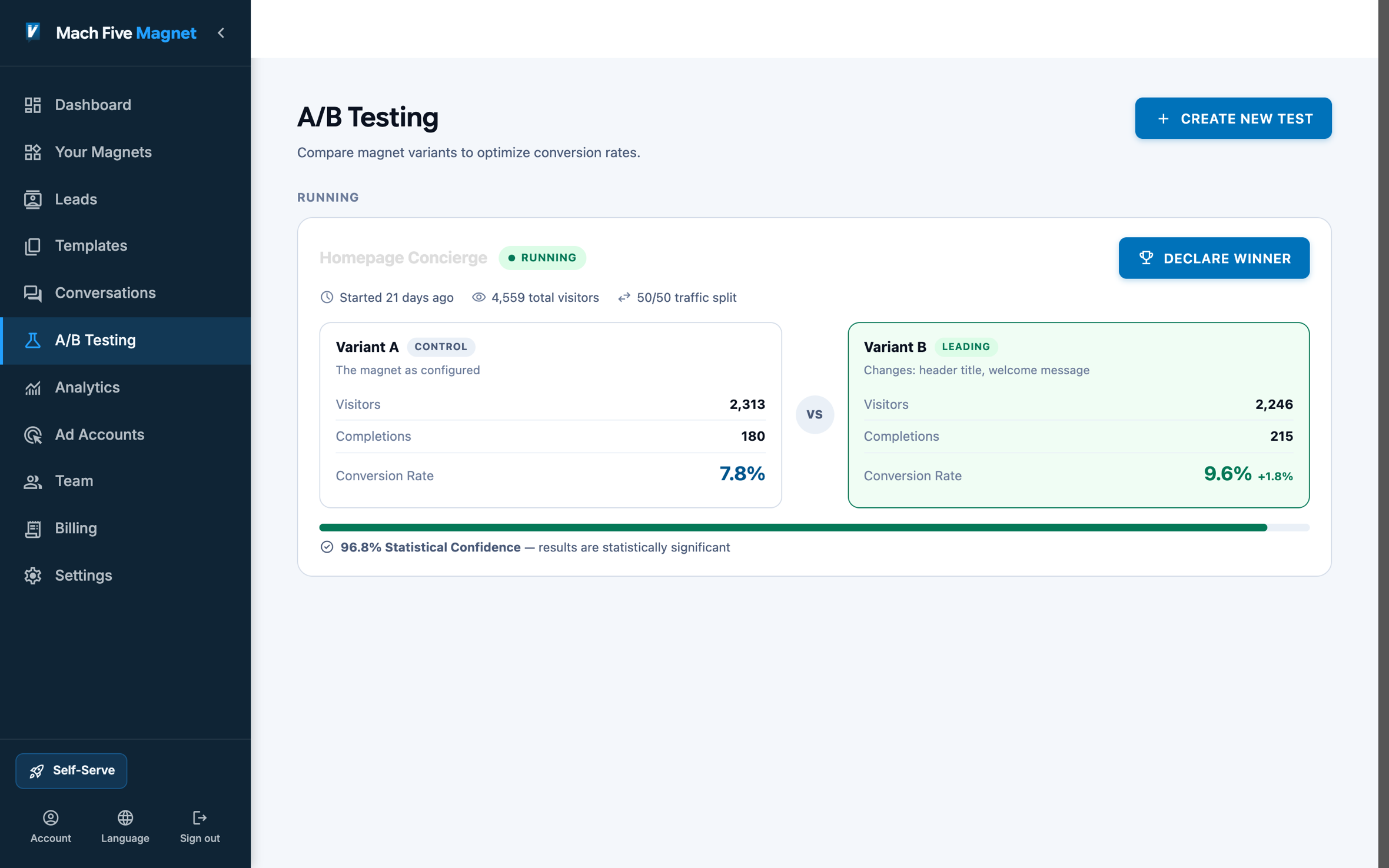
Prove the fix with a test on the same funnel.
Connects With Your Stack
Booking happens inside the panel, or through your Calendly or Cal.com account, and the booking is captured on the lead. Every lead syncs to your CRM with the conversation attached, and carries UTM and Google Ads click IDs so campaign attribution survives the handoff.
Put a magnet on your site today.
Free plan. One script tag. No code.
Example builds
Four Example Builds
Four ways B2B SaaS teams put a magnet to work. Step through each build, then open the live page and play the real flow.
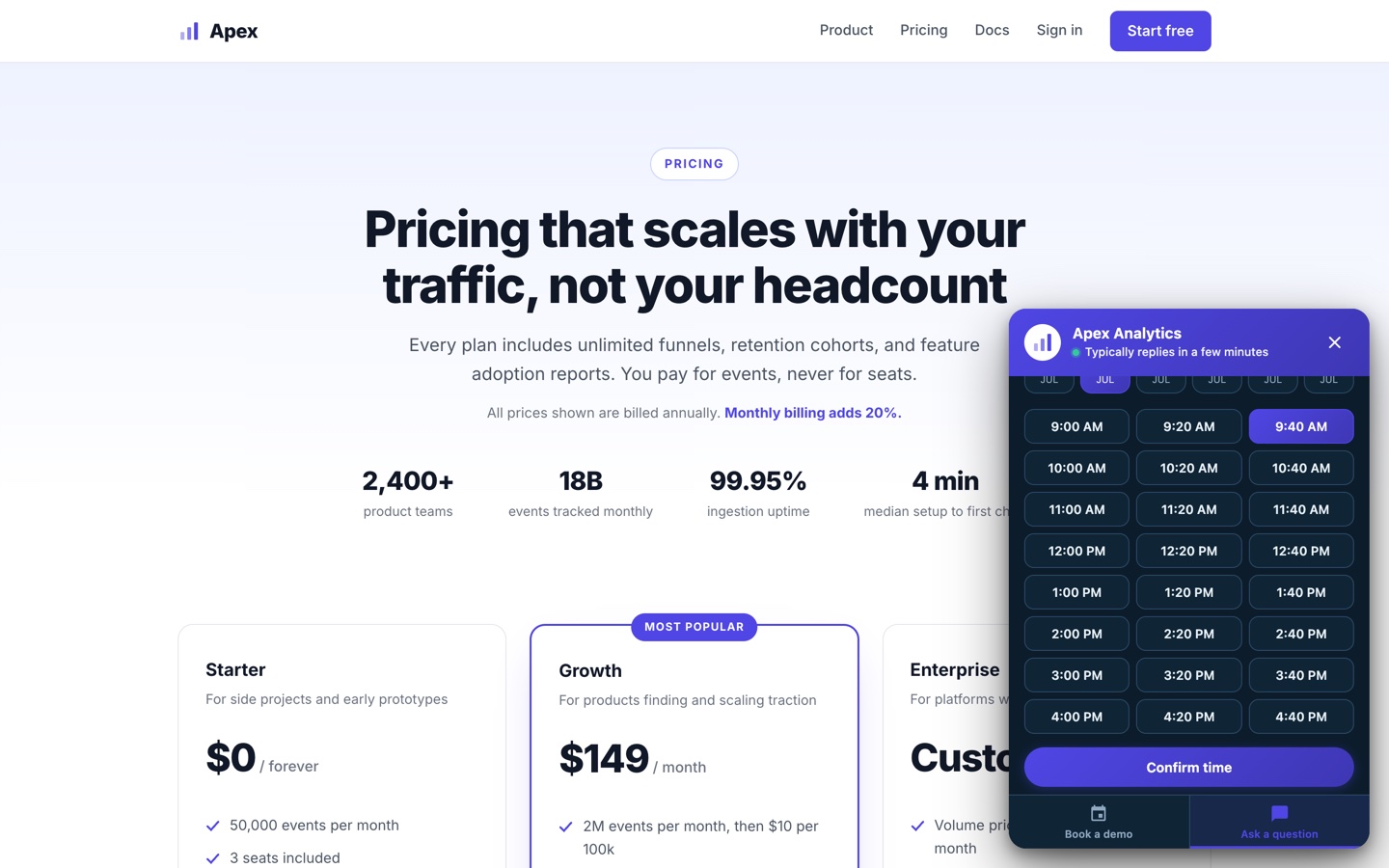
Step 1A pricing page visitor is deciding. The magnet waits in the corner.
Step 2Eight seconds in, it opens on a welcome hub: book a demo or ask a question.
Step 3The chat route qualifies in two taps: team size, then what they want to measure.
Step 4The visitor books the demo without leaving the page. The lead arrives qualified, with a time on it.
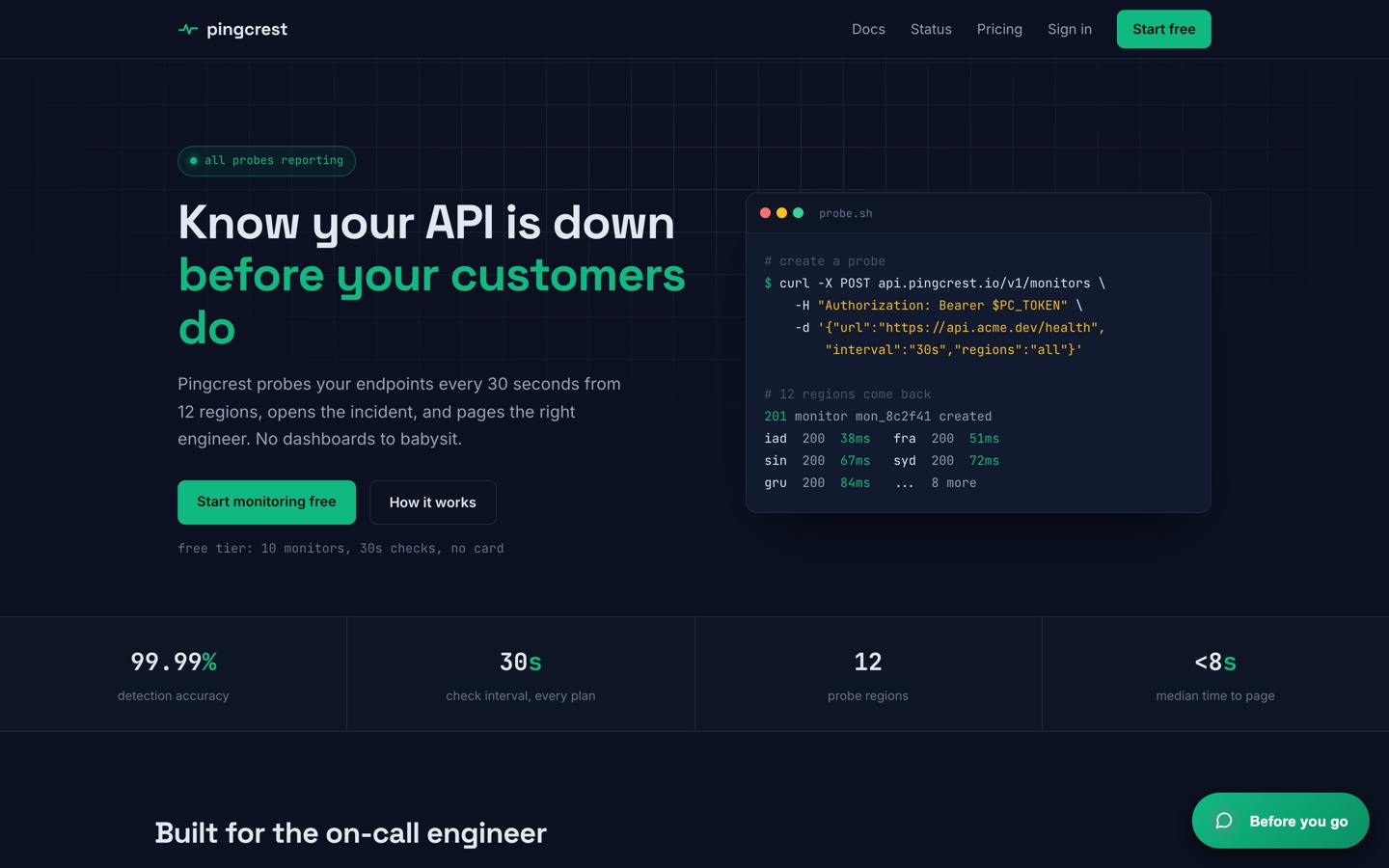
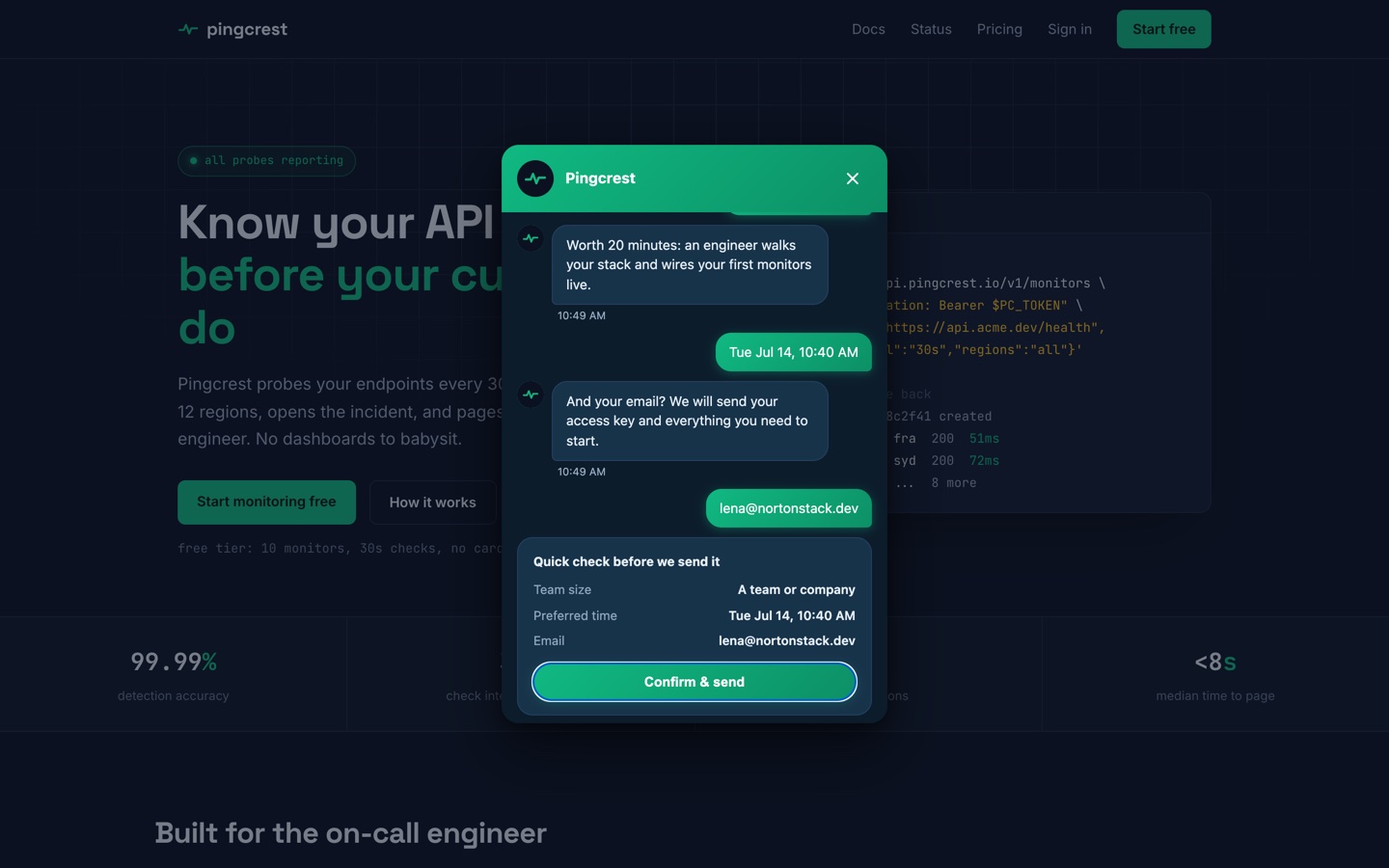
Step 1A developer reads the docs. Nothing interrupts them.
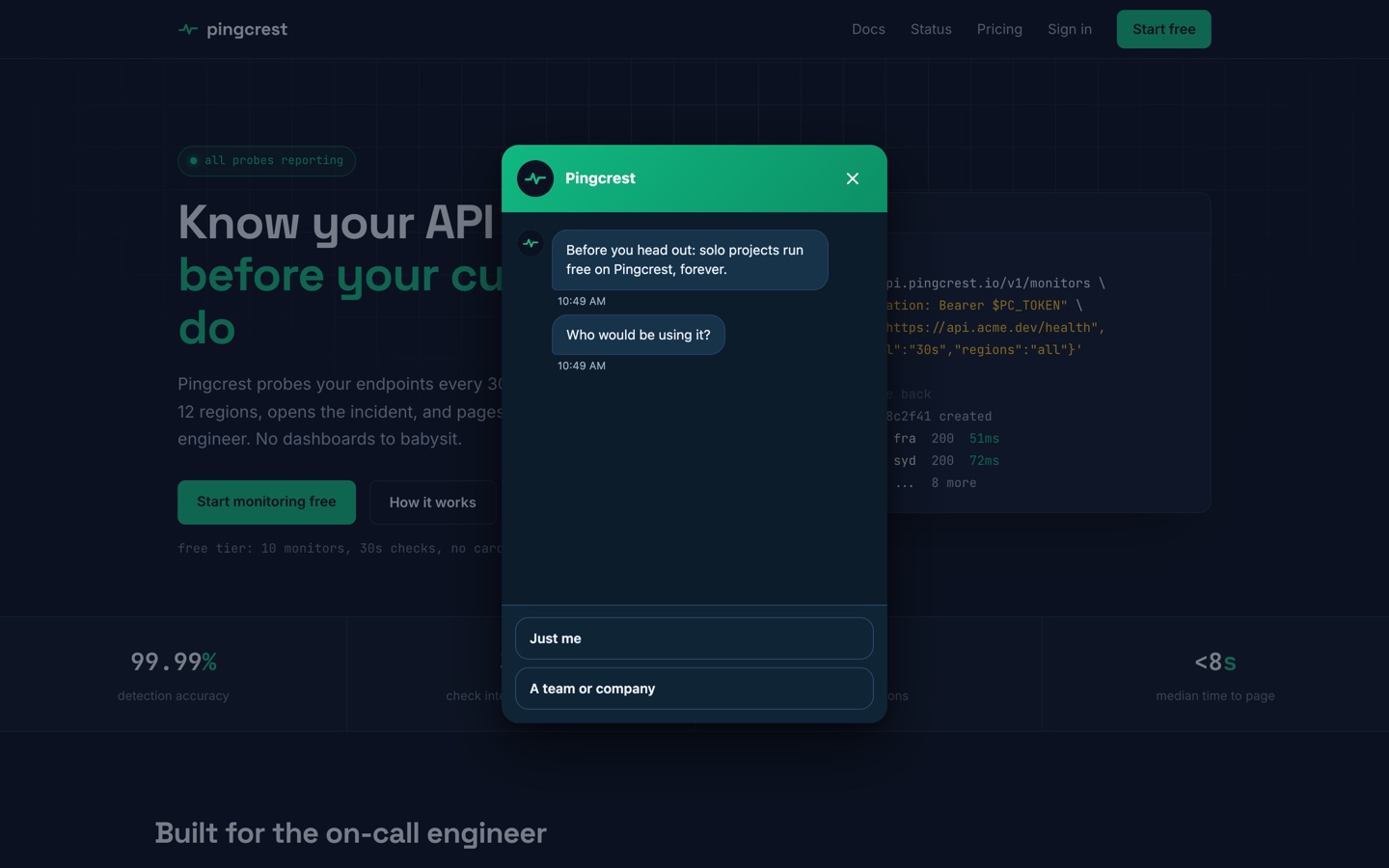
Step 2On exit intent, one question: solo or team. Each answer routes differently.
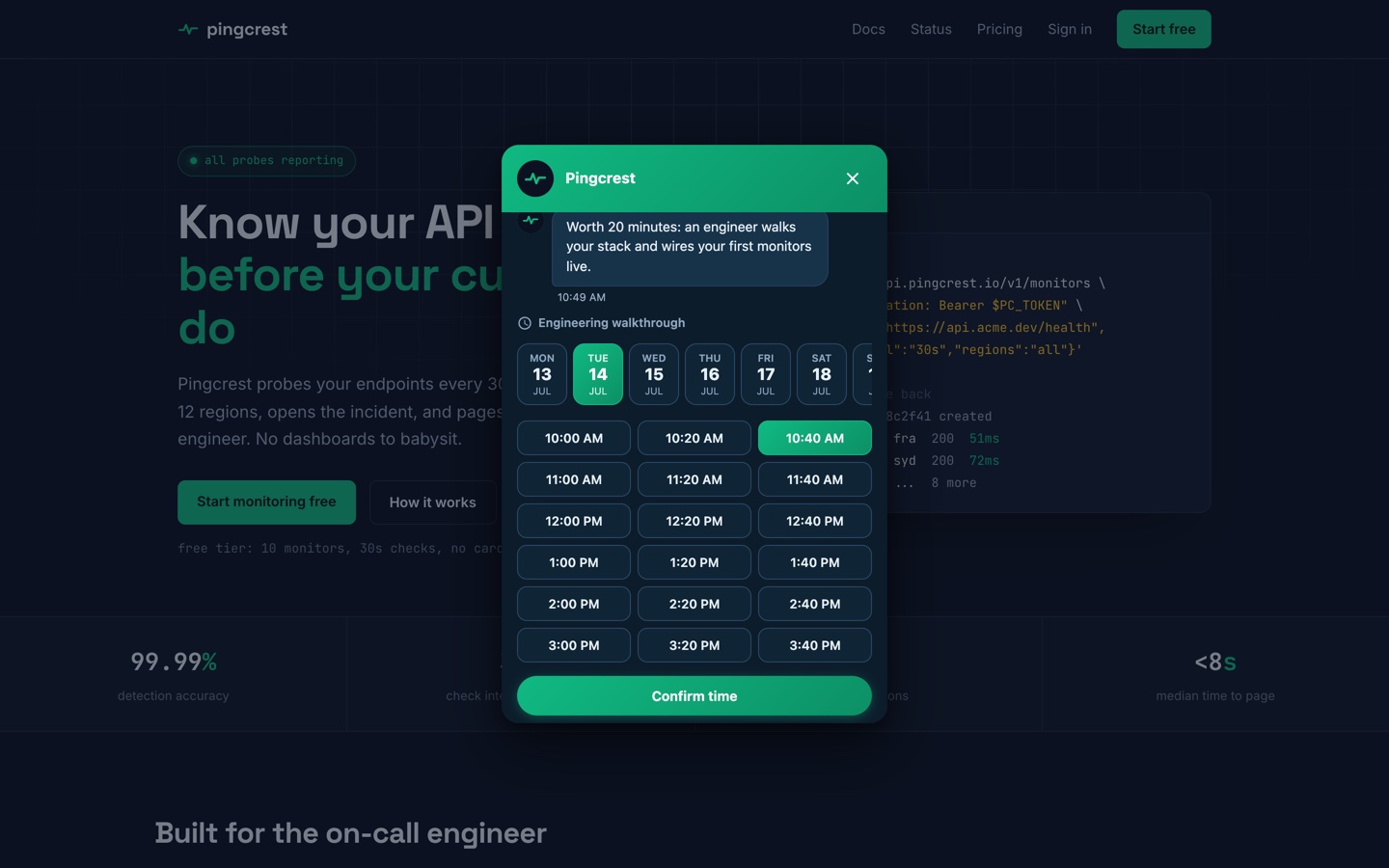
Step 3Teams jump straight to a live walkthrough slot. Solo devs skip this step entirely.
Step 4One flow, two outcomes: a booked walkthrough or a trial key. Both land as leads.
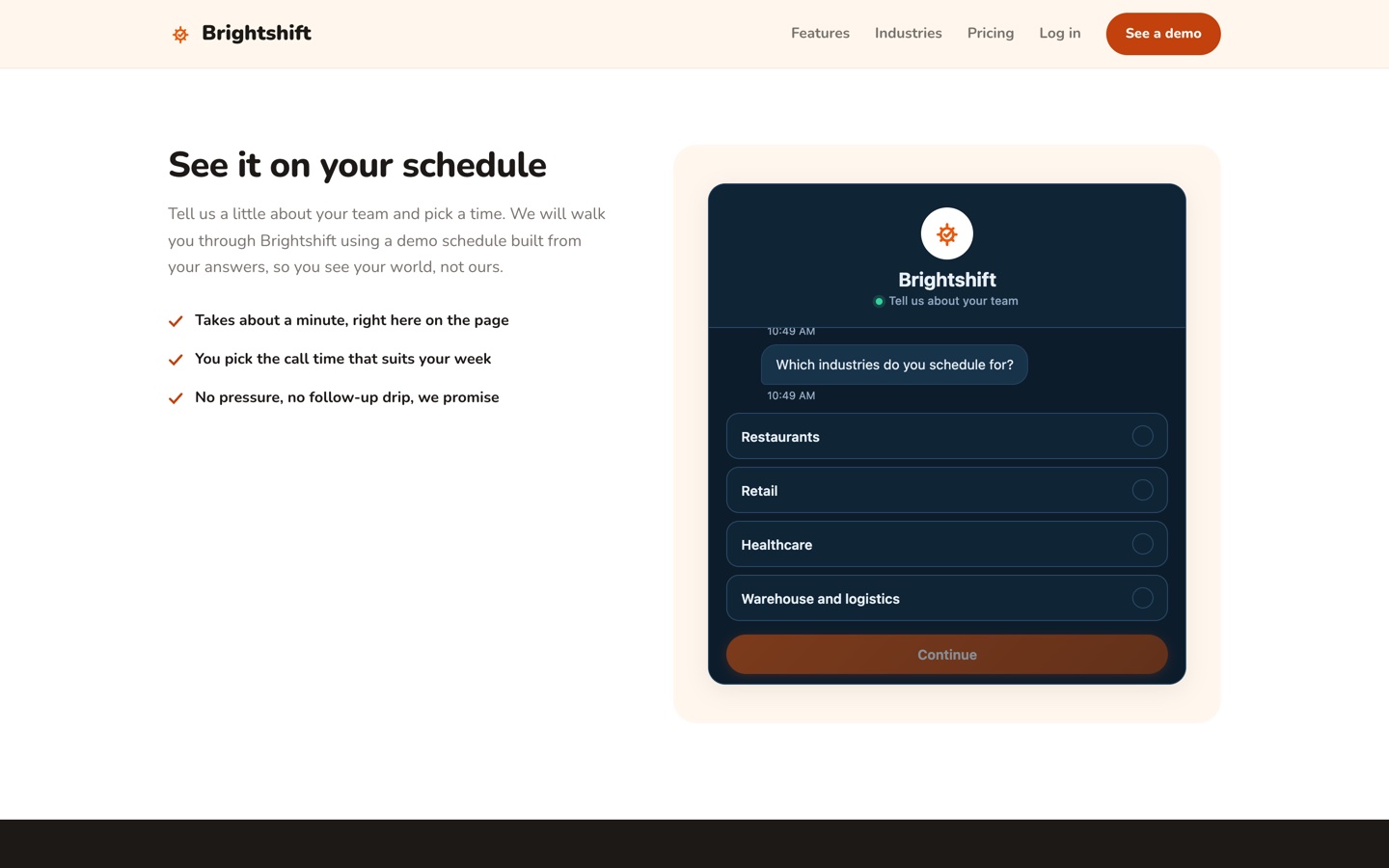
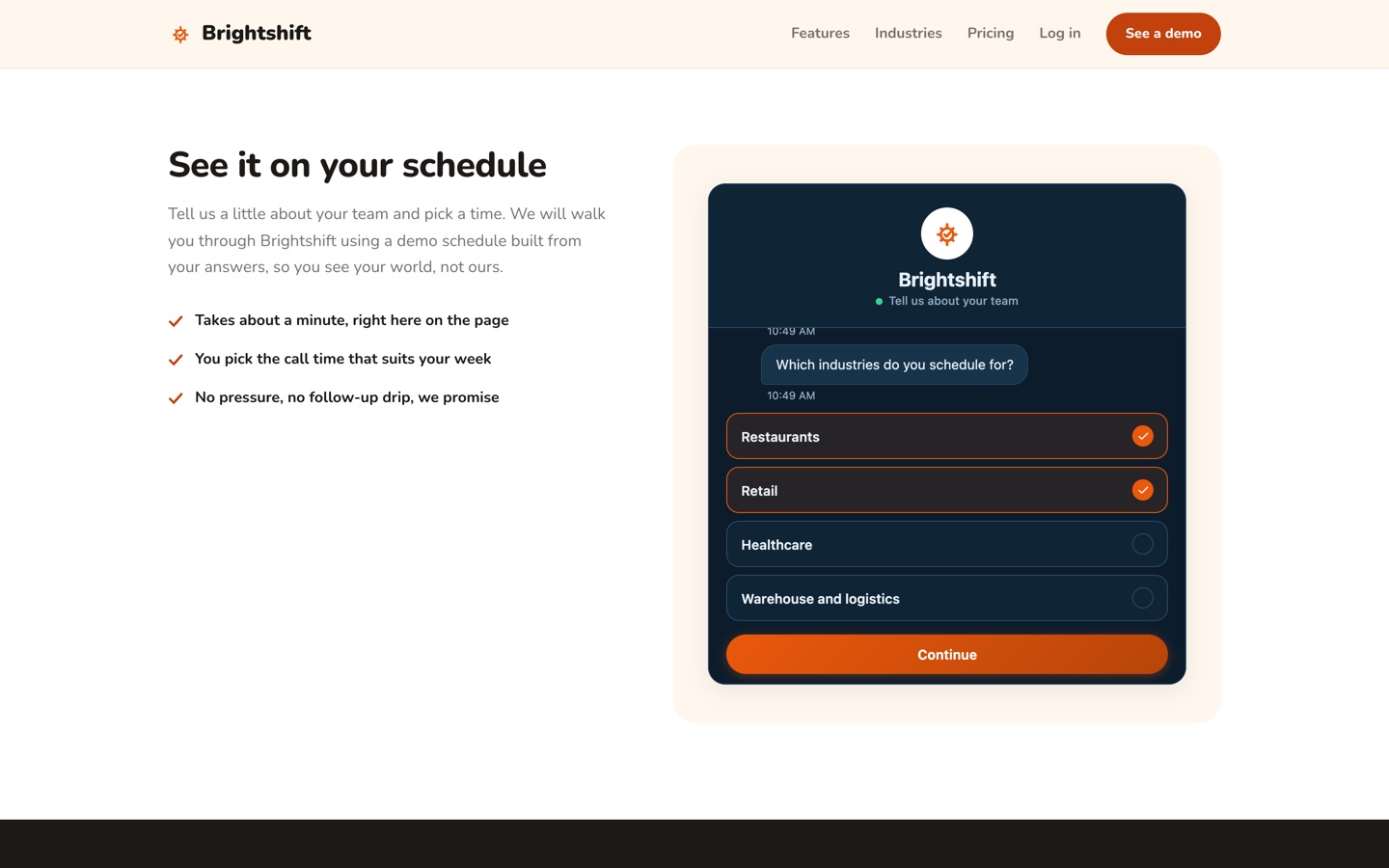
Step 1No form on this page. The conversation sits right where the form used to be.
Step 2Multi-select intake: an ops manager picks every industry they schedule for.
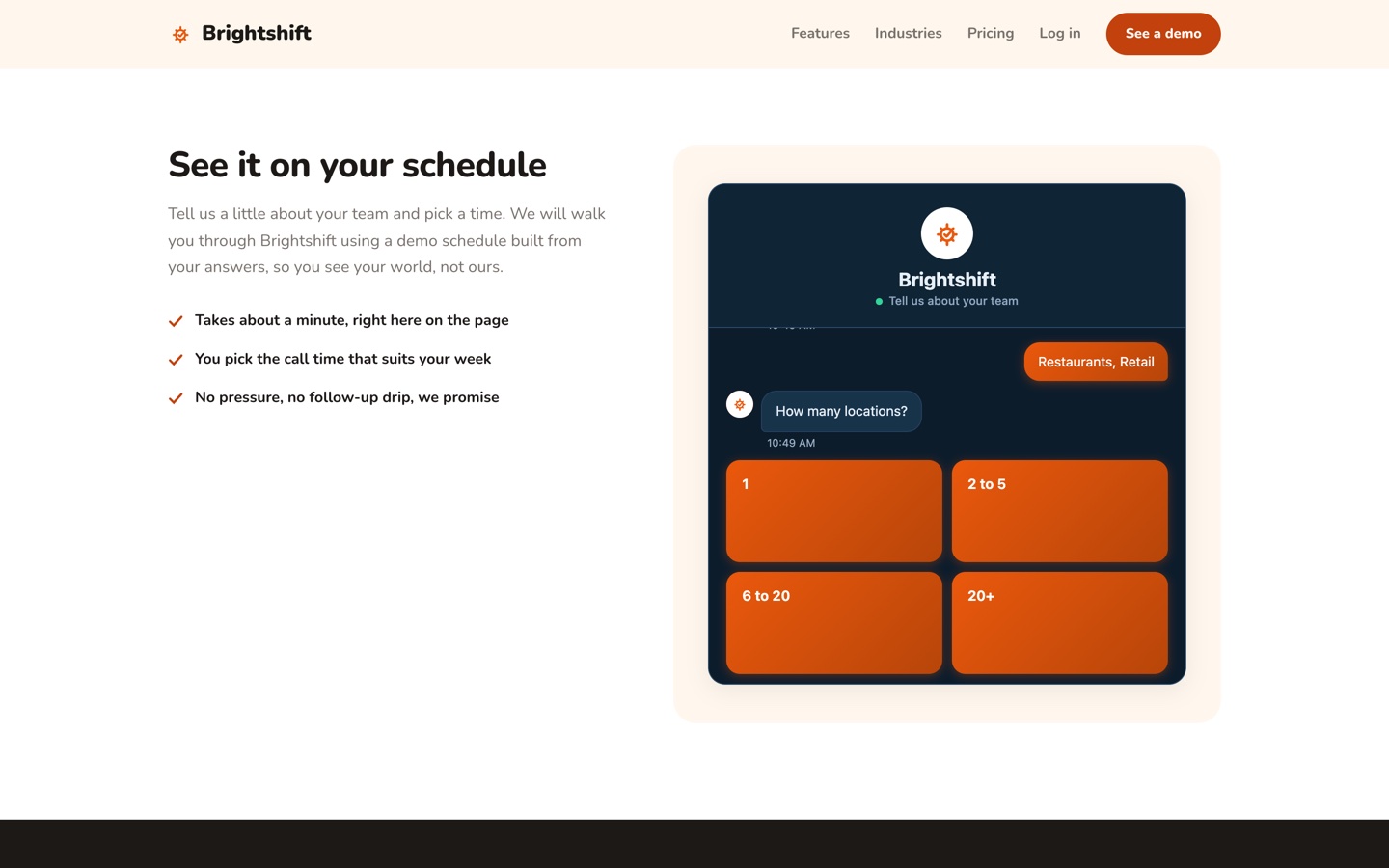
Step 3Each question builds on the last, so the demo is scoped before anyone talks.
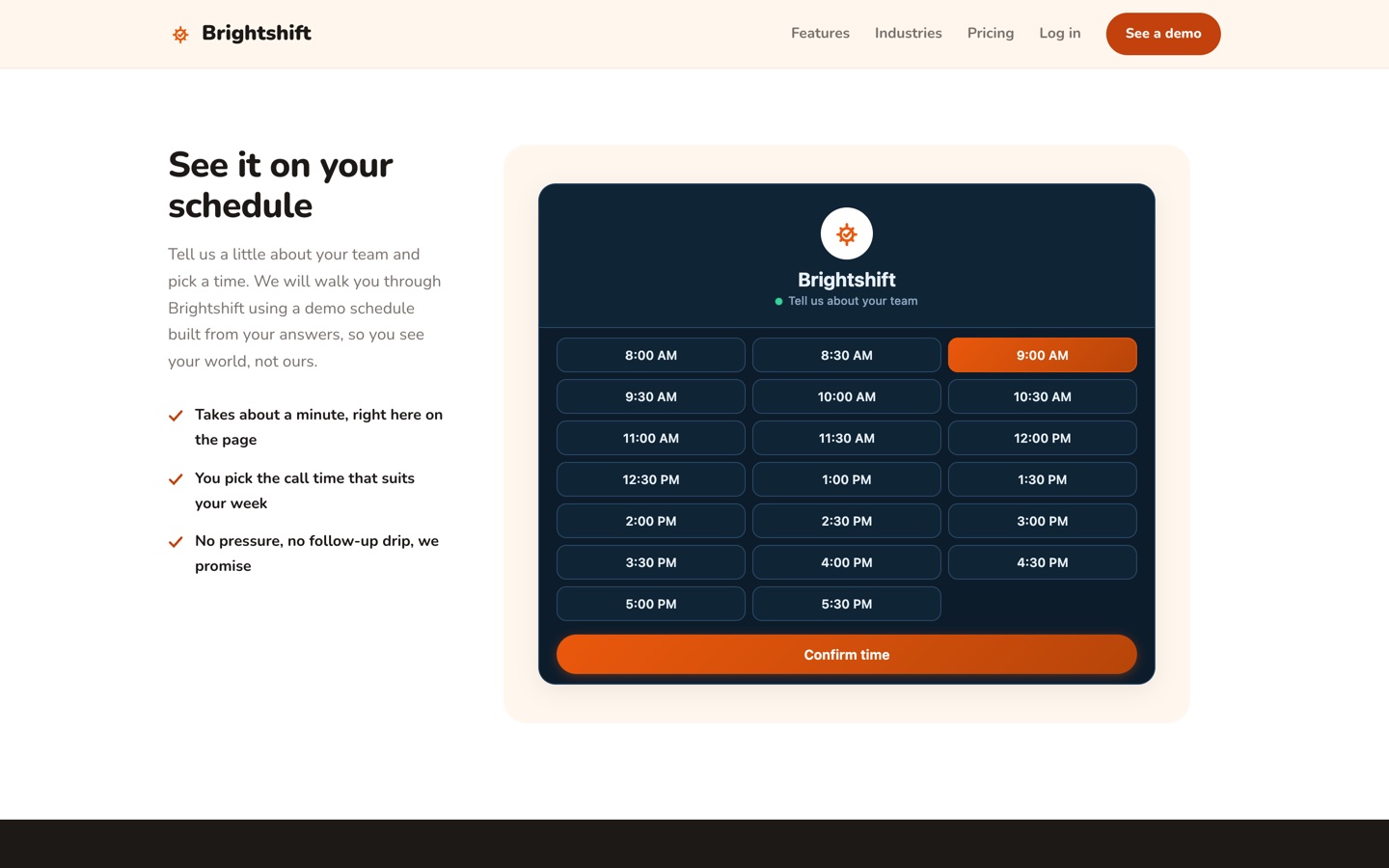
Step 4The visitor picks the call time. The lead lands with industries, locations, and a number.
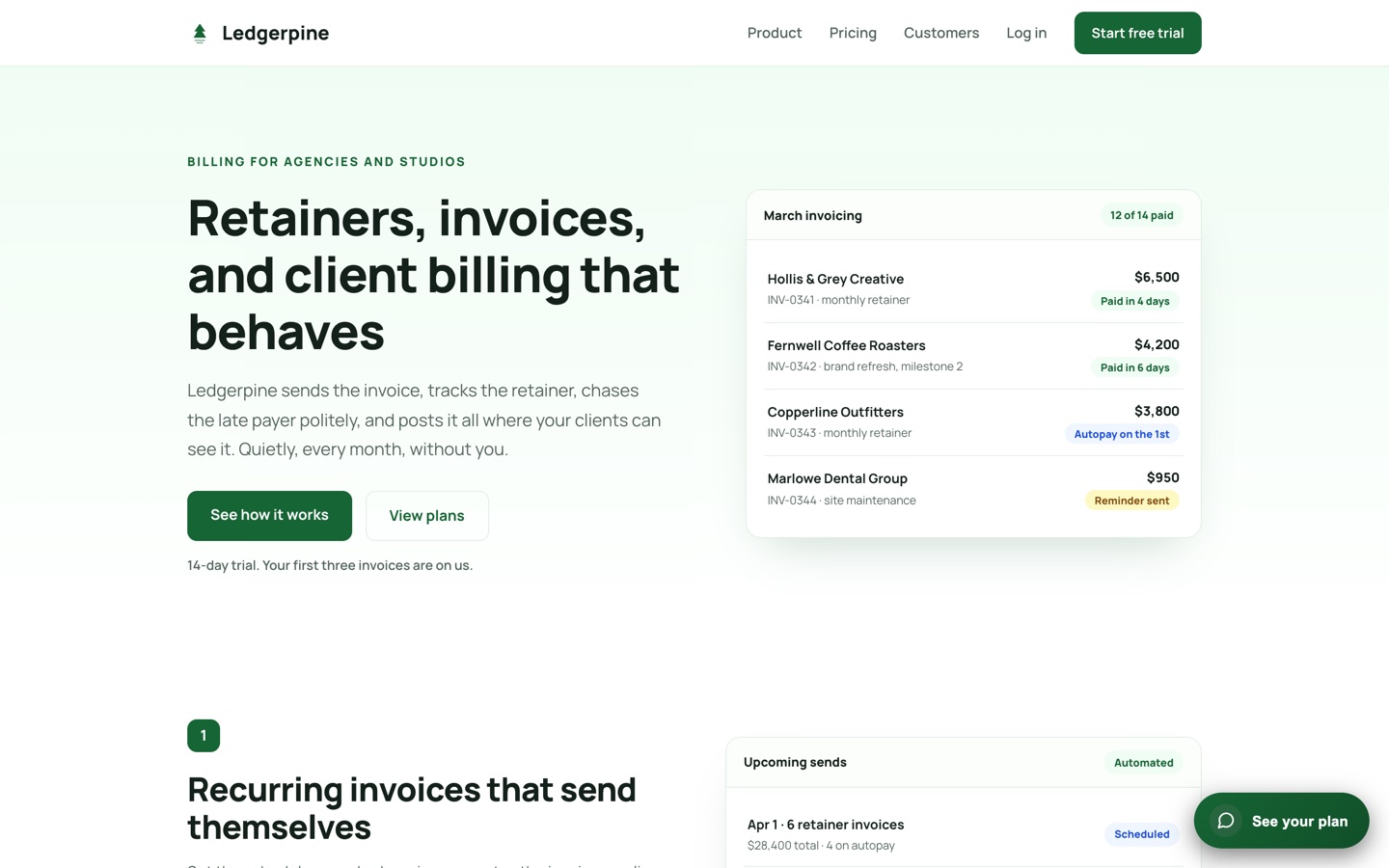
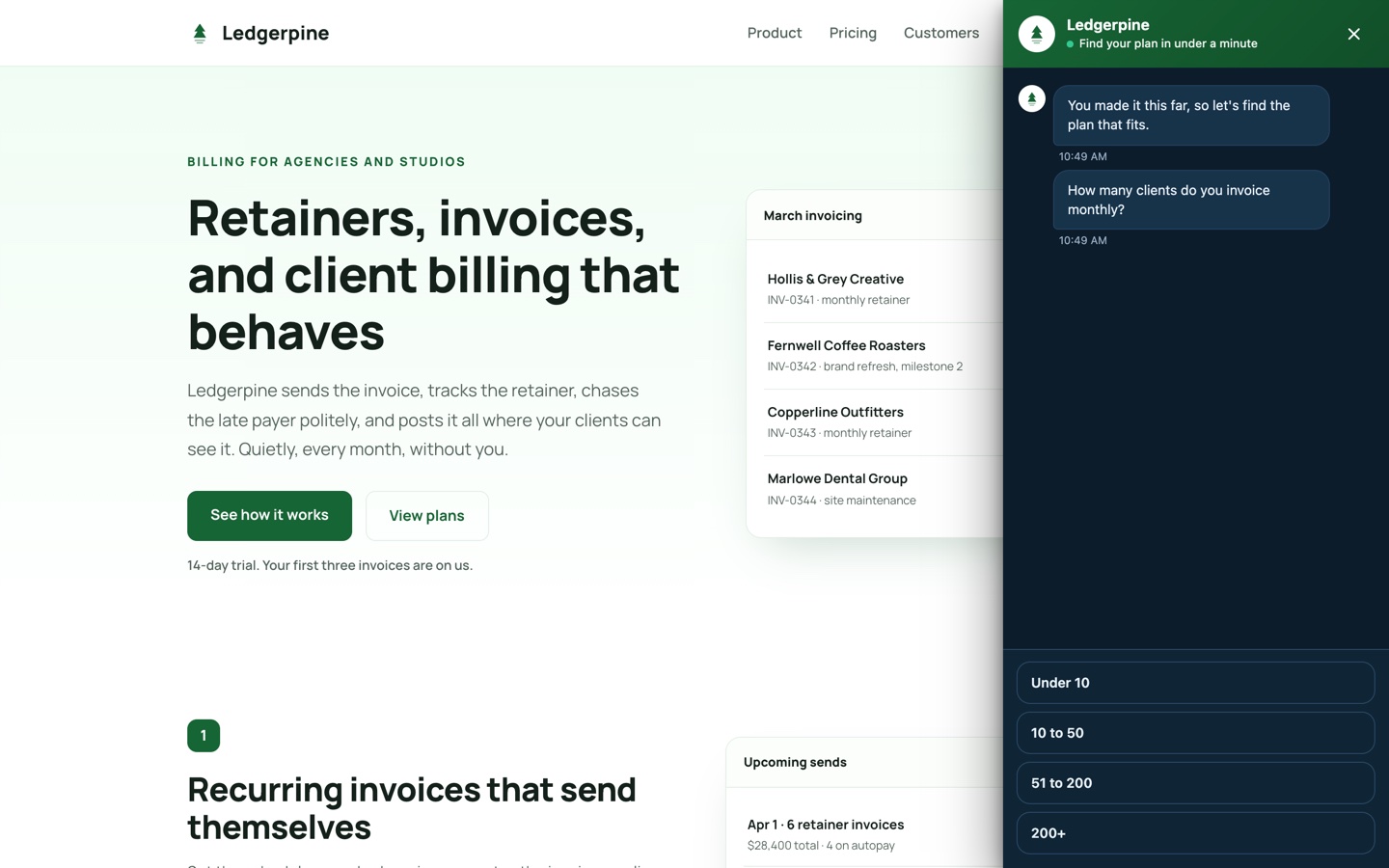
Step 1A reader deep in the feature tour. The panel waits for real intent.
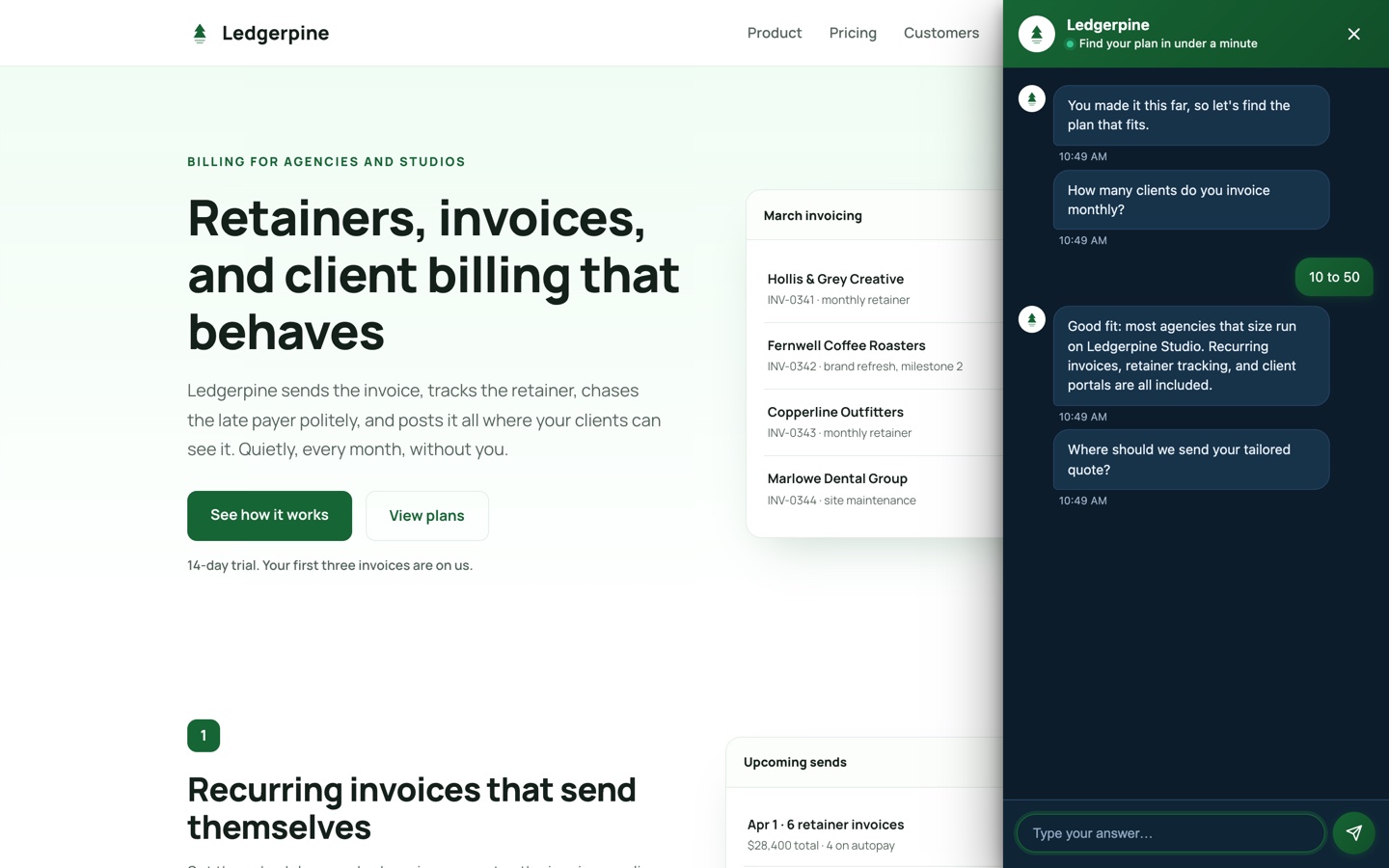
Step 2At 80% scroll it slides out and asks one sizing question.
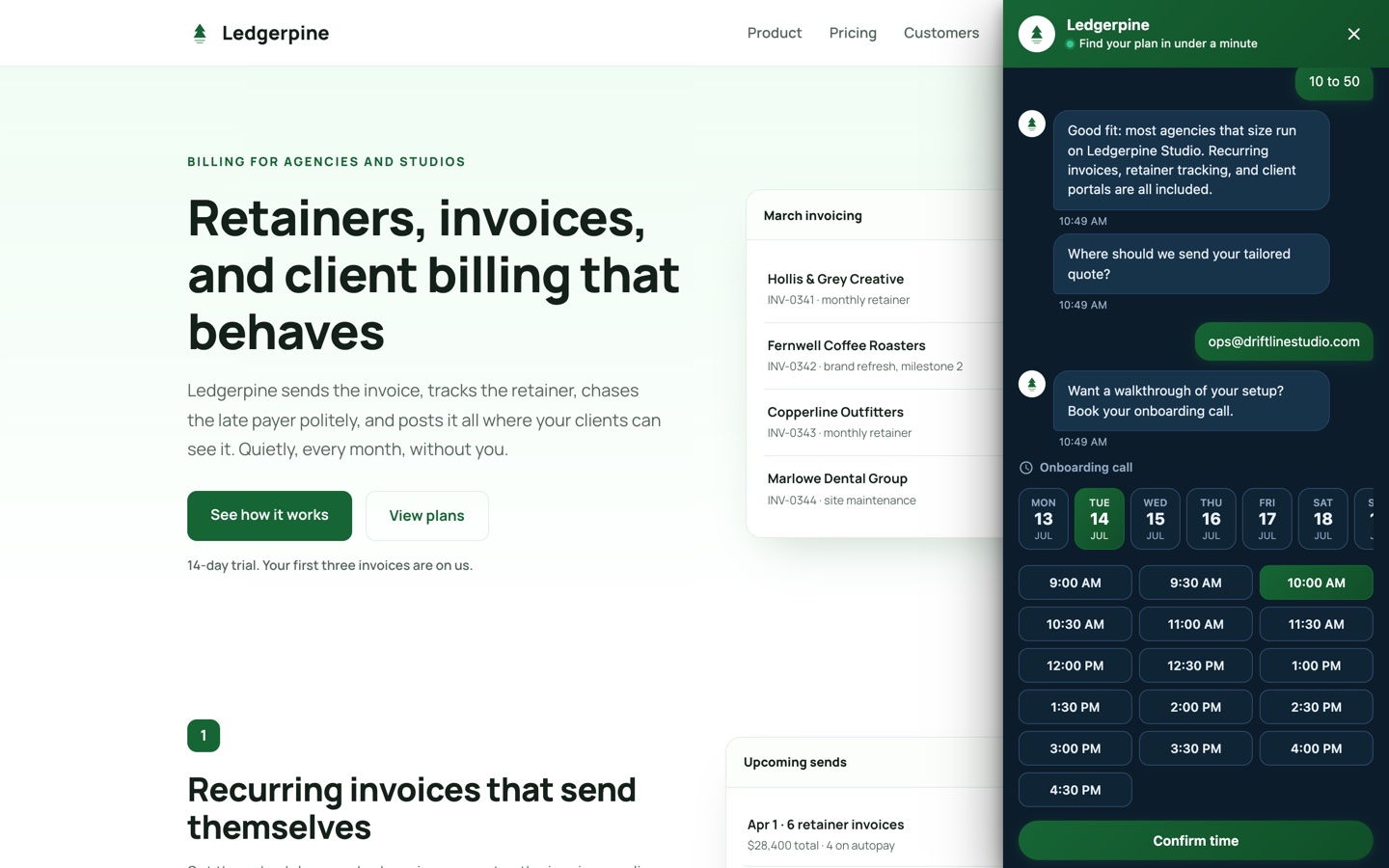
Step 3The flow answers back: it recommends a plan tier before asking for anything.
Step 4Quote requested, onboarding call booked. Two conversions from one scroll.
Ready to replace your forms?
Build your first flow in minutes. No credit card required.