Professional Services
Magnet for Professional Services
Turn your contact page into an intake process. Qualify prospects and book consultations before you pick up the phone.
Your Contact Form Doesn’t Tell You Anything Useful
“Name, email, message.” That’s what most service firm contact pages collect. Then someone on your team has to email back, ask qualifying questions, go back and forth, and eventually schedule a call. That’s three days of friction for what could be a 30-second conversation.
Use cases
How Can Magnet Help Me…?
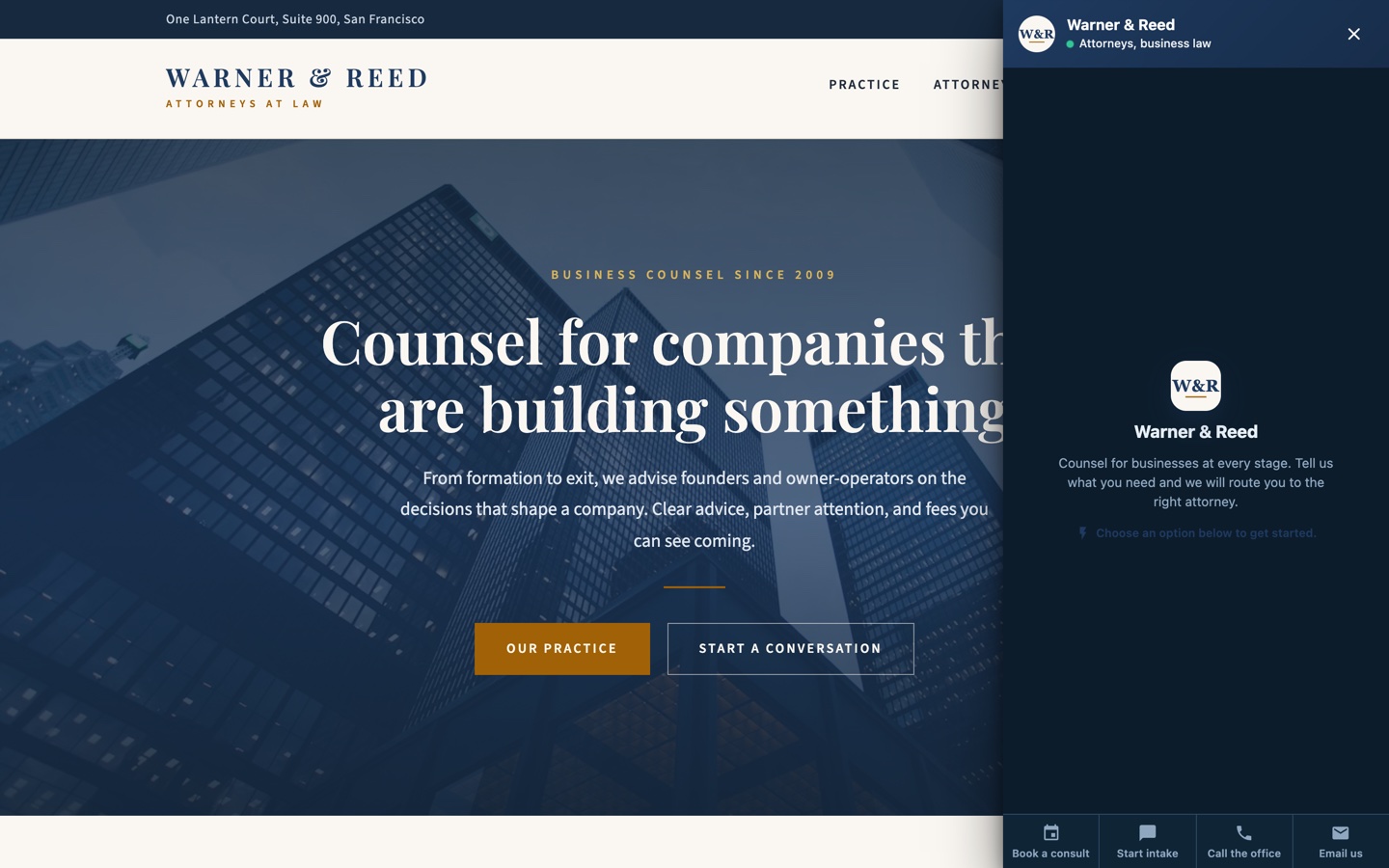
The conversation starts where the contact form was.
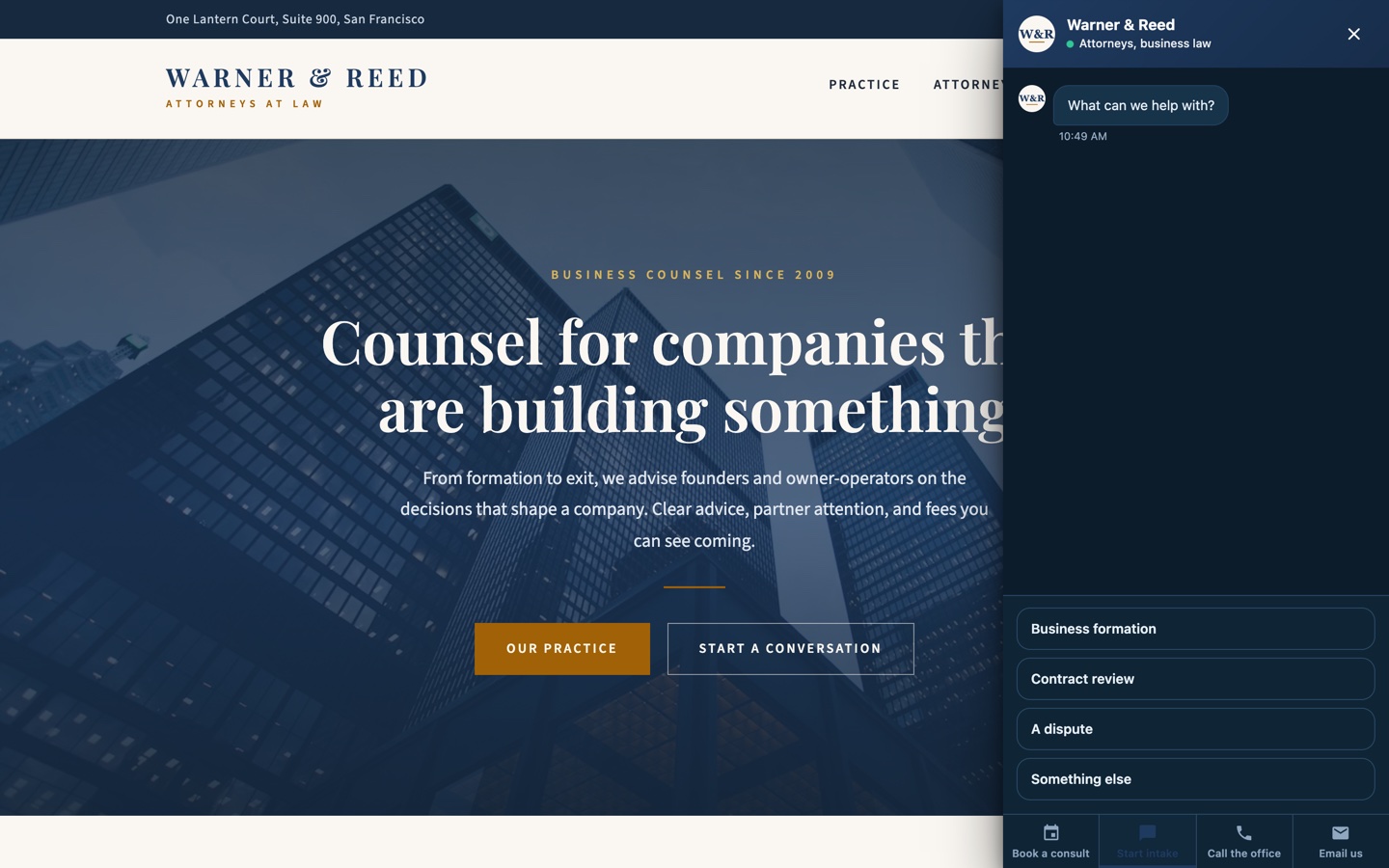
Timeline, matter, and budget get collected before the meeting.
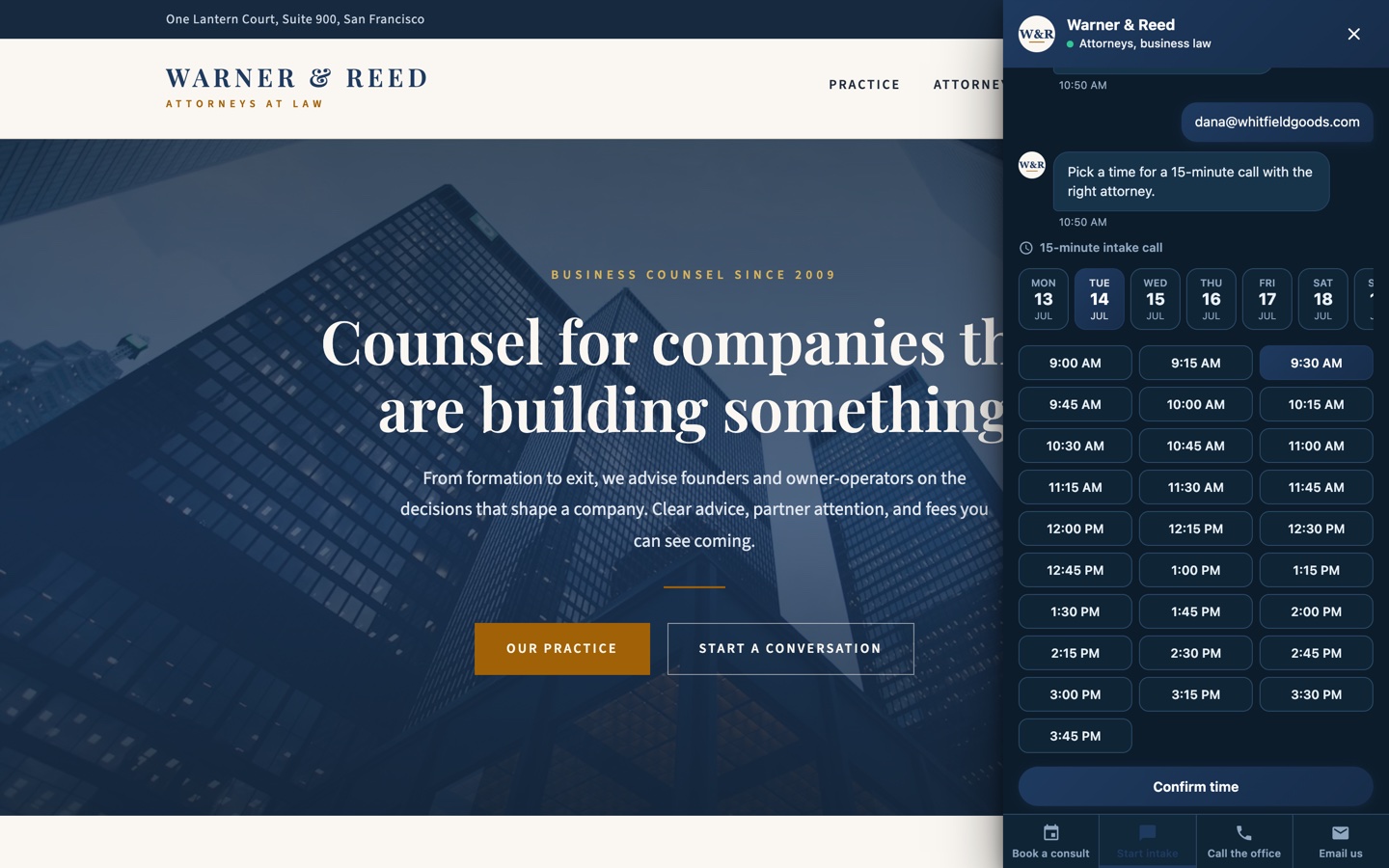
The consultation books itself on your real calendar.
A welcome hub routes between the ways you can help.
The magnet triages the job in two taps.
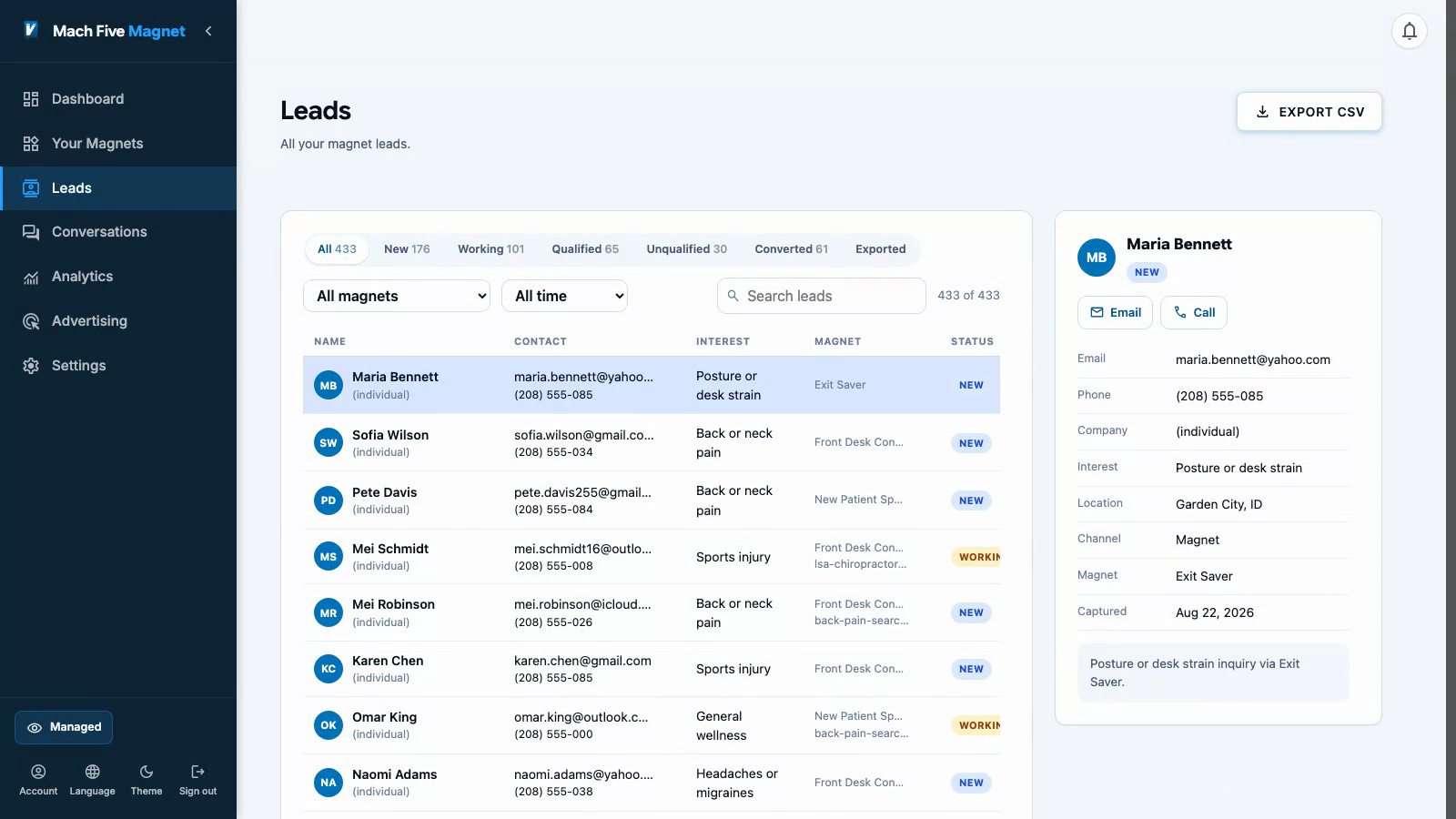
The right person gets the lead with the full picture.
Intake happens in conversation, not a PDF.
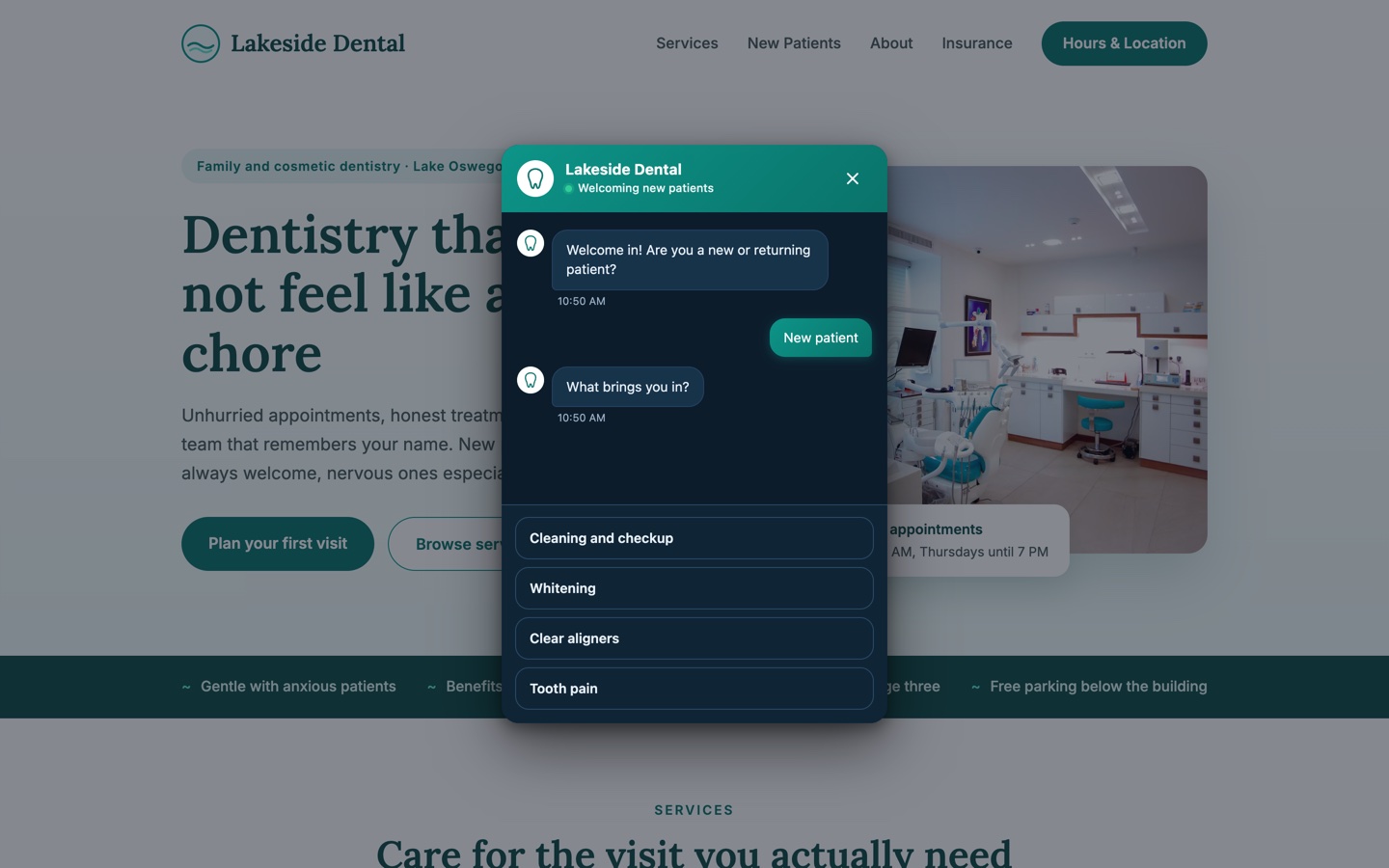
Insurance, history, and reason for the visit, step by step.
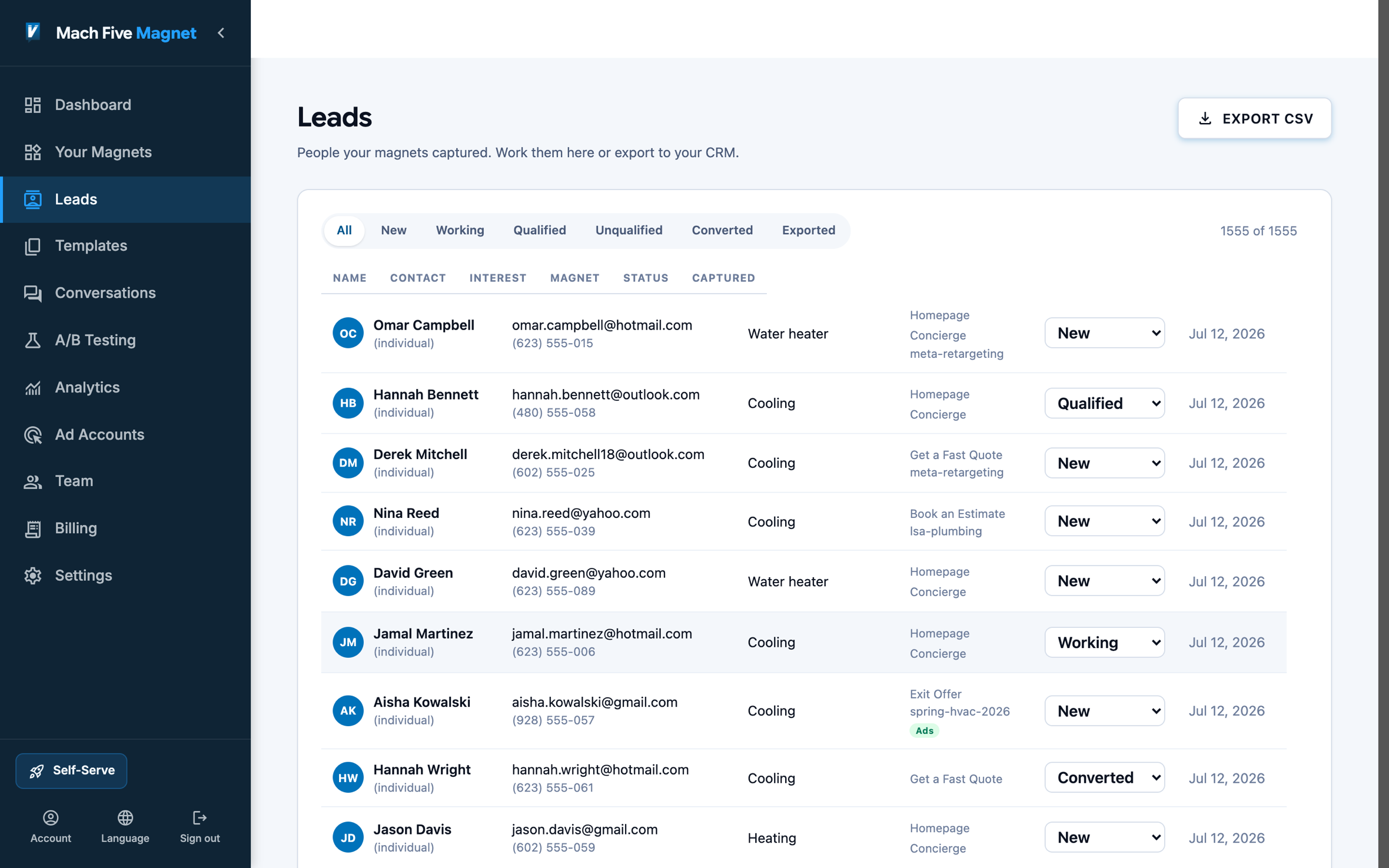
Everything is saved on the lead before the first appointment.
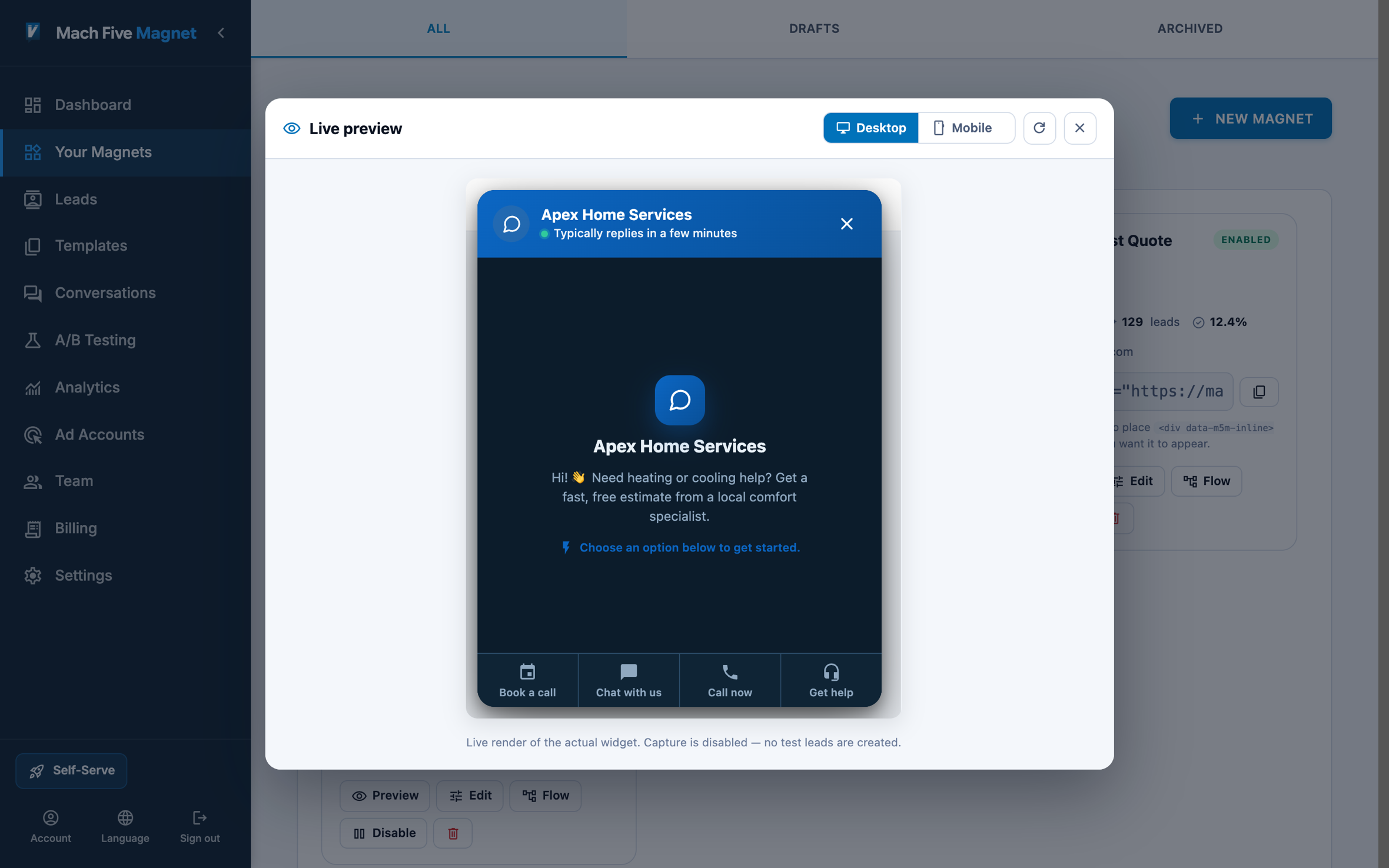
Book, Chat, Call, Email, Support: one hub.
Turn on only the channels your firm actually staffs.
Every channel lands in the same inbox.
Connects With Your Stack
Booking happens inside the panel, or through your Calendly, Cal.com, or Microsoft Bookings account, and the booking is captured on the lead. Leads sync to HubSpot, Salesforce, Zoho, or HighLevel with the conversation attached. CSV export covers practice management systems.
Put a magnet on your site today.
Free plan. One script tag. No code.
Example builds
Four Example Builds
Four ways Professional Services teams put a magnet to work. Step through each build, then open the live page and play the real flow.
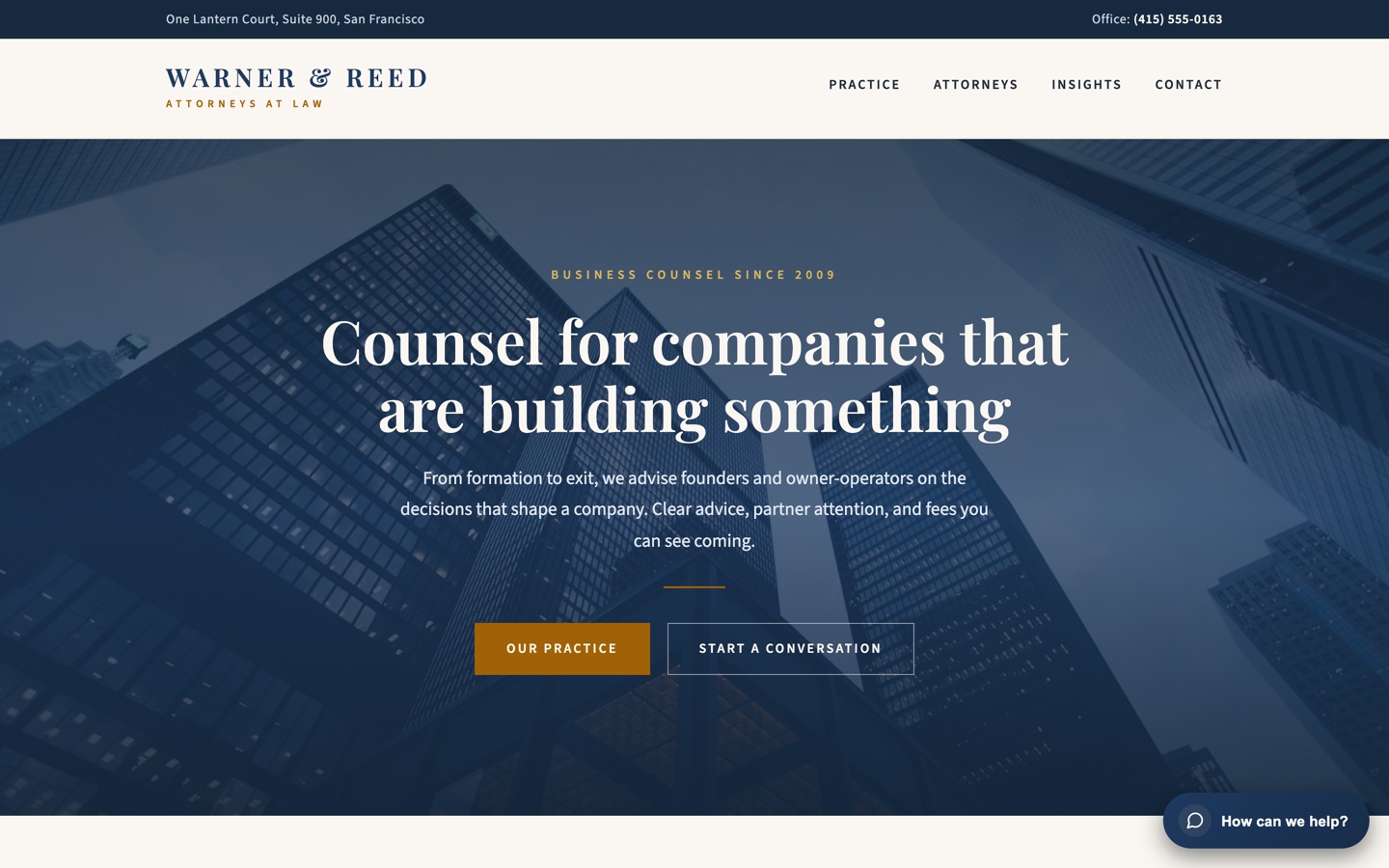
Step 1A firm site that reads like a firm. The panel stays out of the way.
Step 2The hub offers only channels the firm actually staffs: book, intake, call, or email.
Step 3Intake sorts the matter before anyone picks up the phone.
Step 4The prospect books the intake call with context already attached.
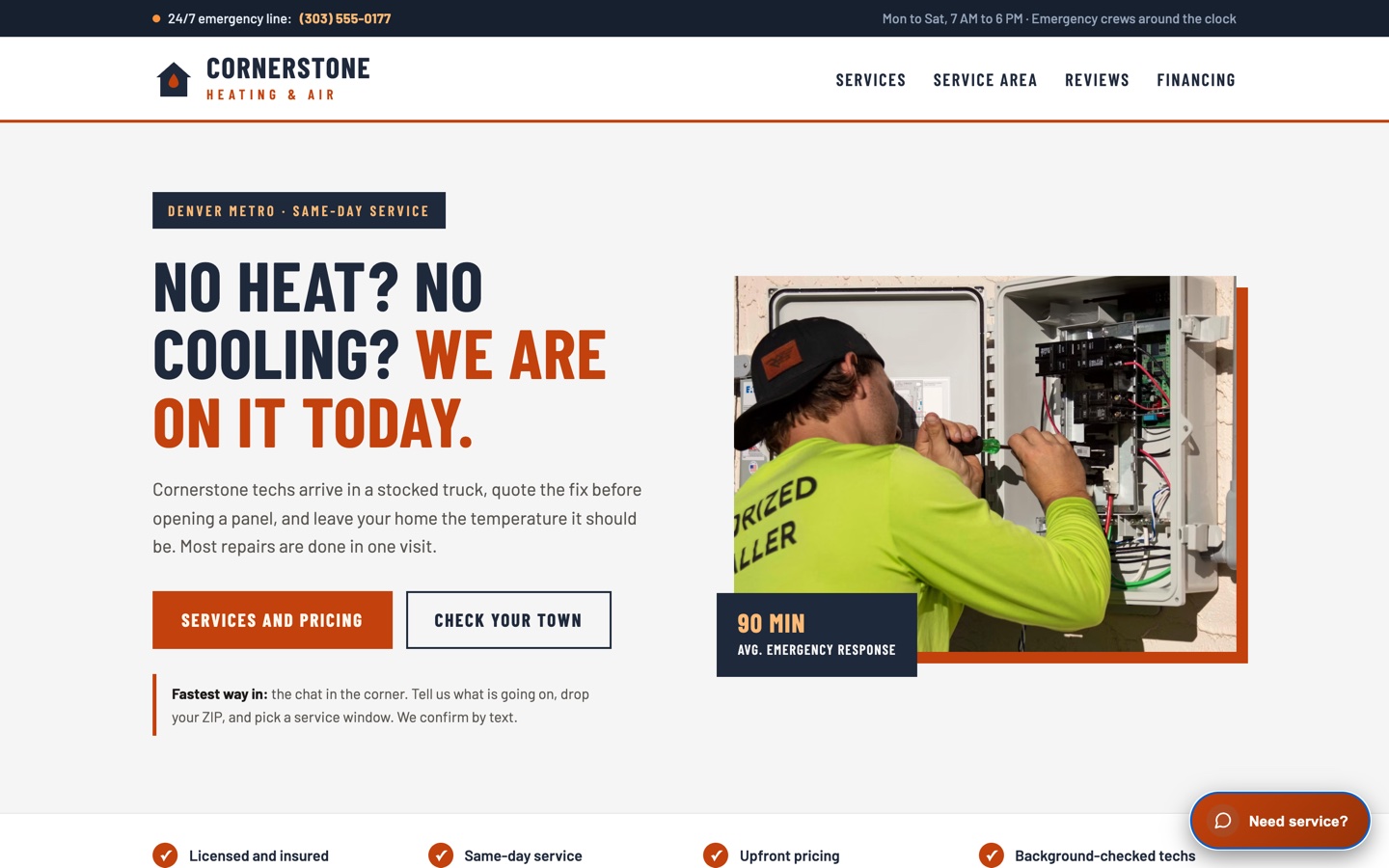
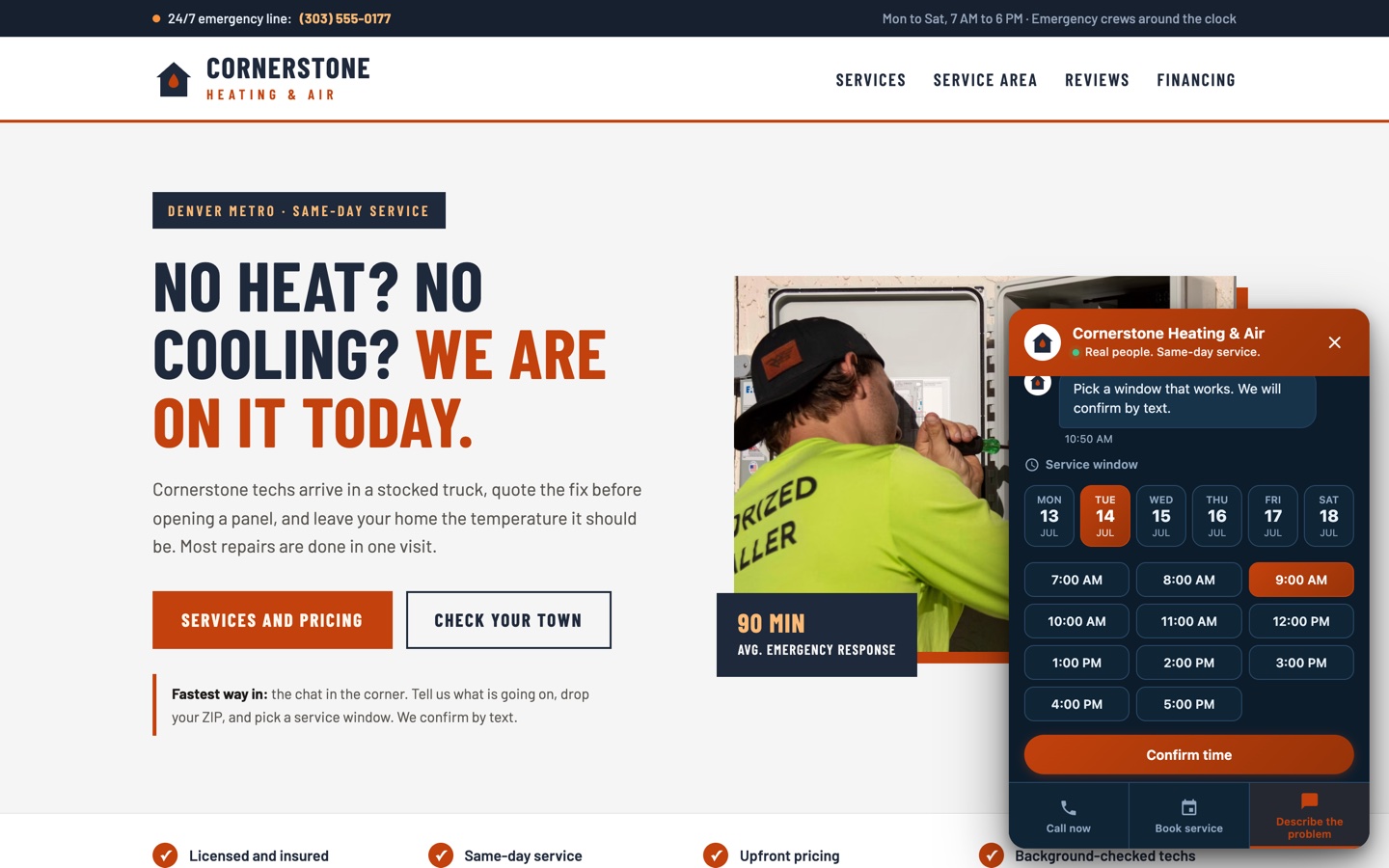
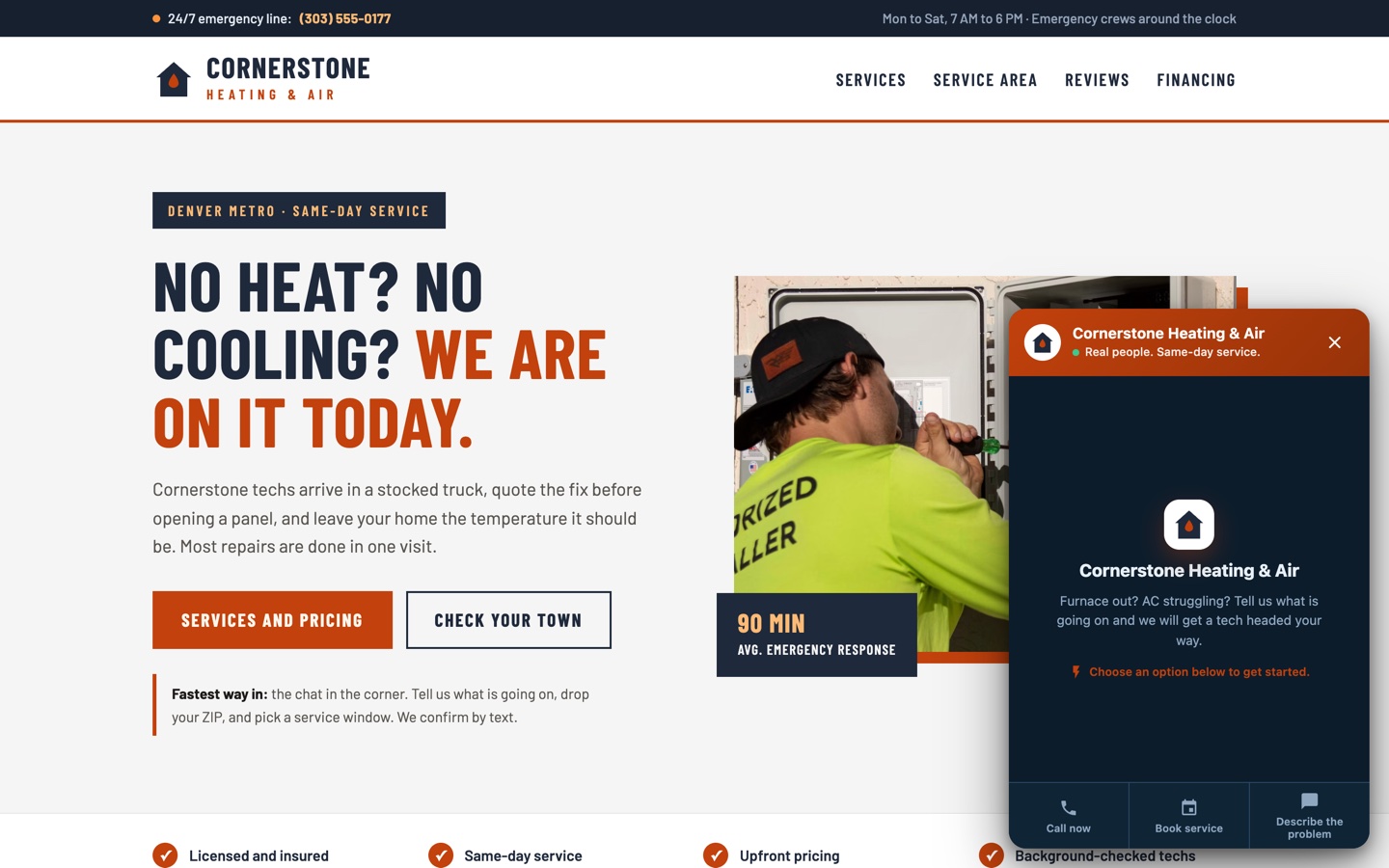
Step 1A homeowner with a dead furnace does not want a form.
Step 2It opens ready: call now, book service, or describe the problem. Every channel staffed.
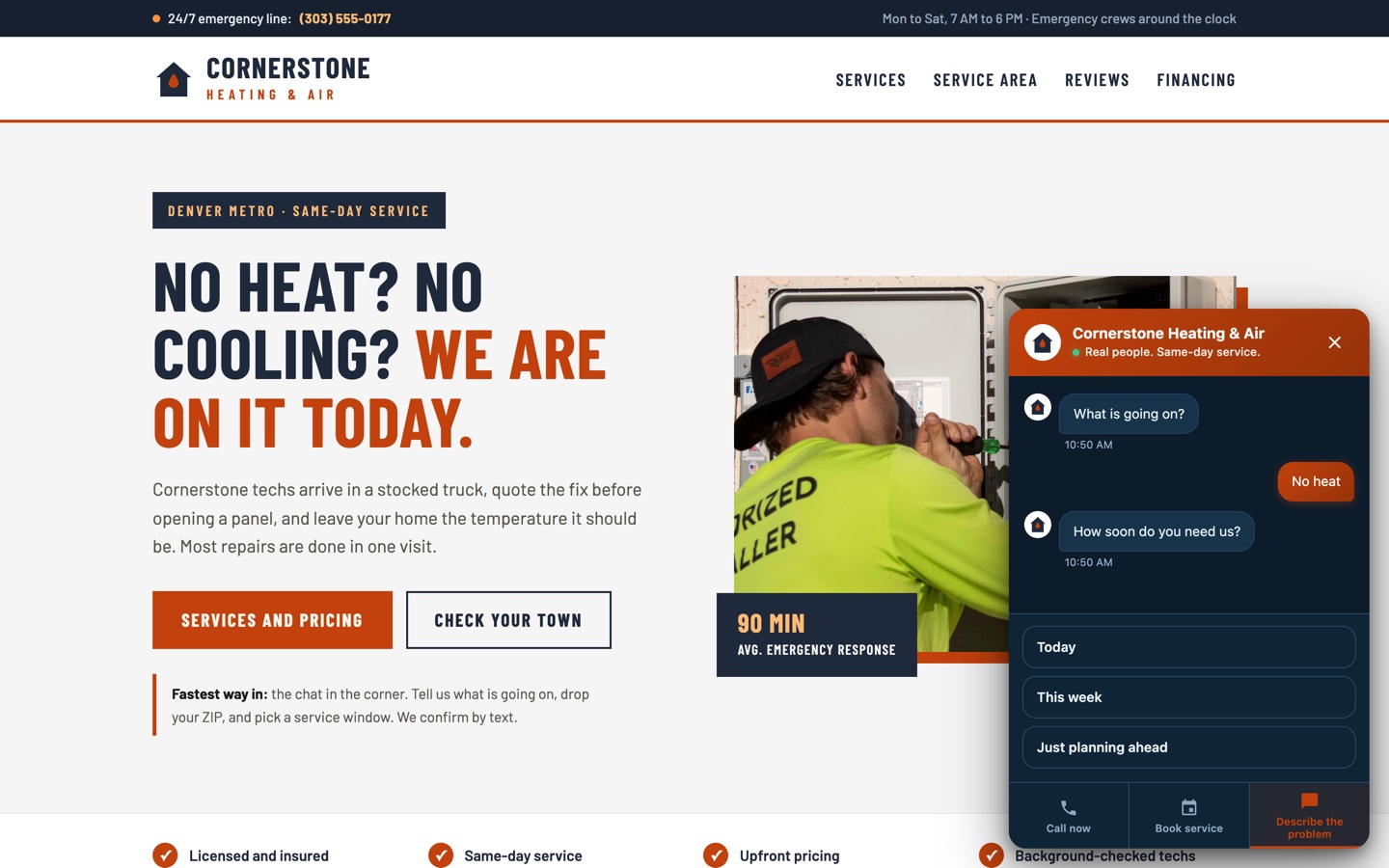
Step 3Triage in two taps: what broke and how urgent. Emergencies head for the phone.
Step 4A service window, a ZIP, a callback number. Dispatch-ready before anyone answers a phone.
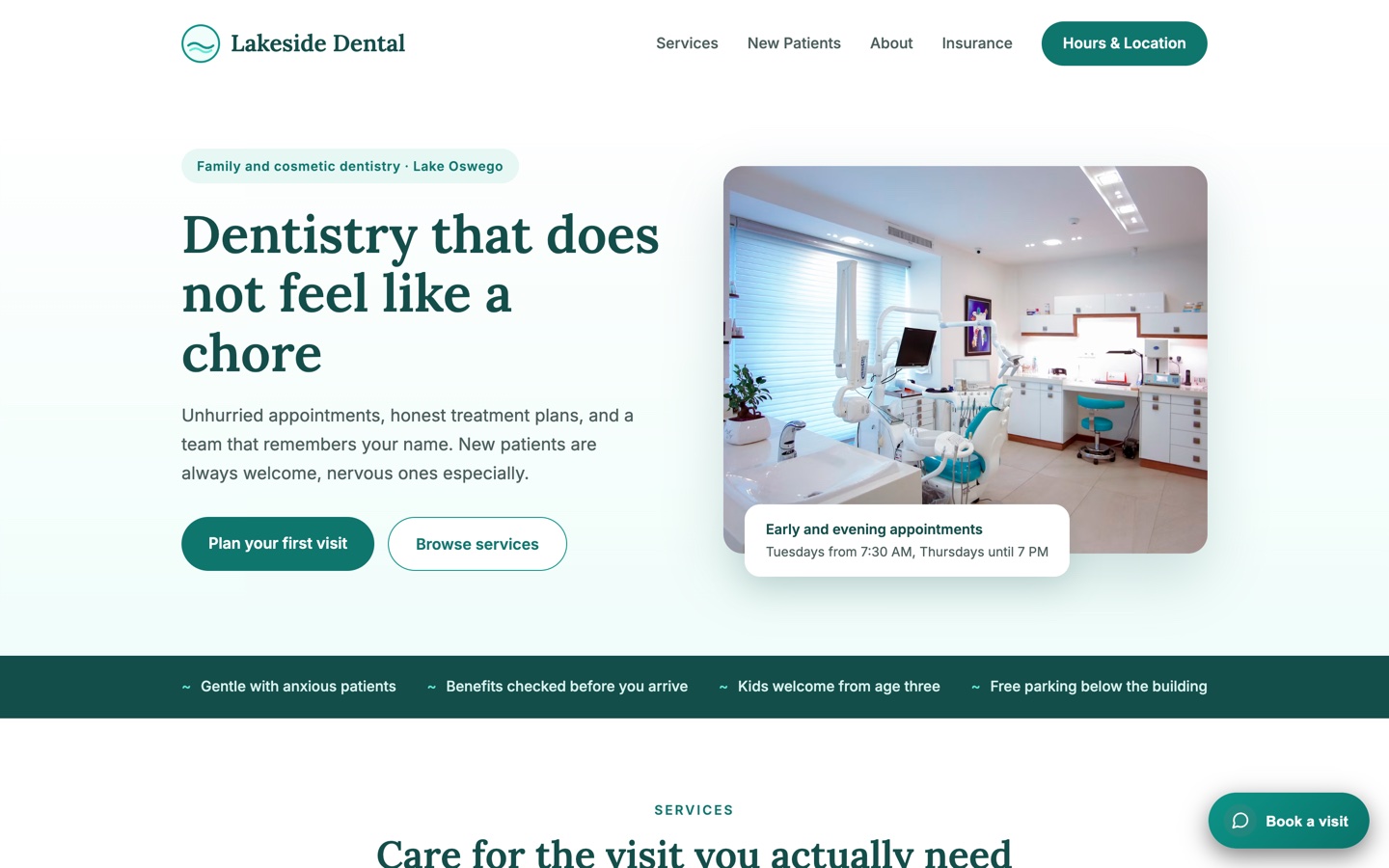
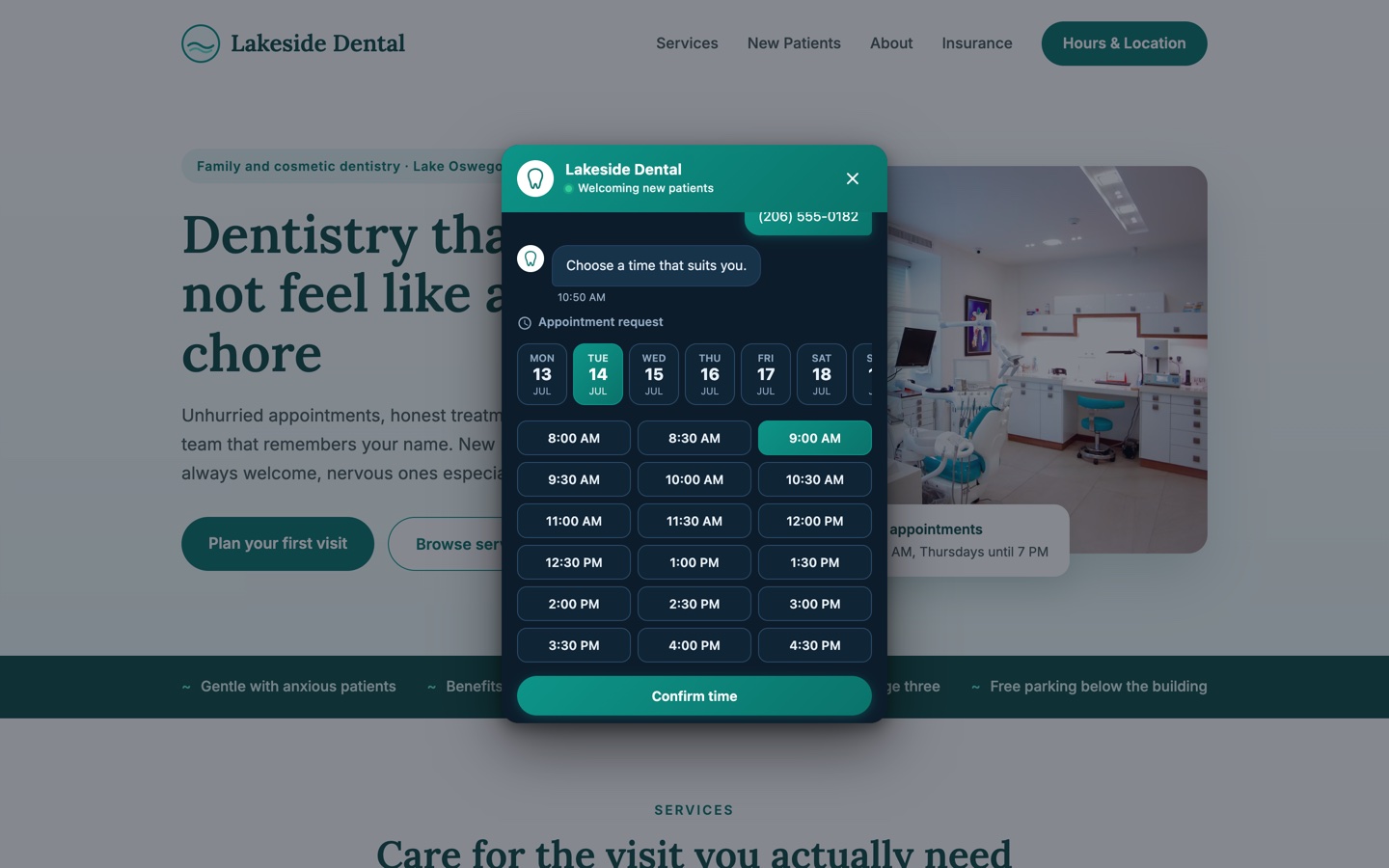
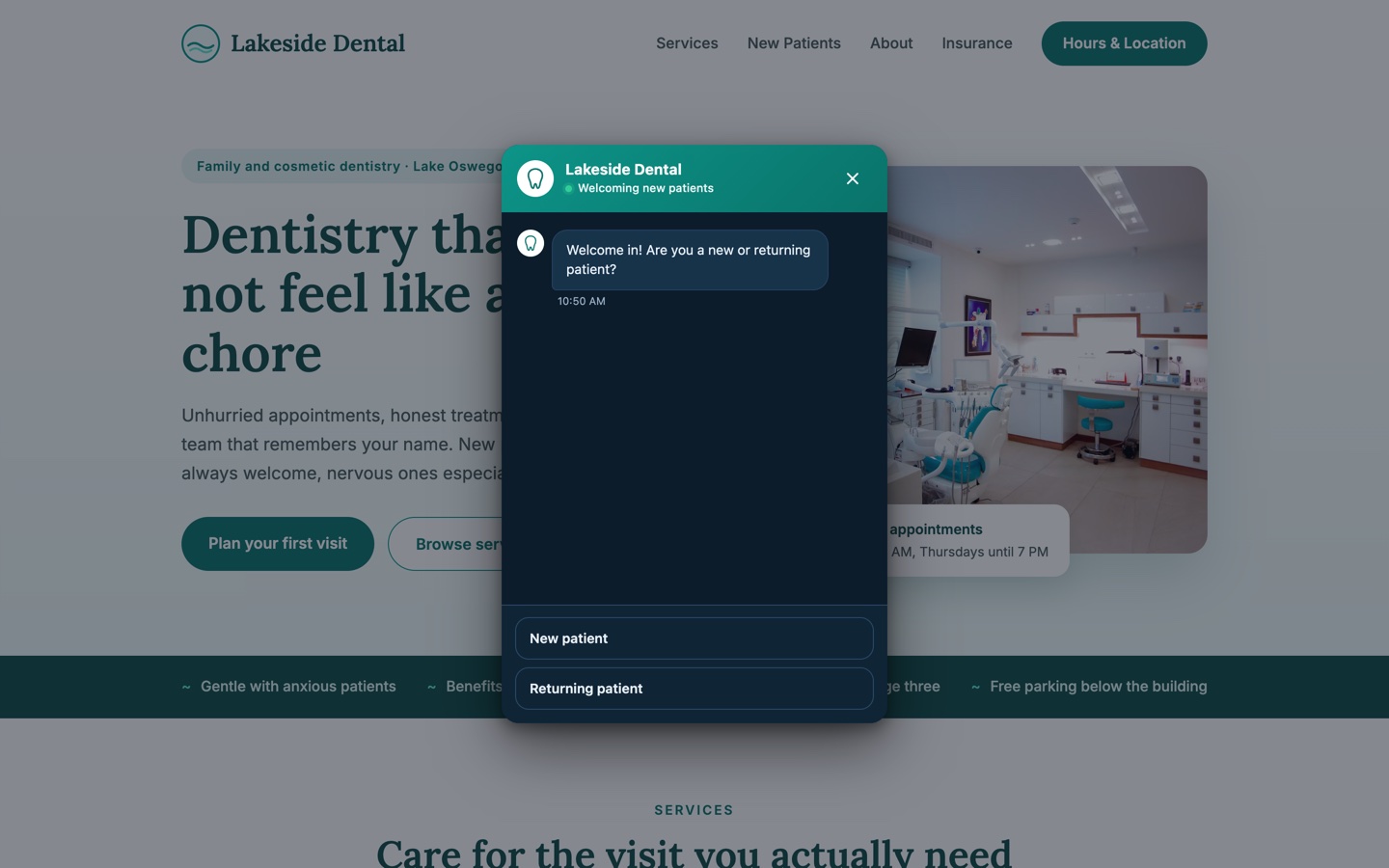
Step 1A calm practice site. The pop-up holds off while the visitor reads.
Step 2Eight seconds in, a simple question a receptionist would ask first.
Step 3Reason for visit and insurance, captured conversationally instead of on a clipboard.
Step 4The patient requests a time. The front desk gets a complete intake, not a voicemail.
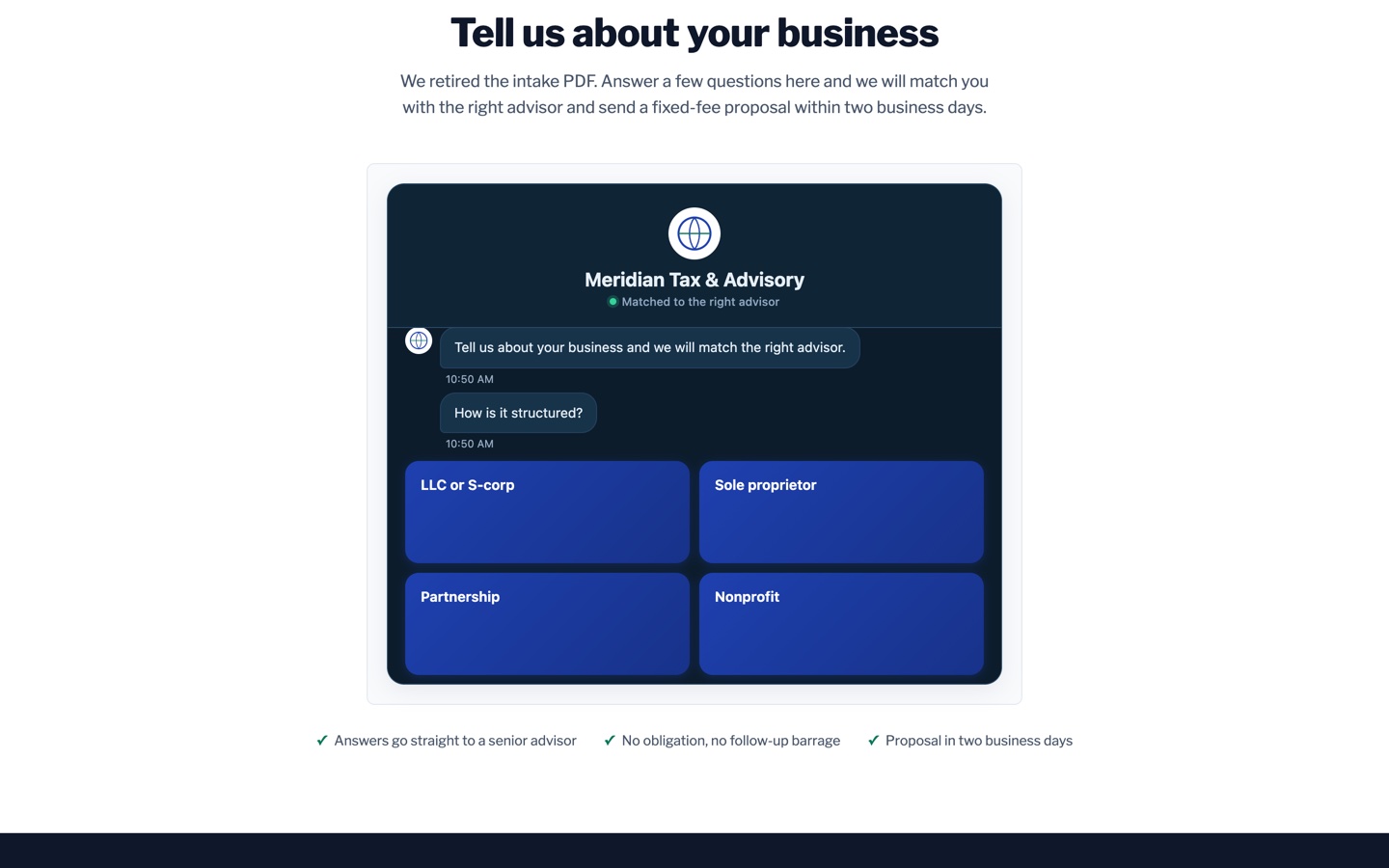
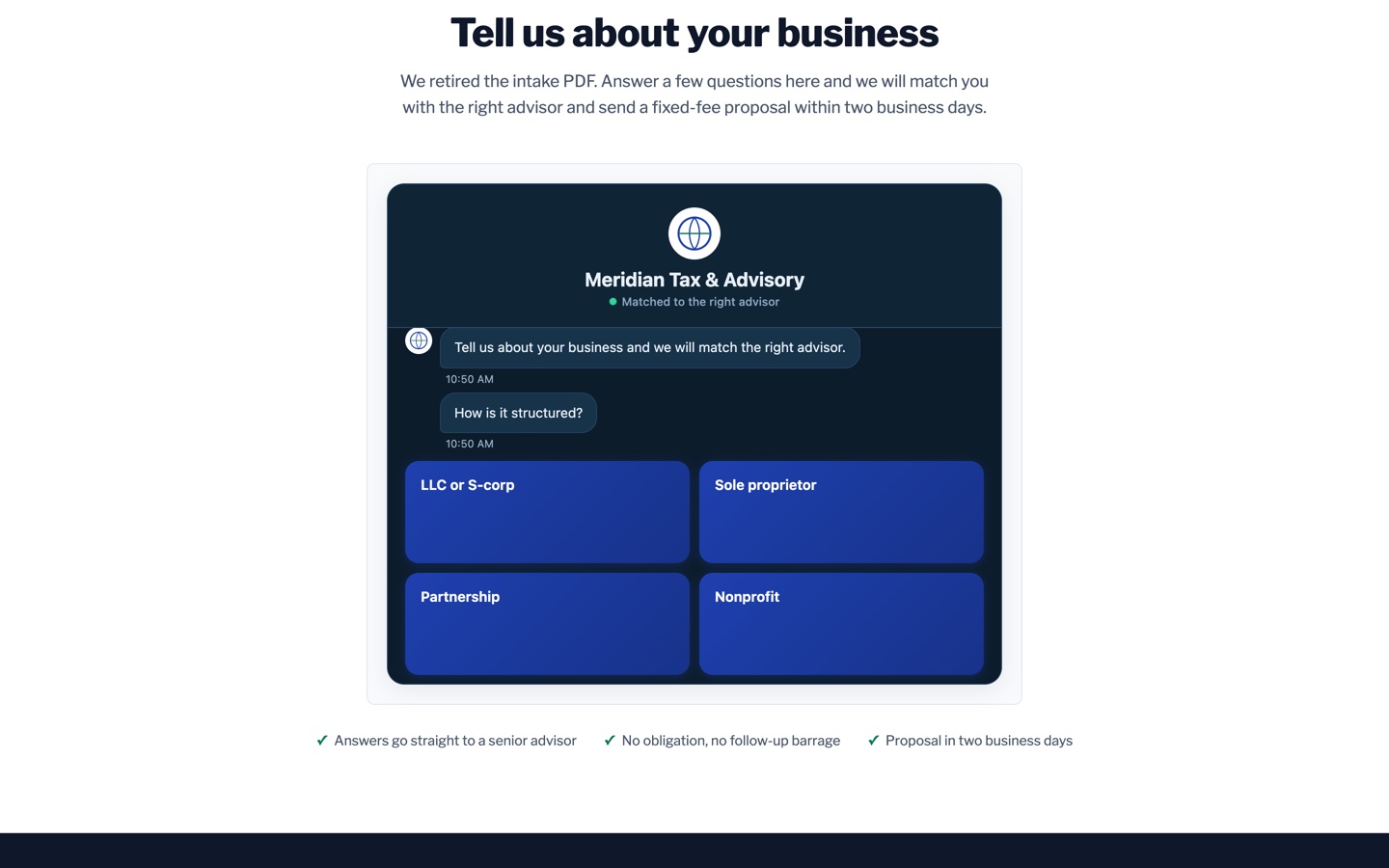
Step 1The intake PDF is gone. The conversation lives where the form was.
Step 2It asks what an accountant would ask first: how the business is structured.
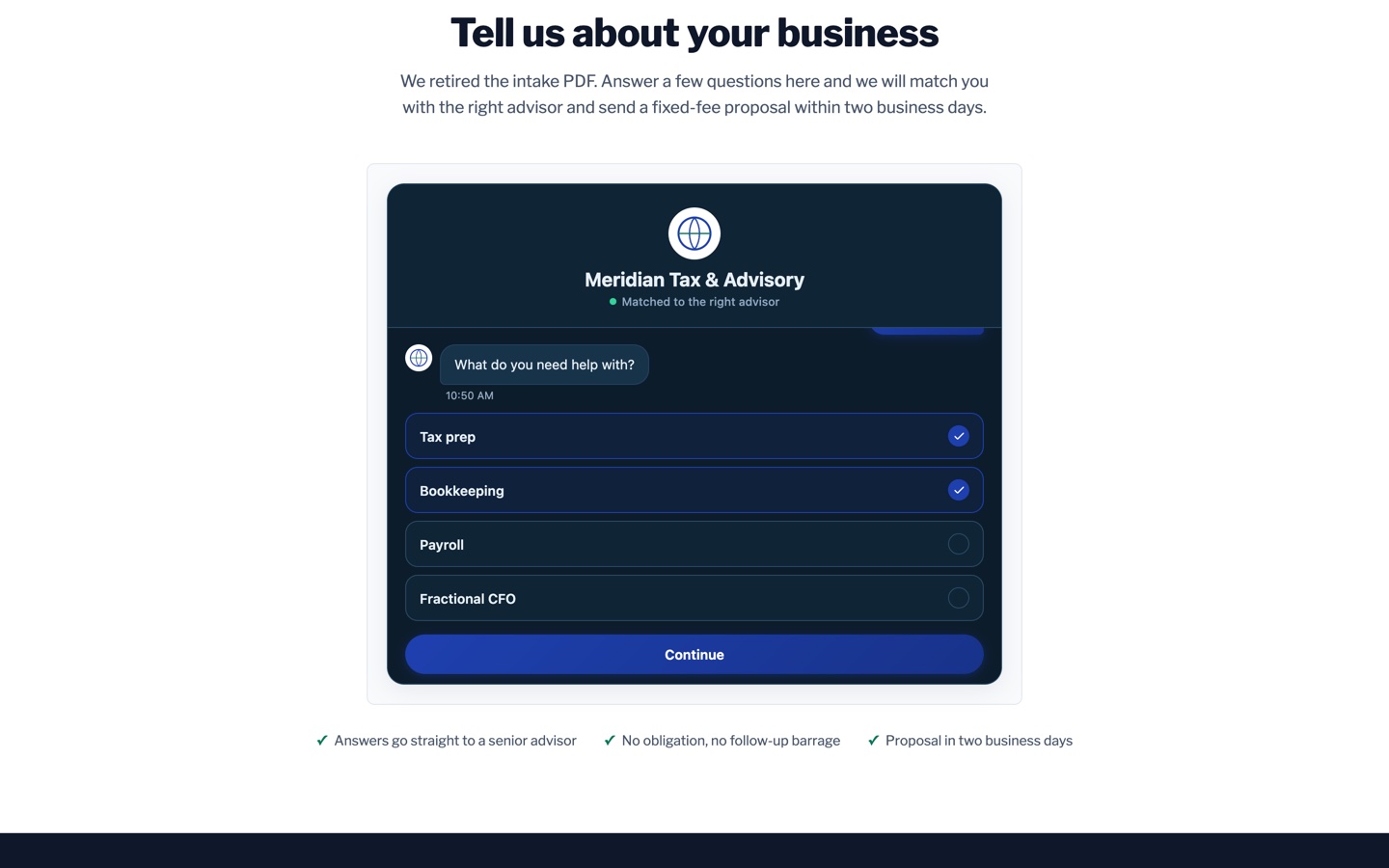
Step 3Multi-select services and a revenue band scope the engagement honestly.
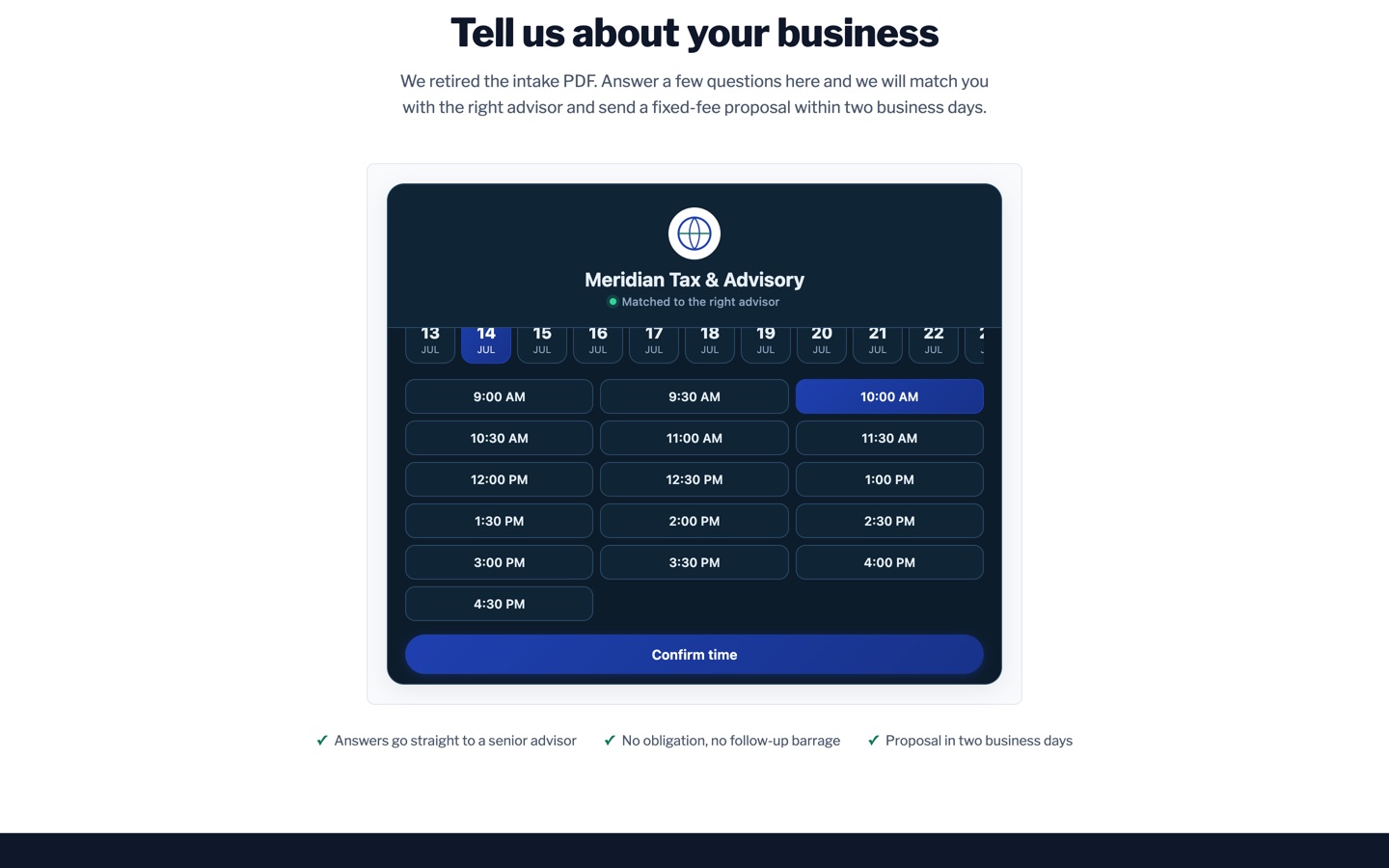
Step 4Proposal requested and a consult on the calendar, in under a minute.
Ready to replace your forms?
Build your first flow in minutes. No credit card required.